How does ActionFlows AI work?
Build your workflow on the canvas by connecting models and tools as nodes. Run the flow, then refine any steps that require improvement.
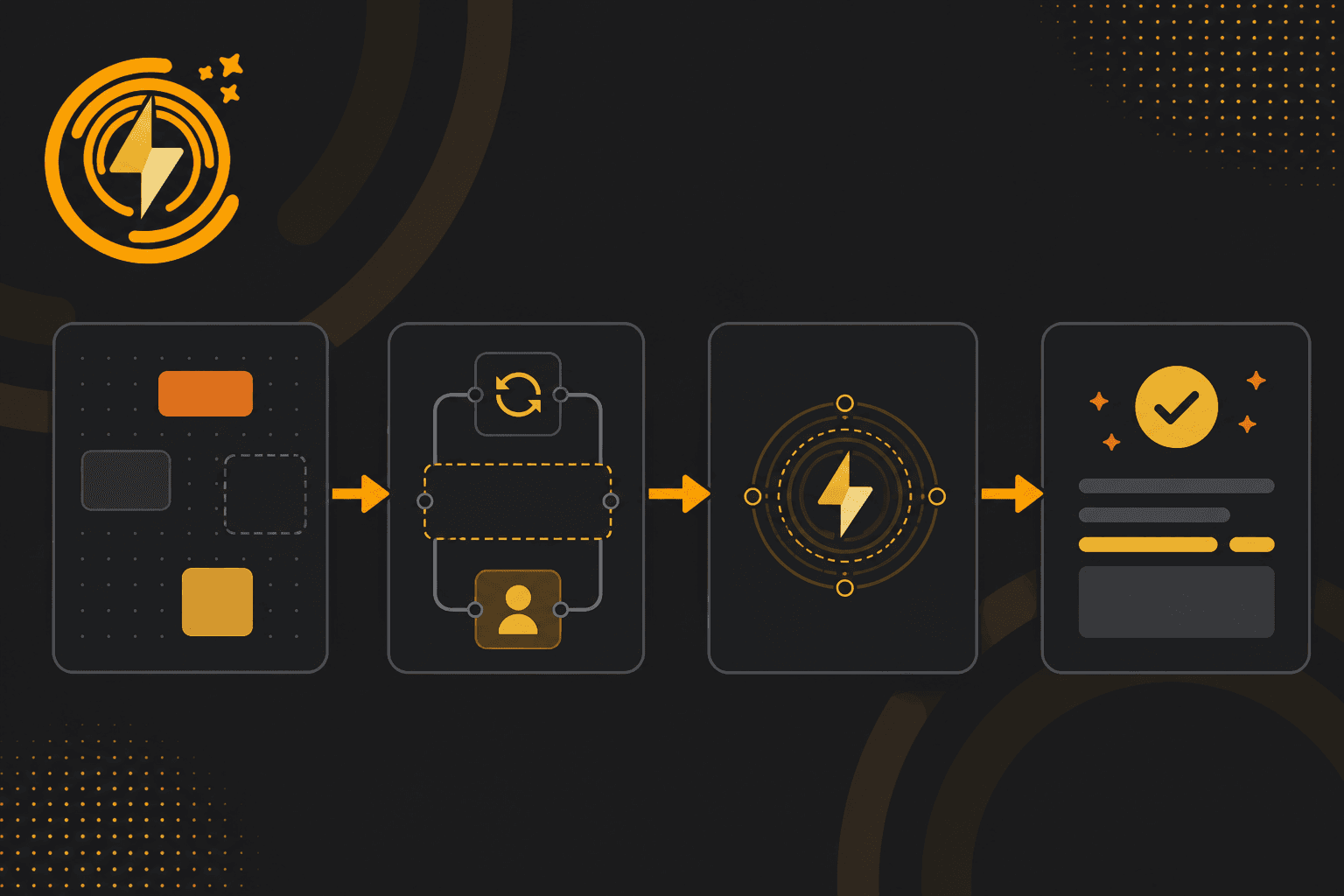
How ActionFlows AI Works?
ActionFlows is best understood as a continuous loop rather than a collection of features.
Design a workflow, run it, review the results, address any weak points, and repeat the process.
1. Build on the canvas
Open the playground and place nodes for models, tools, and their connections. The canvas provides a clear view of your workflow.
2. Connect the right capabilities
Select models for the necessary stages. Add integrations or MCP tools when your workflow needs to interact with external systems.
3. Run and inspect
Running the workflow generates a trail, allowing you to identify steps that are slow, unstable, or incorrect.
4. Reuse what works
Once a workflow is reliable, retain it for future use. Apply templates when suitable patterns exist. Trigger flows through the most appropriate product interfaces, including API and SDK as needed.
5. Keep usage visible
Credits provide visibility into usage across runs, ensuring automation remains deliberate.
The mental model
Compose, run, inspect, and improve. This continuous loop defines how ActionFlows operates.
Start building AI workflows
Create a free account, open a template or a blank canvas, and run your first ActionFlow.
Get product updates
New nodes, agents, and product notes. We send mail only when we have something worth opening.