ActionFlows AI is in open beta
Open beta is live. Build ActionFlows on a canvas, run them, inspect what happened, and connect the tools your team already uses.
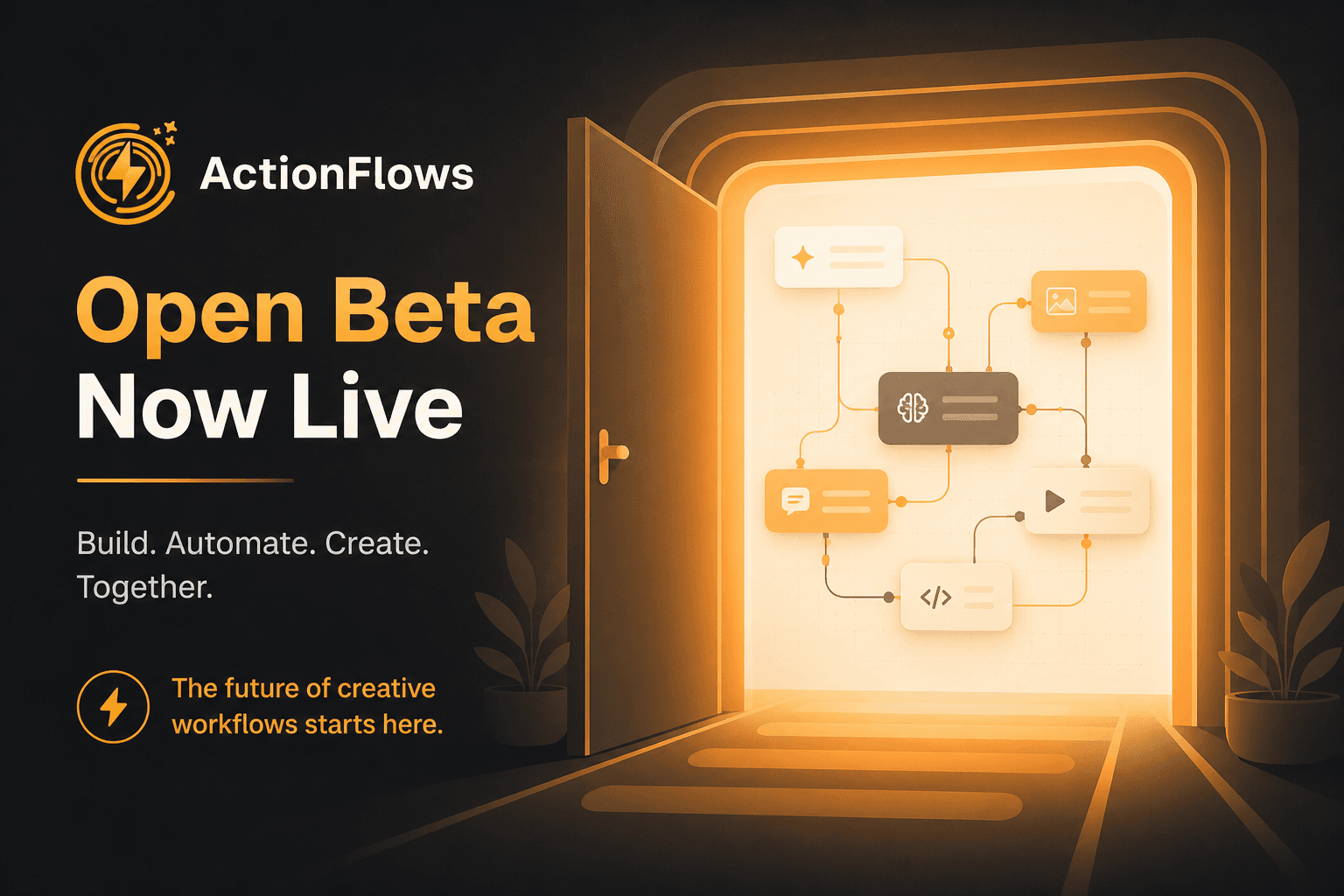
What you can build now
ActionFlows AI is in open beta. If you have been stitching prompts, APIs, and scripts by hand, this is the workspace we built for that work.
An ActionFlow is a visual path. You place models and tools on a canvas, connect the steps, run the whole thing, and inspect the trail. It is not a chat window with extra chrome.
What you can do in beta
- Build ActionFlows on the playground canvas.
- Put more than one model in a single path.
- Attach integrations and MCP tools so results leave the canvas.
- Start from a template when the pattern already exists.
- Inspect runs and watch usage through credits.
- Work with teammates inside an organization.
- Run Action Agents in Agent Studio when the next step is not a fixed path.
Who it is for
It is for people who need AI to finish a job: draft, transform, route, then land in the tools the team already uses. If a clever reply is enough, a chat product is enough. If the work has to repeat, you need a path you can rerun.
What open beta means
The product is ready for real tasks. We still want feedback. Some edges will move. That is the point of an open beta, not a disclaimer that the canvas is pretend.
Create an account, open the playground, and build one small ActionFlow. Run it, read the trail, then add a step only after the first path holds.
Start building AI workflows
Create a free account, open a template or a blank canvas, and run your first ActionFlow.
Get product updates
New nodes, agents, and product notes. We send mail only when we have something worth opening.