Sessiz çeviri, açık çeviriden kötüdür
Vardiyada kimsenin okumadığı bir dildeki talep fark edilene kadar oturur. Müşteri gecikmeyi kayıtsızlık olarak yaşar, ki olanın tersidir.
Konuşan birine yönlendirmek, biri varsa her zaman daha iyidir. Çeviri yedektir ve onu varsayılan saymak, ana dilde olabilecek her konuşmayı sessizce bozar.
Çeviri kullanıldığında temsilcinin bunu bilmesi gerekir. Çeviri okuduğunun farkında olmayan bir temsilci, yanıtında onun kaydını eşleştirir. Bir yönde kaybolan nüans diğerinde büyür.
Özgün metin aynı nedenle çeviriyle birlikte gitmelidir. Çeviride kaba okunan bir ifade kaynak dilde çoğu zaman sıradandır. Temsilci ancak ikisini de görürse ayırabilir.
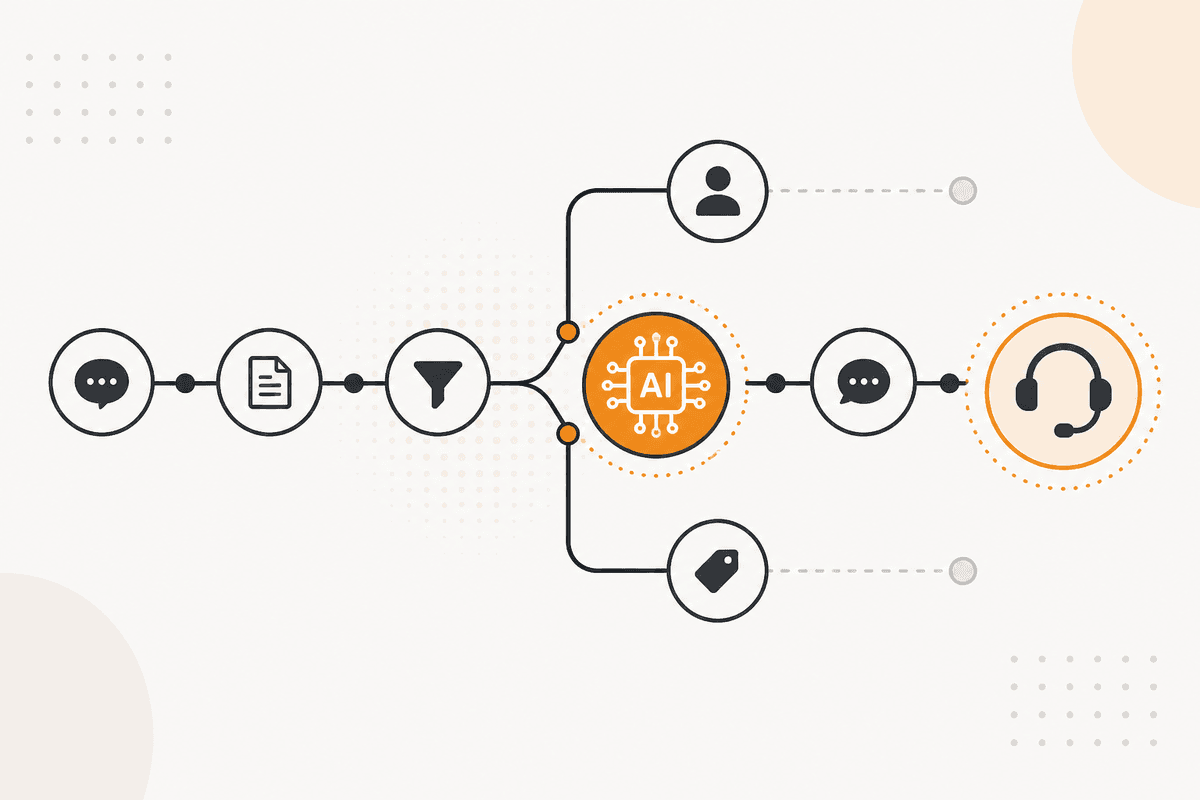
ActionFlow tuvalde nasıl çalışır
Dil tespiti yönlendirmeden sonra değil önce olur ve tüm tasarım bu sıradır.
Webhook tetikleyicisi veya Email node'u talebi getirir. Text Classifier node'u dili belirler, ki bu bir üretim modelinin hem tespit edip hem harekete geçmesinden daha ucuz ve daha güvenilirdir.
Google Sheets node'u dil-ekip eşlemesini tutar. Böylece destek liderleri akışı açmadan kapsamı değiştirebilir.
Switch node'u tespit edilen dile göre yönlendirir. Bir ekip onu kapsıyorsa ticket dokunulmadan oraya gider ve konuşma ana dilde kalır.
Kapsayan ekip yoksa Generate Text node'u talebi çevirir. Ticket yedek ekibe her iki sürüm ekli ve çeviri açıkça etiketlenmiş gider.
Generate Object node'u yanıt yoluna eklenebilir, giden mesajları geri çevirmek için, yine her iki sürümü ticket'ta tutarak.
HTTP Request veya Jira node'u tespit edilen dili kayda yazar. Bu sonunda hangi dilin ayrılmış bir işe alımı hak ettiğini söyler.
Bu ActionFlow'un kullandığı node'lar
- Webhook (Trigger): talebi getirir. Email (Communication) gelen kutuyu onun yerine okur.
- Text Classifier (AI Custom): herhangi bir yönlendirme kararından önce dili tespit eder.
- Google Sheets (Integration): liderlerin düzenlemesi için dil-ekip eşlemesini tutar.
- Switch (Control): biri varsa ana dildeki ekibe yönlendirir.
- Generate Text (AI Core): yalnızca yedek yolda çevirir, özgün tutulur.
- Jira (Integration): kapsam planlaması için tespit edilen dili kayda yazar.
- Slack (Communication): alan ekibi her iki sürüm ekli uyarır.
Sık sorulan sorular
Bülten
Ürün güncellemelerini alın
Yeni node'lar, agent'lar ve ürün notları. Yalnızca açmaya değer bir şey varken e-posta göndeririz.