Kendinden emin başarısızlık pahalı türdür
Herhangi bir model düzyazıyı JSON'a çevirir. Çözülmeye değer sorun bu değildir.
Sorun, metnin alanı içermediğinde doğar. Teslim tarihi istenen bir model gerçek bir cevap gibi görünen birini üretir. Bir veritabanına giren tek uydurulmuş değer, elle işlenen elli satırdan daha pahalıya gelir; çünkü elli görünür, biri görünmez.
Çıkarma hiçbir şey diyebilmelidir. Her alan ya kaynakta bulunan bir değerdir ya da açık bir boş işaretidir. Yapı üretime güvenilmek yerine üretimden sonra zorlanır.
Çıktı bir değil iki tablodur. Temiz ayrışan satırlar ve ayrışmayan satırlar, her biri çıkarma işleminin neye baktığını bir kişinin görmesi için özgün metni taşır. Sessiz boşluklu tek bir tablo kaçınılacak sonuçtur.
ActionFlow tuvalde nasıl çalışır
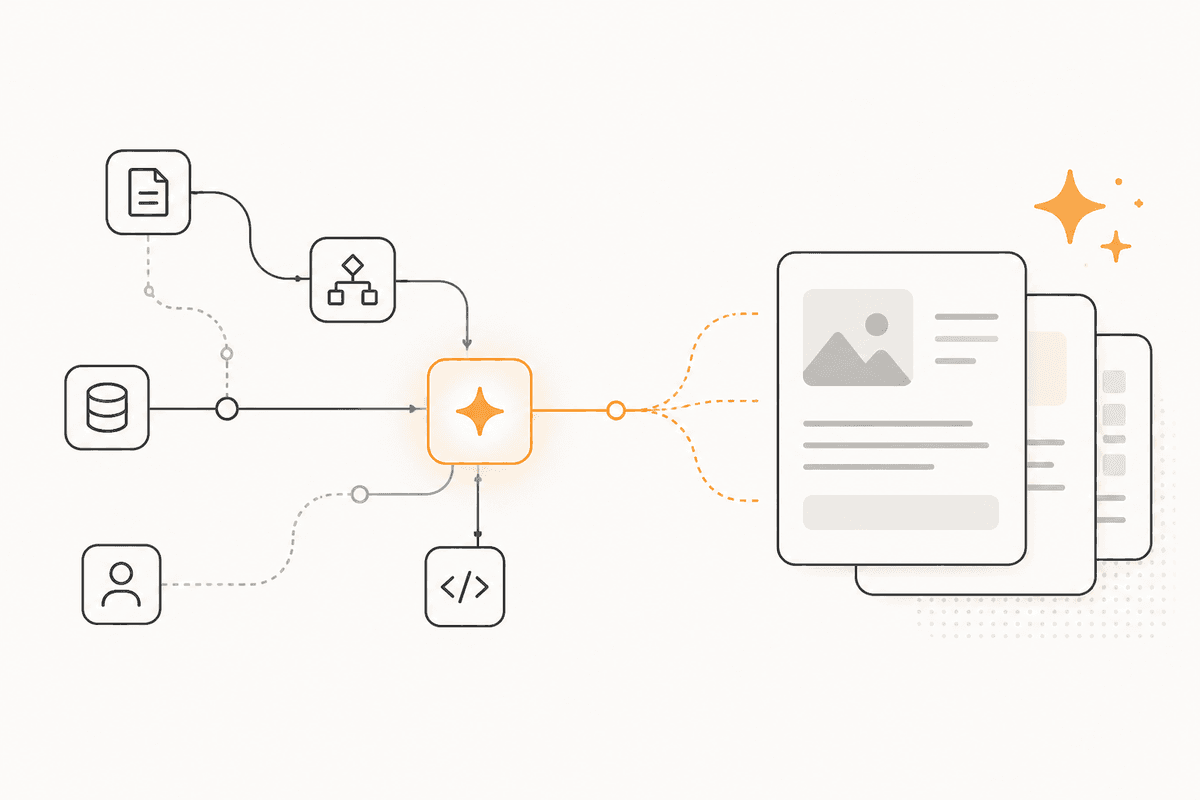
Metin üç yoldan gelebilir: Start'a yapıştırılmış, Document Upload ile yüklenmiş veya PDF4me ile bir PDF'den çekilmiş.
Bir Generate Object node'u sizin tanımladığınız bir şemaya karşı çıkarma yapar. Şekli baştan tanımlamak noktadır: model bir yapı uydurmak yerine bir yapıyı doldurur ve kaynakta desteklenmeyen herhangi bir alan hayal edilmek yerine boş döner.
Bir Validate node'u türleri ve zorunlu alanları modelden bağımsız zorlar. Bu ayrım önem taşır. Üretim adımından dürüst olması istenir. Doğrulama adımı ona bel bağmaz.
Bir Filter node'u sonucu böler. Temiz satırlar hedeflerine devam eder: Google Sheets, Airtable, PostgreSQL veya bir dosya gerektiğinde bir Create Excel node'u. Reddedilen satırlar özgün metin ekli ve başarısız alan adlandırılmış ayrı bir sayfaya veya tabloya gider.
Kaynak uzun ve yalnızca bir bölüm ilgiliyse, üretimden önce bir Extract Data node'u oturur. Bu token sayısını düşük ve çıkarmayı odaklı tutar.
Satır sayısı her iki yanda da görünür olduğu için akış zaman içinde kendi doğruluğunu gösterir. Yükselen bir red oranı genellikle modelin kötüleştiği değil, girdi biçiminin değiştiği anlamına gelir.
Bu ActionFlow'un kullandığı node'lar
- Start: yapıştırılmış veya borulanmış metni alır. Document Upload (Data) bunun yerine bir dosya alır.
- PDF4me (Data): kaynak bir PDF olduğunda içeriği çıkarır.
- Extract Data (Data): uzun bir kaynağı üretimden önce ilgili bölüme daraltır.
- Generate Object (AI Core): şemanızı doldurur, kaynağın desteklemediği her şey için boş döner.
- Validate (Data): türleri ve zorunlu alanları modelden bağımsız zorlar.
- Filter (Data): temiz satırları reddedilenlerden ayırır.
- Google Sheets (Integration): temiz satırları alır. Airtable, PostgreSQL, MySQL ve MongoDB aynı yuvaya uyar.
- Create Excel (Data): birinin tablo değil dosyaya ihtiyacı olduğunda bir dosya üretir.
Sık sorulan sorular
Bülten
Ürün güncellemelerini alın
Yeni node'lar, agent'lar ve ürün notları. Yalnızca açmaya değer bir şey varken e-posta göndeririz.