El traspaso es donde la mayoría de los flujos de saludo pierden a la persona
Acusa recibo del primer mensaje de inmediato. Cuando alguien envía un primer mensaje y no recibe respuesta, concluye que no hay nadie, y esa conclusión es difícil de cambiar más adelante en la conversación.
La siguiente falla es el saludo. Reúne una descripción del problema, enruta a la persona a un equipo, y el equipo arranca entonces con "¿en qué te puedo ayudar?". La persona tiene que volver a escribirlo todo. En lugar de reducir pasos, la automatización sumó uno.
El punto del traspaso es pasar el contexto: qué se dijo, qué se entendió y qué sigue sin estar claro.
La otra parte es saber cuándo no enrutar. Si un flujo de saludo insiste en categorizar un pedido inusual, lo enruta mal. Cuando la clasificación es incierta, pásalo a una persona.
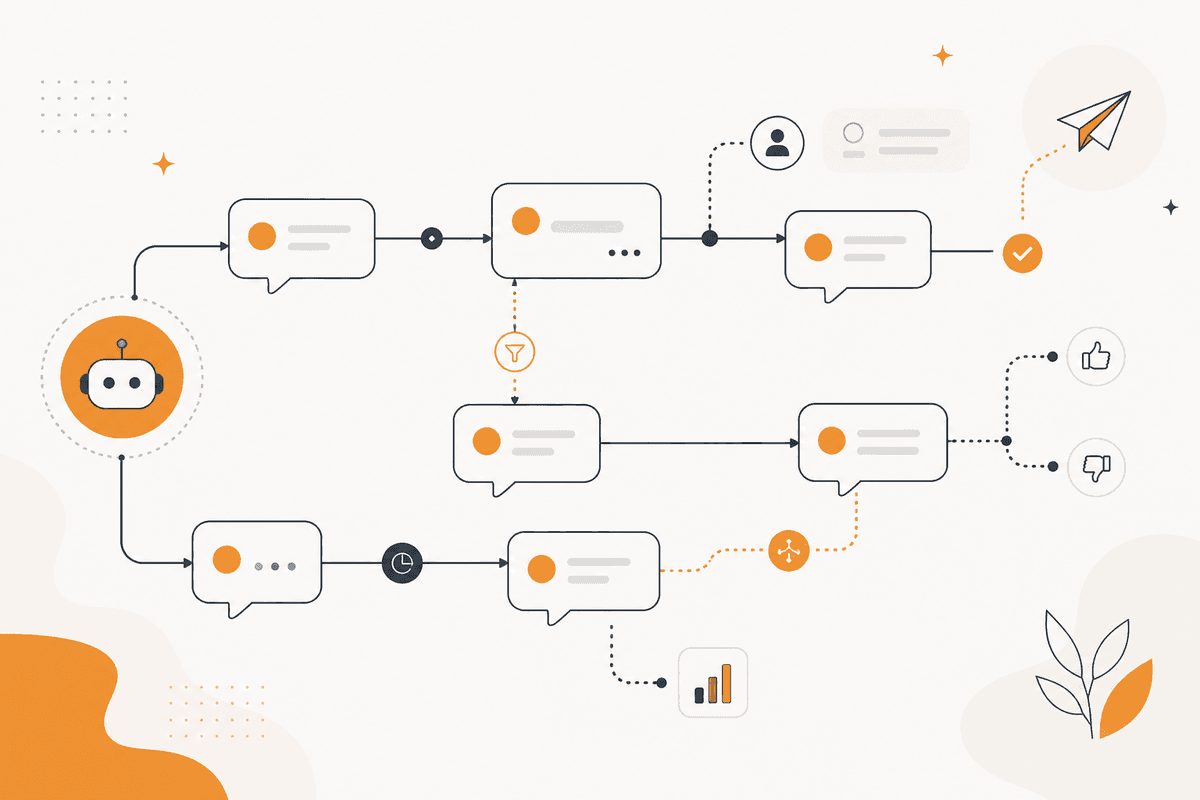
Cómo se ejecuta el ActionFlow en el lienzo
En el primer contacto, el acuse debe ser lo más rápido posible, y por eso la respuesta se envía antes de dar una razón completa. Cuando un trigger Webhook recibe el mensaje, envía de inmediato el acuse por un nodo Slack, Telegram o WhatsApp.
El nodo Text Classifier identifica la intención. El nodo Generate Object devuelve lo que la persona pide, lo que sigue sin estar claro y un nivel de confianza de la intención.
El nodo If comprueba el nivel de confianza. Si algo es incierto, va de inmediato a la cola humana con el mensaje incluido, no a la categoría con el puntaje más alto.
Cuando las intenciones son confiadas, el nodo Switch envía el mensaje al equipo relevante, con un resumen de lo que se dijo y de lo que todavía no se sabe.
Un nodo Google Sheets guarda el mapeo de intención a equipo. Un segundo nodo registra cada enrutamiento con su confianza.
Cuando hay una solución de autoservicio documentada, el nodo Notion aporta el artículo y lo presenta junto con el saludo, y aun así conserva una opción ordinaria de contactar a una persona. Eso es lo que distingue ofrecer ayuda de bloquear el acceso a ella.
Nodos que usa este ActionFlow
- Webhook (Trigger): recibe el primer mensaje.
- Telegram (Communication): envía el acuse antes de que corra cualquier razonamiento. WhatsApp y Slack ocupan el mismo lugar.
- Text Classifier (AI Custom): asigna una intención a bajo costo.
- Generate Object (AI Core): devuelve el pedido, lo que no está claro y un valor de confianza.
- If (Control): envía los casos inciertos a una persona, no a una categoría de mejor conjetura.
- Switch (Control): enruta las intenciones confiadas al equipo dueño con el contexto adjunto.
- Notion (Integration): aporta un artículo de autoservicio cuando existe, ofrecido, no impuesto.
Preguntas frecuentes
Empieza a crear flujos de IA
Crea una cuenta gratuita, abre una plantilla o un lienzo en blanco y ejecuta tu primer ActionFlow.
Boletín
Recibe actualizaciones del producto
Nodos nuevos, agents y notas de producto. Solo enviamos correo cuando merece la pena abrirlo.