Urgencia no es lo mismo que severidad, y las colas necesitan las dos
Las colas de soporte suelen ordenarse por llegada. Eso es justo con los tickets e injusto con los clientes, porque la persona cuyo sistema de producción está caído espera detrás de cuatro preguntas sobre el formato de una factura.
Clasificar por categoría es la mitad fácil y se lleva la mayor parte de la atención. Decidir la urgencia cambia los resultados y es más difícil, porque la urgencia vive en la situación del cliente, no en sus palabras. Un mensaje calmado puede describir una caída. Uno urgente puede describir una molestia.
Enrutar mal cuesta dos veces. El ticket se sienta en la cola equivocada y después rebota. El cliente vive los dos retrasos como un solo silencio largo.
Hacer visible la clasificación para el agente importa tanto como hacerla correcta. Un agente que puede ver por qué un ticket quedó en alto puede discrepar, y esas discrepancias son la forma en que mejoran las reglas.
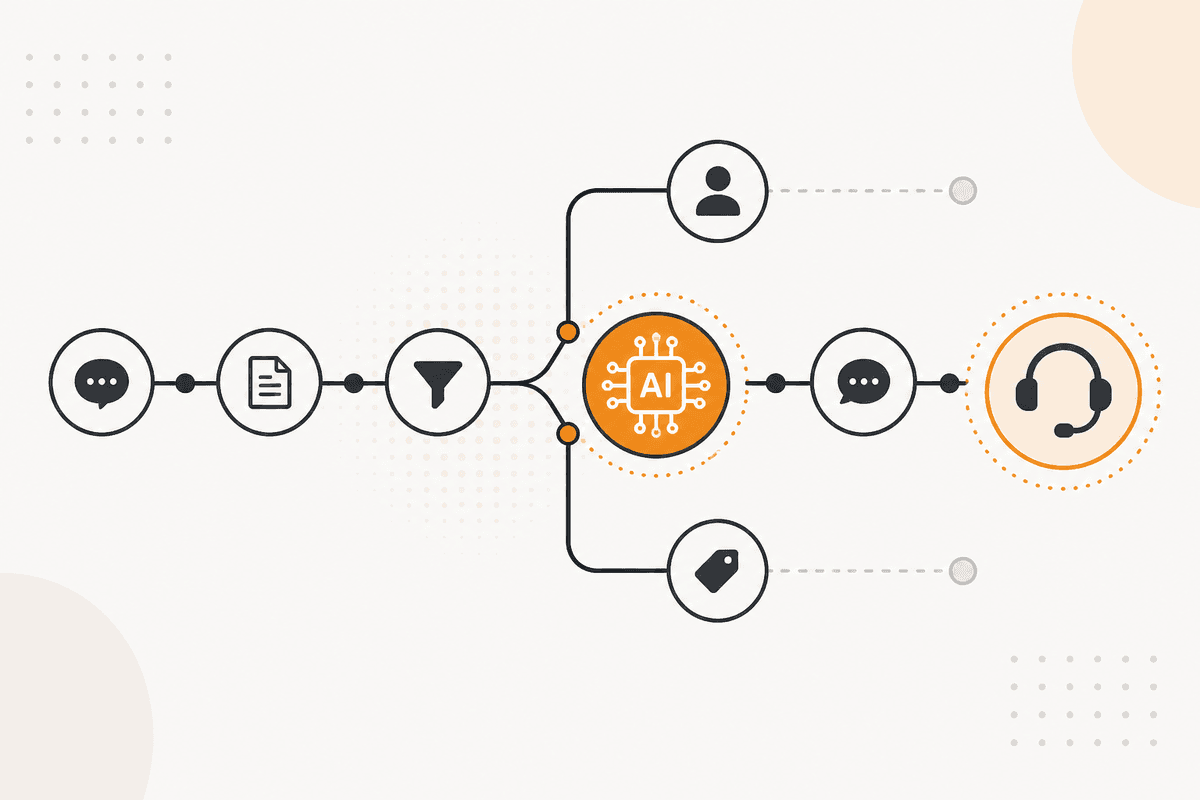
Cómo se ejecuta el ActionFlow en el lienzo
Los tickets llegan por un trigger Webhook desde tu helpdesk, o un nodo Email lee directo la bandeja de soporte.
Un nodo Text Classifier de la categoría AI Custom ordena por categoría. Correr aquí un clasificador dedicado en lugar de un nodo general de generación es deliberado. La clasificación es una tarea estrecha con un conjunto fijo de salidas, y la diferencia de costo a volumen es sustancial.
Un nodo Sentiment Analysis puntúa el tono por separado. Tono y urgencia son señales distintas, y mezclarlas temprano pierde las dos.
Un nodo Generate Object combina entonces categoría, tono y el texto del ticket en un juicio de urgencia. Devuelve un nivel de prioridad y una razón de una línea. Solo este nodo necesita razonar. Los dos anteriores ya acotaron el problema.
Un nodo Switch enruta a la cola. Un nodo HTTP Request o Jira escribe la prioridad y la razón en el ticket para que el agente vea el razonamiento, no solo la etiqueta.
Un nodo Slack notifica al canal de turno para cualquier cosa en la banda de máxima prioridad, porque una posición en la cola no es una notificación.
Un nodo Google Sheets registra cada clasificación junto al tiempo de resolución eventual, que es la única forma de saber si las bandas de prioridad reflejan la realidad.
Nodos que usa este ActionFlow
- Webhook (Trigger): dispara al crear el ticket. Email (Communication) lee la bandeja en su lugar.
- Text Classifier (AI Custom): ordena por categoría a una fracción de una llamada general de generación.
- Sentiment Analysis (AI Custom): puntúa el tono como una señal aparte de la urgencia.
- Generate Object (AI Core): combina las señales en un nivel de prioridad con una razón de una línea.
- Switch (Control): enruta a la cola correcta.
- Jira (Integration): escribe prioridad y razonamiento en el ticket. Linear y Monday ocupan el mismo lugar.
- Slack (Communication): notifica al canal de turno para los tickets de la banda alta.
- Google Sheets (Integration): registra las clasificaciones frente al tiempo de resolución para calibrar.
Preguntas frecuentes
Empieza a crear flujos de IA
Crea una cuenta gratuita, abre una plantilla o un lienzo en blanco y ejecuta tu primer ActionFlow.
Boletín
Recibe actualizaciones del producto
Nodos nuevos, agents y notas de producto. Solo enviamos correo cuando merece la pena abrirlo.