Las diferencias caen en cuatro tipos, y cada uno necesita una respuesta distinta
Los estados de proveedor llegan una vez al mes. Una persona los concilia con dos ventanas abiertas y un resaltador. El trabajo es rutinario. El resultado suele ser una cifra y no una explicación.
Una sola categoría no cubre la situación. Si una factura está en su estado pero no en tu libro, es un documento faltante. Si una factura está en tu libro pero no en su estado, por lo general no procesaron una nota de crédito. Si las facturas coinciden pero los montos difieren, es una disputa. Una diferencia de timing significa que ninguna de las partes tiene la culpa.
Solo ese agrupamiento hace accionable la conciliación, porque cada grupo va a un destino distinto: el proveedor, tus propias cuentas por pagar, o nadie.
Los formatos de estado nunca coinciden con la exportación de tu libro. Ese desajuste es por qué el trabajo se quedó manual.
Cómo se ejecuta el ActionFlow en el lienzo
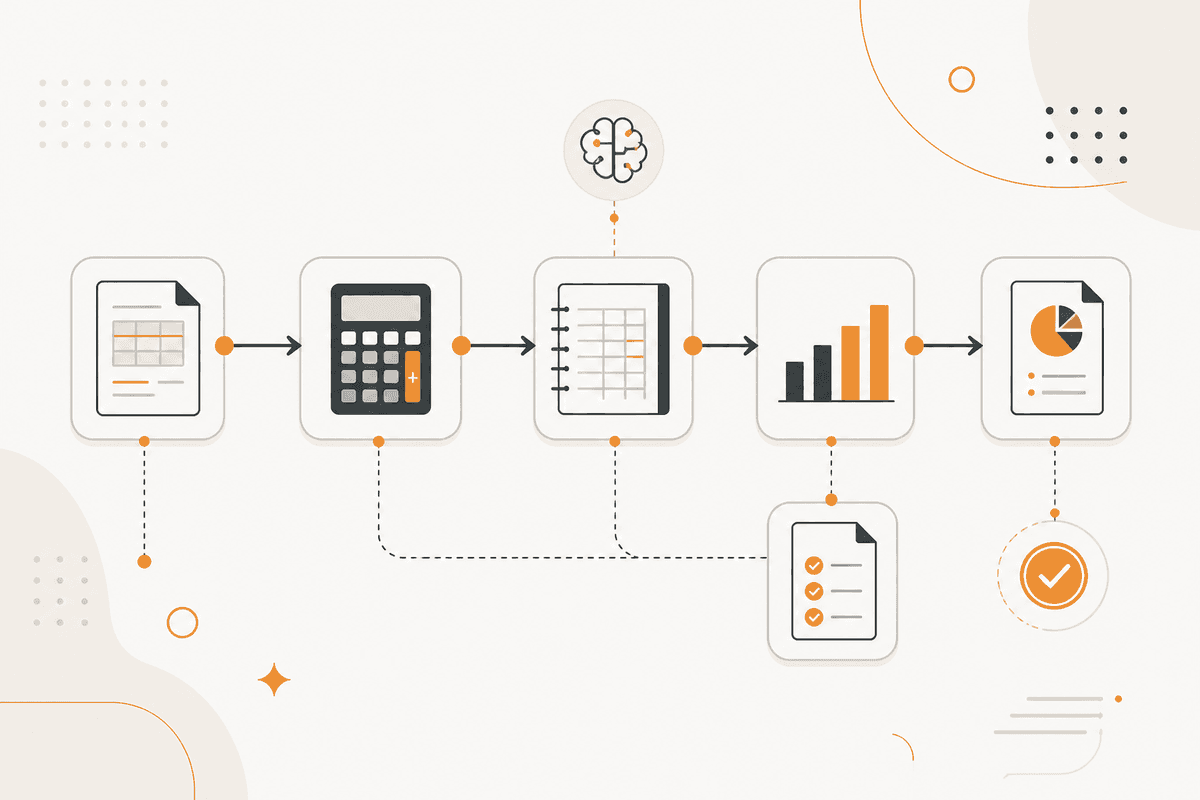
Los dos lados se leen por separado. Un nodo Document Upload captura el estado del proveedor. Un nodo PDF4me lo extrae. Un nodo Generate Object lo devuelve como una lista estructurada de líneas.
Un nodo PostgreSQL o Google Sheets lee tu libro para ese proveedor y período, ya en el formato correcto.
Un nodo Date alinea primero los períodos. Si un estado se corta en un día distinto del cierre de tu período, las diferencias resultantes no son de verdad diferencias.
Si hay un número de factura, un nodo Filter empareja por él. Si el número de factura falta o está en un formato distinto, empareja por monto y fecha como segunda pasada.
Un nodo Math calcula la diferencia de los pares emparejados, con una tolerancia de redondeo.
Un nodo Generate Object parte las líneas no emparejadas o distintas en cuatro categorías y las devuelve como arreglos separados. Esa partición es el resultado.
Un nodo Create Excel produce el archivo. Un nodo Slack envía los conteos del resumen. Un nodo Email o Resend prepara una consulta al proveedor que incluye solo las líneas que le corresponde responder. La consulta se retiene para aprobación antes de enviarse.
Nodos que usa este ActionFlow
- Document Upload (Data) plus PDF4me (Data): toman el estado y lo extraen.
- Generate Object (AI Core): devuelve el estado como una lista estructurada de líneas.
- PostgreSQL (Data): lee tu libro para ese proveedor y período.
- Date (Util): alinea los períodos antes de comparar nada.
- Filter (Data): empareja por número de factura, luego por monto y fecha como segunda pasada.
- Math (Util): calcula diferencias con una tolerancia de redondeo.
- Create Excel (Data): produce la conciliación como un archivo compartible.
- Email (Human in the Loop): prepara la consulta al proveedor y la retiene para aprobación antes de enviarla.
Preguntas frecuentes
Empieza a crear flujos de IA
Crea una cuenta gratuita, abre una plantilla o un lienzo en blanco y ejecuta tu primer ActionFlow.
Boletín
Recibe actualizaciones del producto
Nodos nuevos, agents y notas de producto. Solo enviamos correo cuando merece la pena abrirlo.