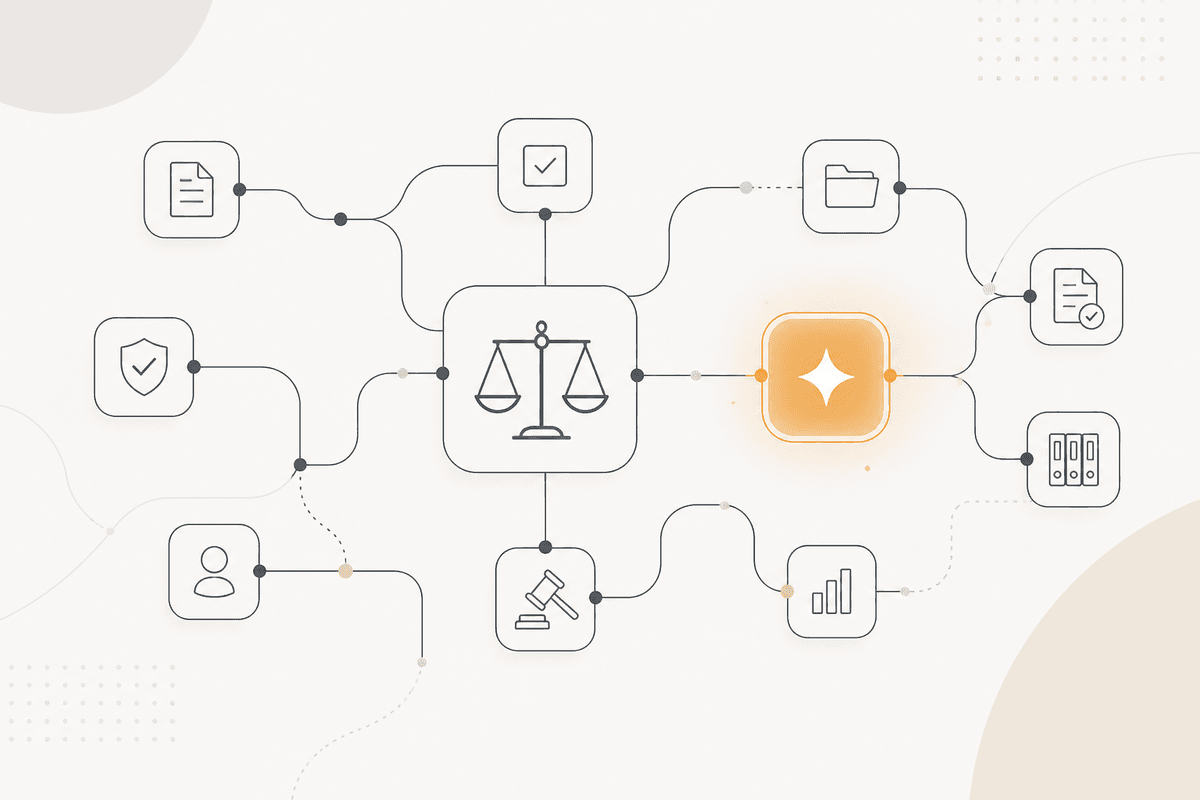
Extraer e interpretar son trabajos distintos, y solo uno se puede automatizar
Las publicaciones regulatorias son largas, y la mayor parte del contenido de una en particular se relaciona con actividades que no realizas. Toma horas identificar la parte que aplica, y aun así el documento todavía hay que leerlo con cuidado.
La parte que se puede automatizar es estrechar el texto. Decidir qué secciones se refieren a actividades, tipos de dato o relaciones que coinciden con tu negocio es un proceso de emparejamiento contra una descripción que puedes dejar por escrito.
La interpretación no se puede automatizar y no debería intentarse. Qué te exige una disposición, si hoy cumples esa obligación, y qué deberías cambiar son preguntas para tu asesoría. No te apoyes en un resumen que responde esas preguntas.
El resultado es un conjunto de pasajes citados, con una nota que explica por qué se incluyó cada uno, entregado a quienes interpretan. Esto es una asistencia de investigación, no una opinión de cumplimiento.
Cómo se ejecuta el ActionFlow en el lienzo
El emparejamiento corre contra un perfil de negocio guardado en un nodo Notion: las actividades que realizas, las categorías de datos que manejas, las jurisdicciones en las que operas, y las relaciones que tienes.
La publicación se recibe a través de un nodo Document Upload o un nodo HTTP Request. Un nodo PDF4me la extrae entonces.
El nodo Extract Data parte el documento en secciones. El nodo Loop recorre esas secciones para que ninguna llamada tenga que manejar cien páginas.
El nodo Generate Object da, para cada sección, si toca algo del perfil, el pasaje citado, y qué elemento del perfil coincidió. La regla es citar en lugar de parafrasear, porque parafrasear una disposición regulatoria sería una interpretación.
El nodo Filter descarta las secciones que no tienen coincidencia. El nodo Sort ordena las secciones restantes según qué tan central es la actividad coincidente para tu negocio.
Un nodo Notion escribe el digest, incluidas citas, referencias de sección y los motivos de las coincidencias. Un nodo Slack avisa entonces a legal.
Cada página de la salida incluye esta nota: estos son extractos para revisión y no una evaluación del material relevante para ti.
Nodos que usa este ActionFlow
- Notion (Integration): guarda el perfil de negocio contra el que corre el emparejamiento.
- HTTP Request (Util): trae la publicación. Document Upload toma un archivo entregado.
- PDF4me (Data) plus Extract Data (Data): extraen y parten en secciones.
- Loop (Control): recorre las secciones para que ninguna llamada sostenga el documento entero.
- Generate Object (AI Core): devuelve pasajes citados con el elemento del perfil que coincidió cada uno.
- Filter (Data): descarta las secciones sin coincidencia con tu perfil.
- Notion (Integration): publica el digest como extractos para revisión, de forma explícita no una evaluación.
Preguntas frecuentes
Empieza a crear flujos de IA
Crea una cuenta gratuita, abre una plantilla o un lienzo en blanco y ejecuta tu primer ActionFlow.
Boletín
Recibe actualizaciones del producto
Nodos nuevos, agents y notas de producto. Solo enviamos correo cuando merece la pena abrirlo.