Different wording is not disagreement
A side-by-side model comparison gives you a long block of text with no conclusion. Most differences are only wording. The few important differences hide in that noise: one model gives a different number, one makes a recommendation the other does not, or one includes a caution the other omitted.
To tell them apart, you have to read for meaning, not only for differences. Two answers can share almost no vocabulary and still mean the same thing. Two others can be nearly identical and still disagree on the single clause that decides the outcome.
One more finding appears only when you read carefully. Sometimes divergence has nothing to do with model quality. It means the prompt was ambiguous, and each model interpreted it differently. That is often the most useful result of a comparison, and a diff tool cannot detect it.
How the agent is built in Agent Studio
The system prompt defines a substantive difference for your use case. It also tells the agent to treat prompt ambiguity as its own category, not as model quality.
The evaluation criteria that you set determine what counts as a good answer in your area, and the failure modes that matter most to you.
Because ActionFlows is connected to 83 model providers, choosing the comparison set is configuration, not an integration project. Once a provider is connected under Credentials, its models are available to any node and any agent.
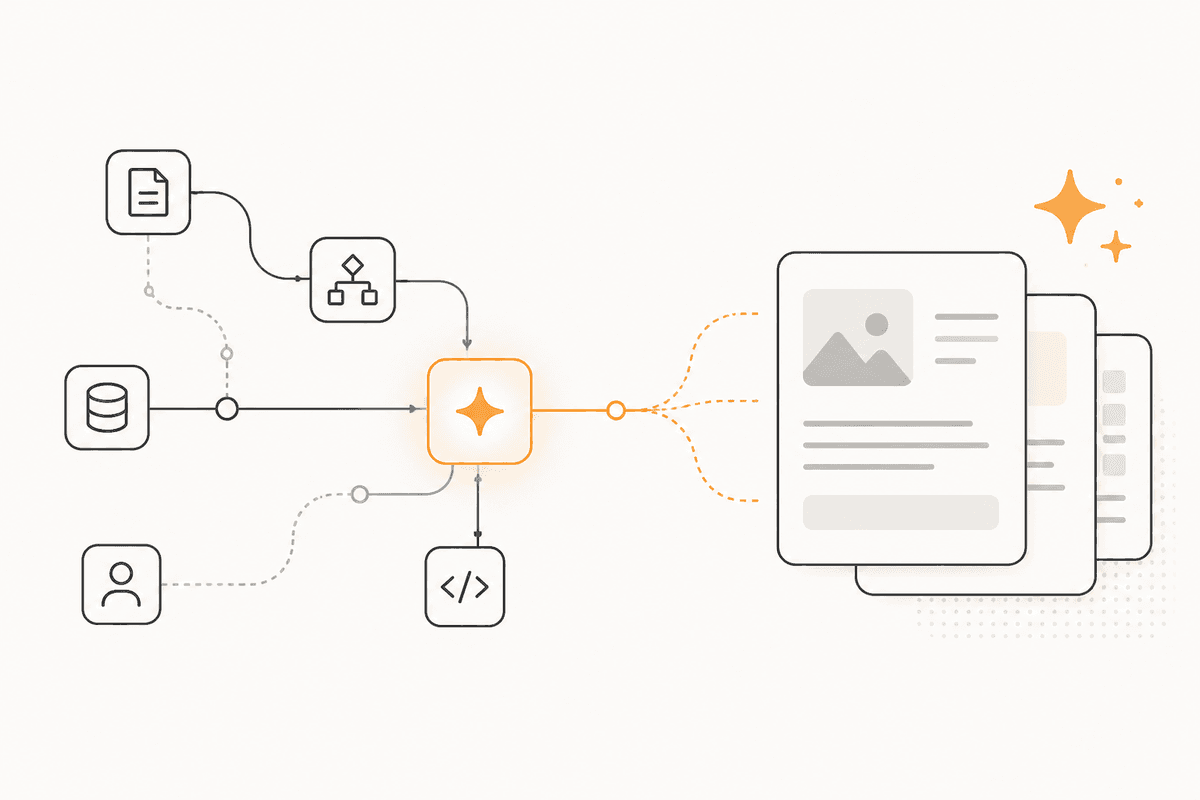
The flow works best when it sends the prompts. In this setup, an ActionFlow sends the same prompt to several Generate Text nodes, each attached to a different service, and passes the outputs to the agent through the Agent Chat node. The agent runs the judgment. Each AI node reports its own token usage and cost in its output, so you get a quality judgment and a price comparison in the same run, without extra instrumentation.
Keep the raw outputs, because you will eventually disagree with the verdict. The only way to resolve that is to reread the sources.
What this agent is built from
- System prompt: what counts as substantive, and the instruction to flag prompt ambiguity separately.
- Prompt skills: your evaluation criteria and the failure modes you care about.
- Generate Text (AI Core): several nodes in a flow, each on a different model service.
- Agent Chat (Util): hands the collected outputs to the agent for judgment.
- Node cost outputs: quality verdict and price comparison are generated in the same run.
- Google Sheets (Integration): logs verdicts, so comparisons can be repeated as models change.
- When an ActionFlow is enough: If you are running routine cost and latency benchmarking, build a workflow with a scoring step. Use the agent when quality is the question.
Frequently asked questions
Start building AI workflows
Create a free account, open a template or a blank canvas, and run your first ActionFlow.
Get product updates
New nodes, agents, and product notes. We send mail only when we have something worth opening.