Gegen den letzten Monat zu planen, ist der Teil, der übersprungen wird
Wöchentliche Planung beginnt meist bei null. Die Ideen, die das Team an diesem Morgen hatte, füllen die verfügbaren Slots, und ein Thema, das sechs Wochen zuvor still geworden war, bleibt still, weil niemand festhält, was fehlt.
Abwesenheit ist normalerweise unsichtbar. Ein Kalender zeigt, was da ist. Es braucht eine Person, sich zu erinnern, was in den zwei vorherigen Monaten war, und diese Art mentaler Aufwand ist etwas, das niemand jede Woche tun sollte.
Leistung gehört in dieselbe Ansicht. Nicht um hinterherzulaufen, was einen Spike hatte (das erzeugt einen Kalender von Nachahmungen), sondern um ein Format nicht zu wiederholen, das aufgehört hat zu landen.
Dieser Flow darf nicht ungebeten in den Kalender schreiben. Ein Vorschlag, den eine Person mit einem Klick annimmt, ist nützlich. Ein Kalender, der sich selbst füllt, ist einer, dem die Leute aufhören zu vertrauen.
So läuft der ActionFlow auf der Canvas
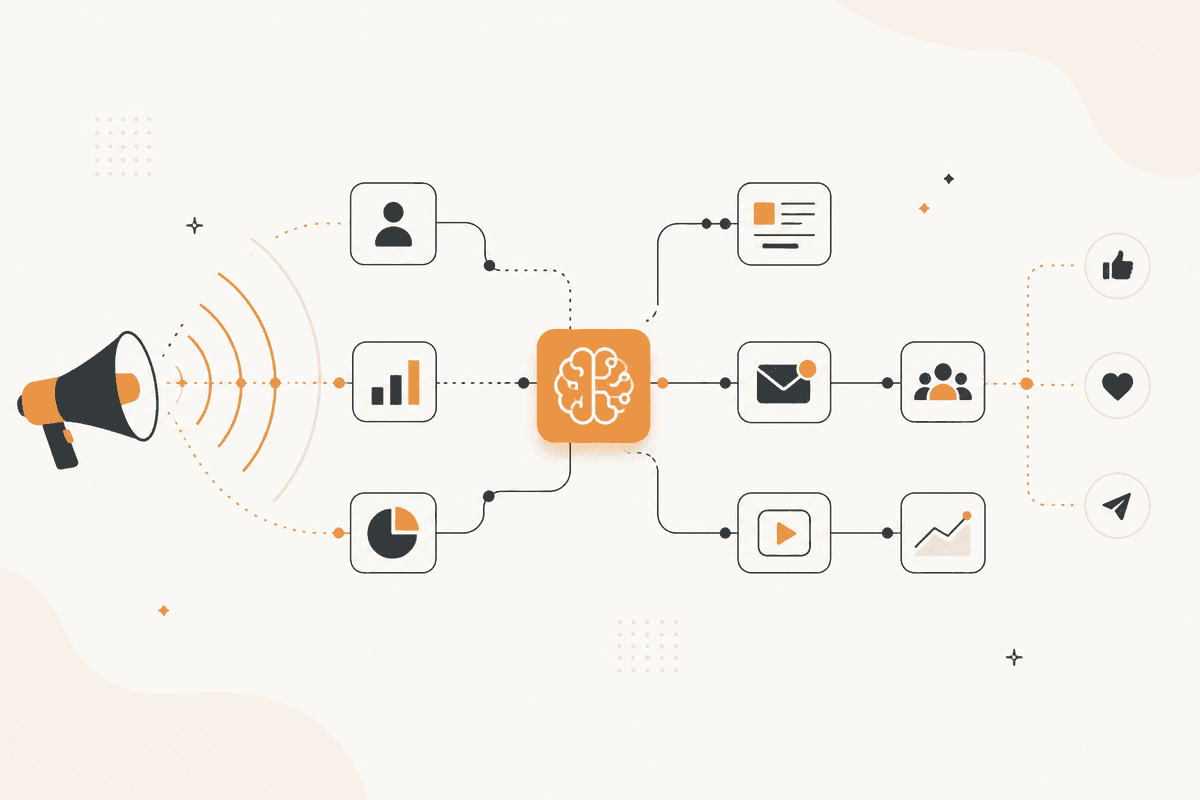
Die Ausgabe des letzten Monats ist die Eingabe. Ein Start Scheduled-Knoten läuft wöchentlich. Ein Notion-Knoten liest veröffentlichte Stücke und bestehende Kalendereinträge. Ein HTTP Request-Knoten holt ihre Leistungsdaten.
Ein Generate Object-Knoten gibt einen Vorschlag mit einem Stück für jeden Slot zurück. Jedes Stück hat ein Thema, ein Format und den Grund für seine Wahl: Themenbalance, eine Lücke oder ein Format, das performt hat.
Gründe pro Slot zurückzugeben, macht den Vorschlag in unter einer Minute prüfbar. Eine Themenliste ist eine Entscheidung, die Sie neu treffen müssen. Eine Liste mit Gründen ist eine Entscheidung, die Sie prüfen können.
Ein Slack-Knoten in der Kategorie Human in the Loop postet den Vorschlag für eine einzelne Bestätigung. Es wird kein Text erzeugt, bis jemand ihn annimmt.
Wenn eine Einreichung angenommen wird, schreibt ein Notion- oder Google Sheets-Knoten die Einträge in den Content-Kalender, und ein Google Sheets-Knoten zeichnet die vorgeschlagenen Themen auf, sodass die Balanceberechnung eine Historie hat, von der sie arbeiten kann.
Ein Filter-Knoten entfernt schon gefüllte Slots, bevor der Vorschlag erzeugt wird, sodass der Flow nie vorschlägt, etwas zu ersetzen, das bewusst terminiert ist.
Knoten, die dieser ActionFlow verwendet
- Start Scheduled: läuft wöchentlich vor der Planung.
- Notion (Integration): liest veröffentlichte Stücke und den aktuellen Kalender.
- HTTP Request (Util): holt die Leistungsdaten für das veröffentlichte Set.
- Filter (Data): entfernt schon gefüllte Slots, sodass nichts bewusst Terminiertes überschrieben wird.
- Generate Object (AI Core): gibt ein Stück für jeden Slot zurück, mit Thema, Format und Grund.
- Slack (Human in the Loop): postet den Vorschlag für eine einzelne Bestätigung.
- Google Sheets (Integration): schreibt angenommene Einträge in den Kalender. Notion tut dasselbe.
- Google Sheets (Integration): protokolliert vorgeschlagene Themen, sodass Themenbalance eine Historie hat.
Häufige Fragen
Newsletter
Produktupdates erhalten
Neue Knoten, Agents und Produktnotizen. Wir senden E-Mails nur, wenn sich das Öffnen lohnt.