Der Rechercheaufwand soll zur Deal-Größe passen, und nur eine Einschätzung kann das live treffen
Die Vertriebsseite erhält denselben generischen Feldsatz für eine Anmeldung zu 100 USD und für eine sechsstellige Opportunity, obwohl die Recherche in einem Fall zu viel und im anderen zu wenig ist.
Wie weit Sie gehen, entscheiden Sie beim Lesen. Nach zwei Quellen ist meist klar, ob die Person, die das Tool bewertet, eine einzelne Entwicklungskraft ist oder Mitglied eines Plattformteams mit Budget. Dann wissen Sie, ob Sie eine dritte Quelle holen.
Die zweite Einschätzung ist Subtraktion. Eine Vertretung hat 90 Sekunden, um drei Fakten aus den 20 Feldern zu nehmen, an denen sie vorbeigeht, und sie kann diese Fakten nur wählen, wenn sie weiß, was sie damit tun soll.
Beide Einschätzungen verschwinden, sobald alle Leads gleich aussehen. Dann ist ein Flow die bessere Lösung.
So bauen Sie den Agent in Agent Studio auf
Die Einschätzung hier ist, wie viel Recherche zu tun ist. Der System-Prompt nennt die Segmente, die Sie abdecken, die Signale, die sie unterscheiden, wie viel Aufwand auf jedes entfällt, und die Erlaubnis, nach einer Quelle zu stoppen, wenn der Lead unbedeutend ist.
Prompt-Fähigkeiten tragen das Notizformat und die stehende Anweisung, Fakt von Schlussfolgerung zu trennen. Wiederholt eine Vertretung auf einem Call eine erschlossene Kopfzahl und wird dann korrigiert, verliert sie mehr, als die Recherche gebracht hat.
MCP-Verbindungen und integrierte Tools ermöglichen den Abruf. Setzen Sie im System-Prompt ein striktes Limit für Abrufe pro Lead, weil ein Agent ohne Budget dieses Budget auf die Leads ausgibt, die es am wenigsten verdienen.
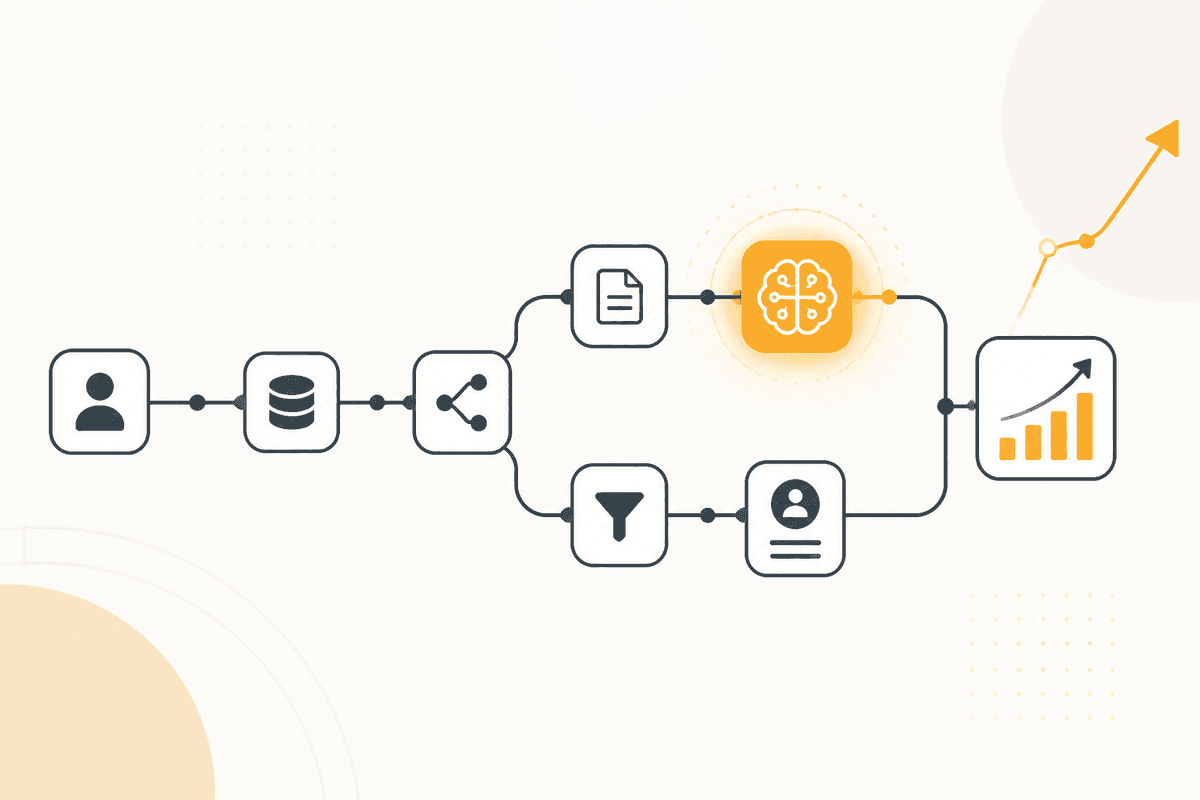
In der Praxis führt ein ActionFlow diesen Prozess. Wenn ein Webhook-Trigger am Formular feuert, übergibt der Agent Chat-Knoten den Lead an den Agent. Die Antwort geht an Slack für die Vertriebsvertretung und an Google Sheets mit der Zahl der konsultierten Quellen, sodass Sie prüfen können, ob die Tiefen-Einschätzung zu den Ergebnissen passt.
Weil Sessions dauerhaft sind, kann eine Vertretung eine Frage zu einem Lead stellen und trotzdem eine Antwort bekommen, die die Recherche im Kontext hält, statt neu zu beginnen.
Woraus dieser Agent besteht
- System-Prompt: Ihre Segmente, die Signale, die sie unterscheiden, und die Erlaubnis, früh zu stoppen.
- Prompt-Fähigkeiten: das Notizformat und die Regel, die Fakt von Schlussfolgerung trennt.
- MCP-Verbindungen: Abruf, begrenzt durch eine Obergrenze an Abrufen pro Lead.
- Agent Chat (Util): ein Webhook-getriggerter Flow übergibt jeden neuen Lead automatisch.
- Slack (Communication): liefert die Notiz dort, wo die Vertretung schon arbeitet.
- Google Sheets (Integration): protokolliert die pro Lead verbrauchten Quellen, sodass die Tiefen-Einschätzung messbar ist.
- Wenn ein ActionFlow ausreicht: Kommt jeder Lead aus einem Segment und braucht dieselben drei Felder, ist ein Workflow schneller und kostet weniger.
Häufige Fragen
Newsletter
Produktupdates erhalten
Neue Knoten, Agents und Produktnotizen. Wir senden E-Mails nur, wenn sich das Öffnen lohnt.