Dokumente einzeln anzufordern ist der Weg, auf dem Ansprüche sterben
Ansprüche bleiben in einer Dokumentationsschleife stecken. Das Team bittet um einen Beleg, der Kunde schickt ihn, dann bittet das Team um die Seriennummer des Artikels, dann um Fotos. Jede Runde dauert mehrere Tage, und dem Kunden reißt die Geduld.
Alle fehlenden Informationen hätten sich beim ersten Lesen erkennen lassen, weil Sie wissen müssen, was dieser Anspruchstyp verlangt, abhängig vom Produkt, von der Garantiefrist und von der Art des Schadens.
Ob die Belege reichen, ist schwerer zu beurteilen. Ein unscharfes Foto kann die Anforderung auf dem Papier erfüllen und trotzdem nicht reichen, um zu entscheiden. Wenn Sie dieses Foto jetzt akzeptieren, kommt später eine weitere Runde.
Manche Ansprüche dürfen nie automatisiert werden, weil jeder Fall mit Verletzung, Sicherheit oder einem rechtlichen Anspruch einer Person zugeordnet werden muss, unabhängig davon, wie vollständig die Dokumentation ist.
So bauen Sie den Agent in Agent Studio auf
Die dokumentarischen Anforderungen je Anspruchstyp sind die zentrale Konfiguration, und sie gehören in Prompt-Fähigkeiten, damit eine Claims-Leitung sie pflegen kann, ohne mit dem Agent zu interagieren.
Der System-Prompt sagt, was als ausreichender Beleg gilt: was ein Foto brauchbar macht und was einen Beleg akzeptabel macht. Er nennt außerdem die Anspruchstypen, die ohne Prüfung direkt an einen Menschen gehen.
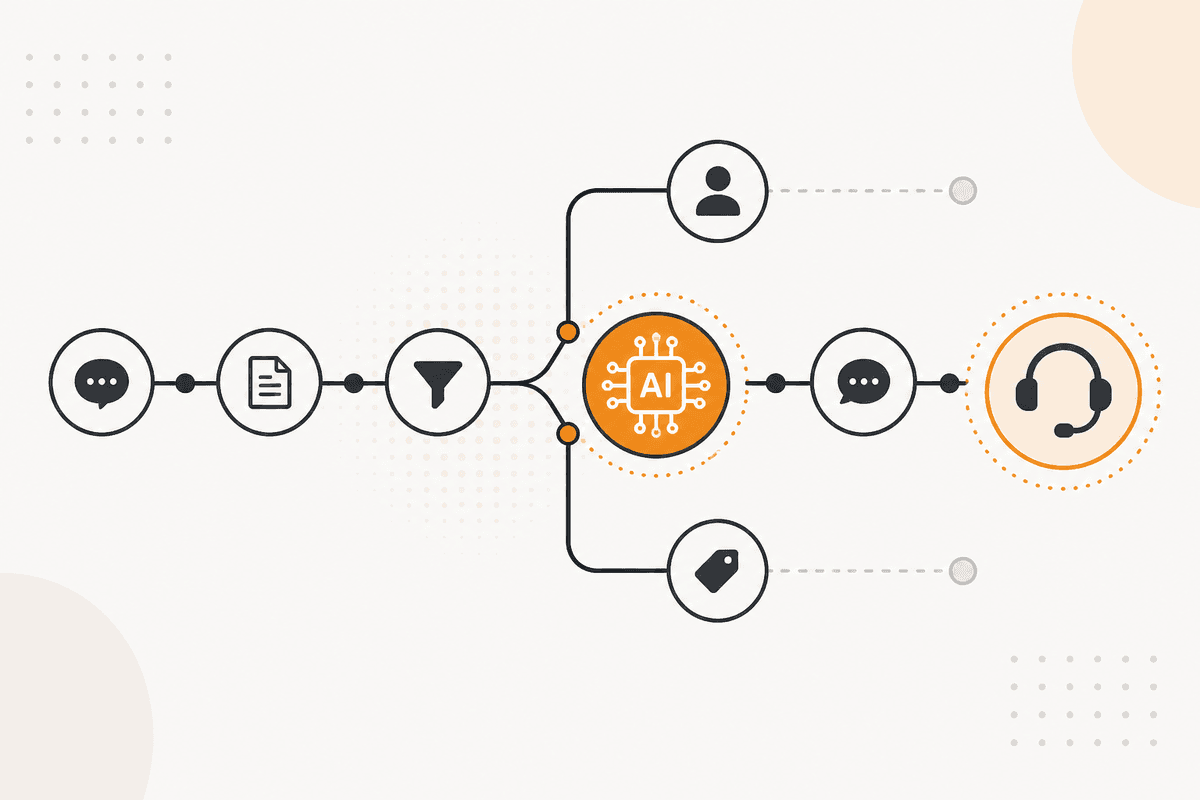
Ein Flow liefert das Material. Der Anspruch kommt über einen Webhook-Trigger. Document Upload nimmt die Anhänge entgegen. PDF4me extrahiert alles, was im PDF-Format ankommt. Der Agent Chat-Knoten gibt das Paket dann weiter.
Der Agent gibt zurück, was derzeit da ist, was fehlt, und eine einzige kombinierte Anfrage für alle restlichen Punkte. Diese eine Nachricht ist das Hauptziel des Entwurfs.
Ein Human in the Loop-Knoten hält die Anfrage zur Prüfung, bevor sie an den Kunden geht. Ein Email- oder Resend-Knoten schickt sie dann.
Der Agent trifft die Entscheidung nicht. Er prüft, ob die Information vollständig ist. Einen Anspruch zu genehmigen oder abzulehnen hat finanzielle und rechtliche Folgen und bleibt bei einem Menschen. Diese Grenze sitzt im Flow, nicht im Prompt.
Woraus dieser Agent besteht
- Prompt-Fähigkeiten: dokumentarische Anforderungen je Anspruchstyp, gepflegt von der Claims-Leitung.
- System-Prompt: was Belege ausreichend macht, und welche Anspruchstypen die Prüfung ganz umgehen.
- Document Upload (Data): nimmt die Anhänge entgegen. PDF4me (Data) extrahiert PDF-Inhalte.
- Agent Chat (Util): übergibt den zusammengestellten Anspruch für eine Vollständigkeitsprüfung.
- Email (Human in the Loop): hält die gebündelte Anfrage zur Prüfung, bevor sie den Kunden erreicht.
- Menschliche Entscheidungen: Genehmigungen und Ablehnungen bleiben bei einem Menschen und werden im Flow erzwungen.
- Wenn ein ActionFlow ausreicht: Reicht eine Checkliste der Pflichtfelder, bauen Sie den Workflow. Zu beurteilen, ob die gelieferten Belege tatsächlich brauchbar sind, ist die Aufgabe des Agents.
Häufige Fragen
Newsletter
Produktupdates erhalten
Neue Knoten, Agents und Produktnotizen. Wir senden E-Mails nur, wenn sich das Öffnen lohnt.