Customer Support AI agent use cases
See how teams handle Customer Support work with AI agents, then open a matching use case.
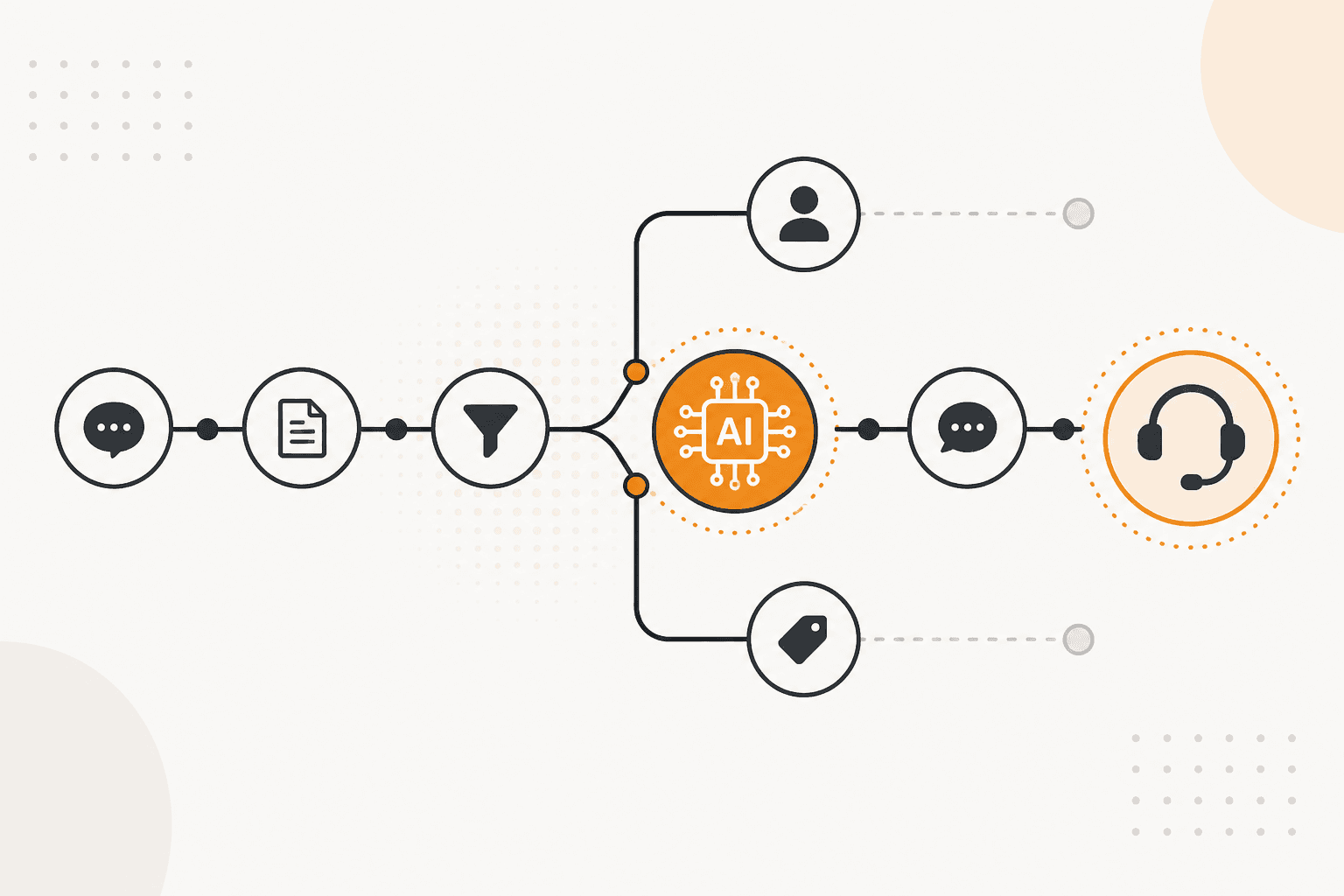
Ticket Triage Agent
The agent reads the incoming ticket, assigns a priority, checks the knowledge base for an answer, and decides whether it can resolve the ticket or must hand it to a person.
Escalation Decision Agent
The agent decides whether the ticket truly needs to be escalated by looking at the account information, the case history, and the customer's actual request.
Knowledge Gap Agent
The agent examines questions the knowledge base could not answer and decides which represent missing documentation rather than one-off situations.
Churn Recovery Agent
The agent spots customers showing leaving signals and decides which intervention fits, including deciding that no intervention should be attempted.
Canned Response Maintenance Agent
The agent watches the saved replies, determines which ones have become outdated, and tells the difference between a wrong answer and one that is only phrased awkwardly.
Satisfaction Drop Investigation Agent
The agent reads low-scoring interactions, looks for what they share, and separates an agent problem from a product problem and a bad week.
Support-to-Product Signal Agent
The agent reviews the support conversations and selects the ones that indicate product signals to send to the team responsible for fixing them.
Warranty and Damage Claim Agent
The agent assesses a claim against the provided documentation, identifies what is missing, and requests it from the customer in a single message rather than four separate messages.
Missed Call Recovery Agent
The agent takes the calls that go unanswered and decides both when and how to follow up, including which channel that customer is most likely to answer.
Community Question Response Agent
The agent looks through your community channels to find unanswered questions and then writes responses, deciding which should receive an official reply and which are better handled by the community.
Frequently asked questions
The catalog covers ActionFlows and agents for work such as sales, support, marketing, finance, HR, legal, operations, and more. Each item is a real job you can clone or adapt.
Filter by category, then open the ActionFlow or agent that matches the job. If you already have an account, clone it into your organization and attach your credentials.
Yes. ActionFlows are graphs: models, integrations, conditions, loops, human approval, and nested subflows. Agents handle the work that is still a conversation.
Yes. Use cases, templates, and public listings on Explore are the examples. They describe the job and what to clone.
Cloning a template is minutes. Connecting credentials and checking a first run depends on the tools you attach. We do not promise a fixed delivery window.
Start building AI workflows
Create a free account, open a template or a blank canvas, and run your first ActionFlow.
Get product updates
New nodes, agents, and product notes. We send mail only when we have something worth opening.