Les horodatages sont ce qui rend un enregistrement utilisable
Un enregistrement de cours est publié et rarement réécouté. Trouver les quatre minutes où quelque chose a été expliqué, c'est faire défiler une heure, donc les étudiants ne le font pas. L'enregistrement sert de réassurance plutôt que de ressource.
Des notes organisées par thème traitent la navigation. Les horodatages la traitent complètement. Un étudiant qui n'a pas suivi une explication peut y aller directement.
L'accessibilité est l'argument le plus fort. Pour les étudiants qui traitent mieux le matériel écrit, les étudiants qui travaillent dans une seconde langue, et les étudiants qui n'ont pas pu assister, une version texte est la différence entre une séance disponible et une séance accessible.
Les notes ne remplacent pas la présence et ne doivent pas être rédigées comme telles. Des notes organisées avec des horodatages renvoient dans la séance. Une synthèse autonome soignée la remplace discrètement.
Comment l'ActionFlow s'exécute sur le canevas
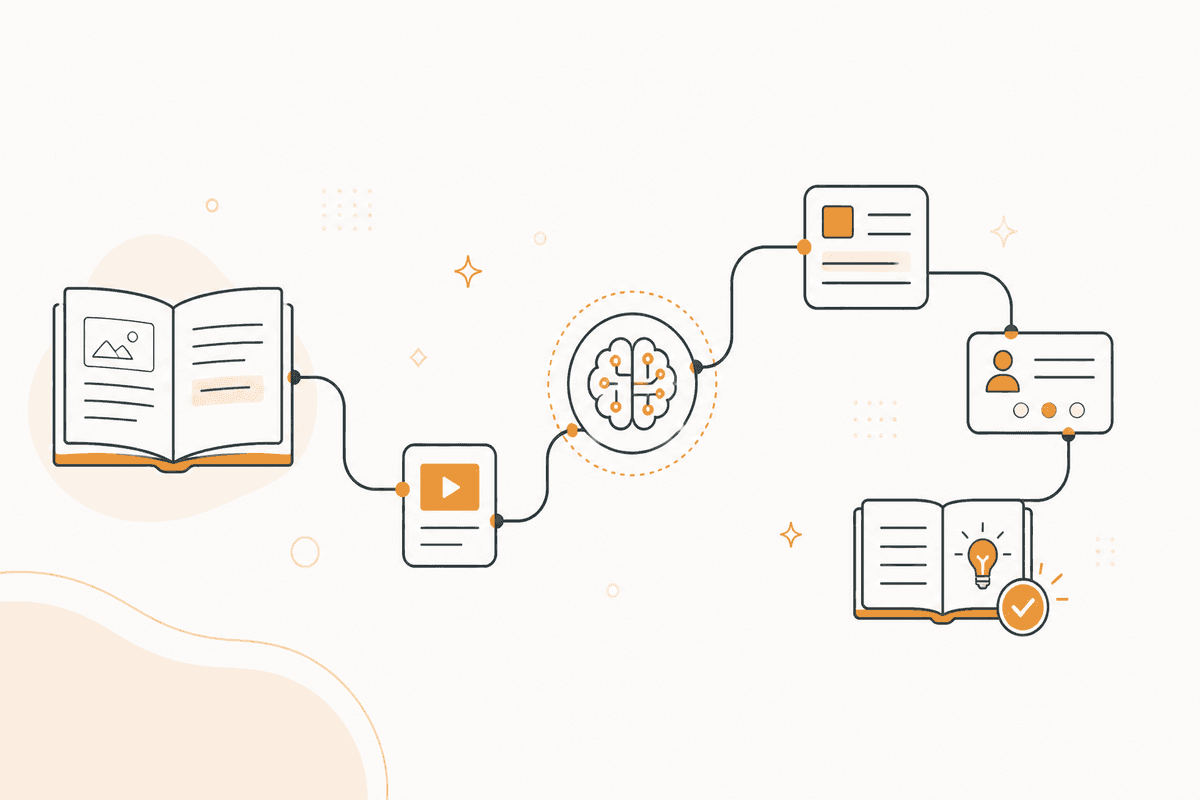
Un nœud Document Upload lit l'enregistrement. Un nœud Transcribe Audio le convertit, en conservant les horodatages tout au long de la transcription.
Un nœud Extract Data segmente la transcription selon les changements de thème plutôt que selon un intervalle fixe, parce qu'un thème est ce qu'un étudiant cherche et qu'un bloc de dix minutes ne l'est pas.
Un nœud Generate Object renvoie, par segment, le thème, les points clés, les questions posées en salle avec leurs réponses, et l'horodatage auquel le segment commence.
Les questions de la salle valent d'être extraites à part. C'est en général là que se situait la difficulté du matériel, et c'est la partie qu'un étudiant qui parcourt des notes veut le plus.
Un nœud Generate Text rédige les notes avec les horodatages comme navigation. Un nœud Notion les publie à côté de l'enregistrement.
Un nœud Generate Object produit un court index de thèmes en tête, ce qui transforme un long jeu de notes en quelque chose d'utilisable dans les dix minutes avant un séminaire.
Un nœud HTTP Request publie vers votre système d'apprentissage. Un nœud Human in the Loop retient les notes pour l'enseignant lorsque votre politique exige une relecture avant diffusion aux étudiants.
Nœuds utilisés par cet ActionFlow
- Document Upload (Data) : prend l'enregistrement.
- Transcribe Audio (AI Core) : le convertit en conservant les horodatages.
- Extract Data (Data) : segmente selon le changement de thème plutôt que selon un intervalle fixe.
- Generate Object (AI Core) : renvoie thème, points clés, questions de salle, et l'horodatage de début.
- Generate Text (AI Core) : rédige des notes avec les horodatages utilisés comme navigation.
- Notion (Integration) : publie à côté de l'enregistrement. HTTP Request pousse vers le système d'apprentissage.
- Slack (Human in the Loop) : retient pour relecture par l'enseignant lorsque votre politique l'exige.
Questions fréquentes
Newsletter
Recevoir les mises à jour produit
Nouveaux nœuds, agents et notes produit. Nous n'envoyons un e-mail que lorsqu'il vaut la peine de l'ouvrir.