Nommer la règle, c'est ce qui rend un refus défendable
Personne n'a envie de revoir les notes de frais, et la plupart des gens le font mal. Contrôler chaque note au regard du document de politique prend plus de temps que les notes ne valent.
Un refus qui ne nomme pas de règle devient une dispute. Le demandeur pense que c'était autorisé. Le réviseur se souvient vaguement de la politique. La dispute coûte plus cher que la note.
Le cas limite est une vraie catégorie et a besoin de son propre chemin. Une note juste au-dessus d'un plafond, une catégorie atypique, ou un justificatif manquant sur une note par ailleurs normale demande encore un jugement. C'est pourquoi les réviseurs cessent de lire une fois qu'ils ont les cas nets.
Les schémas comptent plus que chaque note. Une note au-dessus du plafond ne compte pas. La même personne au-dessus du plafond chaque mois est un schéma. Seul le journal le révèle.
Comment l'ActionFlow s'exécute sur le canevas
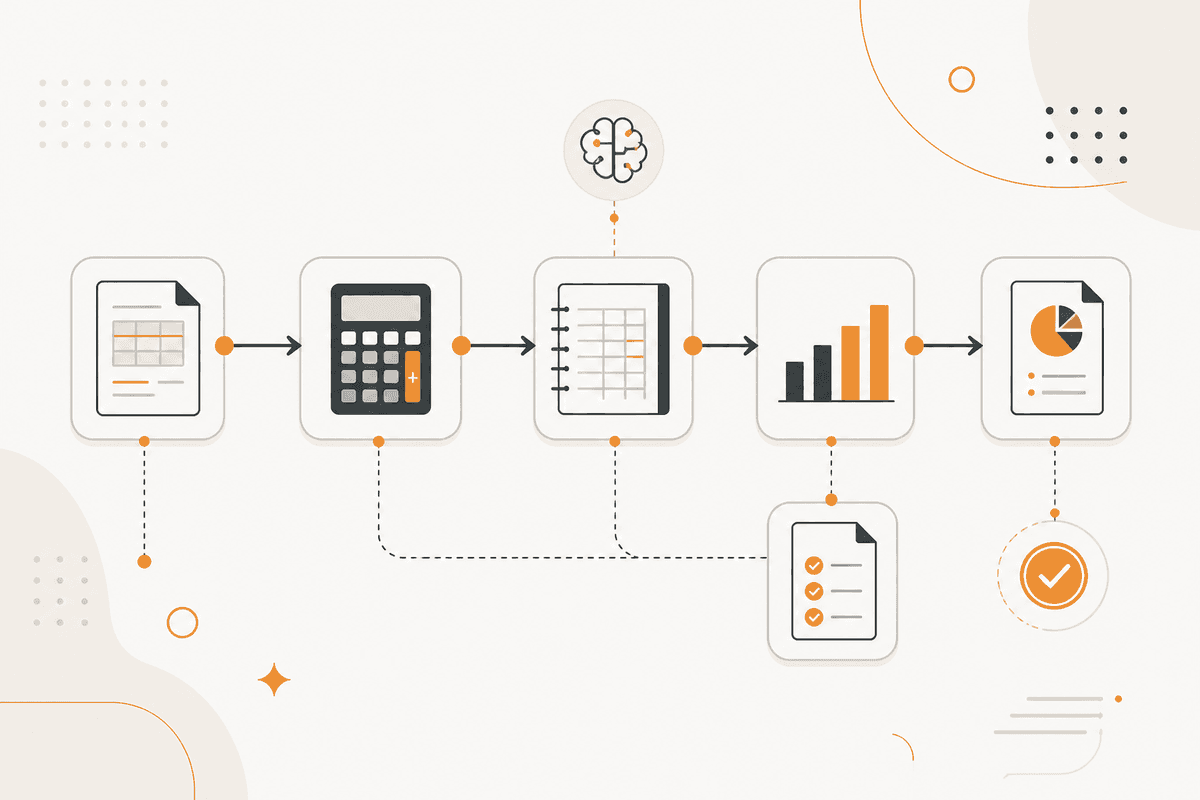
La politique vit dans une table, pas dans le prompt. Chaque règle est dans un nœud Google Sheets ou Airtable comme condition structurée : catégorie, plafond, exigence de justificatif, et niveau d'approbation. Un responsable finance peut modifier la politique sans changer le flux.
Un déclencheur Webhook reçoit la note. Un nœud Document Upload la capture. Un nœud PDF4me l'extrait du PDF dans lequel elle est arrivée.
Un nœud Generate Object lit la note et le justificatif. Il renvoie la catégorie, le montant, si le justificatif étaye la note, une bande de décision, et les règles précises appliquées.
Un nœud Switch traite la bande. Les notes conformes vont à un nœud HTTP Request pour traitement et à une notification Slack pour le demandeur. Les infractions nettes vont à un nœud Generate Text qui rédige l'explication en nommant la règle.
Les notes limites vont à un réviseur par un nœud Slack dans la catégorie Human in the Loop, avec le texte de la règle et la note côte à côte.
Un nœud Google Sheets consigne chaque décision avec le demandeur, la règle et la bande. Ce journal est ce qui révèle les schémas. Le relire chaque mois change les comportements. Il n'accélère pas le traitement des notes.
Nœuds utilisés par cet ActionFlow
- Webhook (Trigger) : reçoit la note de frais.
- Airtable (Integration) : conserve la politique sous forme de règles structurées. Google Sheets occupe le même emplacement.
- Document Upload (Data) plus PDF4me (Data) : prennent le justificatif et en extraient le contenu.
- Generate Object (AI Core) : renvoie la catégorie, l'appui du justificatif, la bande de décision et les règles appliquées.
- Switch (Control) : sépare le conforme, le limite et les infractions nettes.
- Generate Text (AI Core) : rédige l'explication en nommant la règle précise.
- Slack (Human in the Loop) : envoie les notes limites à un réviseur, avec le texte de la règle joint.
- Google Sheets (Integration) : consigne les décisions pour que les schémas répétés deviennent visibles.
Questions fréquentes
Newsletter
Recevoir les mises à jour produit
Nouveaux nœuds, agents et notes produit. Nous n'envoyons un e-mail que lorsqu'il vaut la peine de l'ouvrir.