Payer dans l'ordre des dates ignore ce que chaque facture coûte réellement
Les factures se paient dans l'ordre où elles apparaissent, qui est l'ordre où elles ont été saisies. Cet ordre ignore tout ce qui rend une facture plus urgente qu'une autre.
Les escomptes pour paiement anticipé sont de l'argent que vous perdez par inaction. Un escompte de 2 % pour payer dix jours plus tôt est une offre que la plupart des entreprises prendraient. L'offre expire sans que personne ait décidé de ne pas la prendre.
Les pénalités de retard et le coût relationnel sont de l'autre côté. Un fournisseur critique et un fournisseur occasionnel ne tolèrent pas le retard de la même façon. Ni le montant ni la date d'échéance ne le capturent.
La trésorerie en caisse fait partie du tableau. Si une liste de priorité n'a pas le solde disponible à côté, une personne doit la retrier dans sa tête.
Comment l'ActionFlow s'exécute sur le canevas
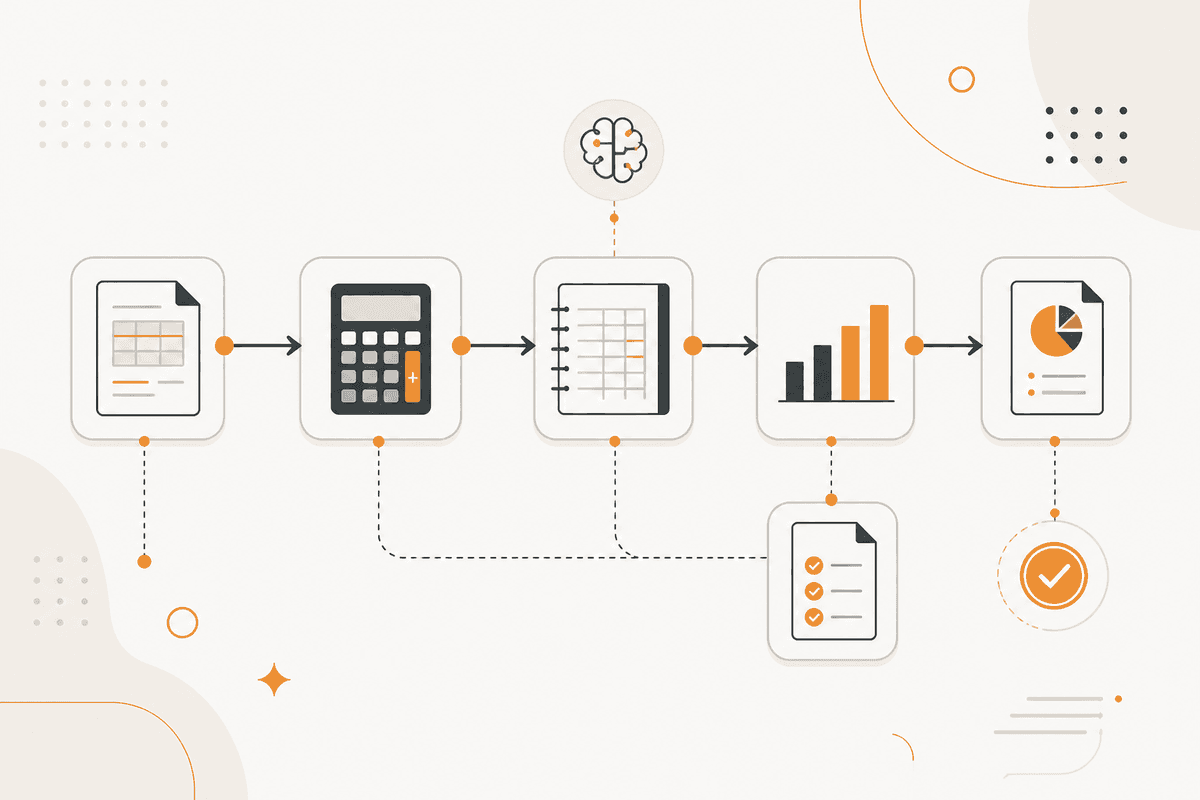
La sélection se fait par date d'échéance. L'ordre se fait par tout le reste. Un nœud Start Scheduled lance la revue. Un nœud PostgreSQL ou Google Sheets lit les dettes ouvertes.
Un nœud Date calcule les jours jusqu'à l'échéance. Un nœud Filter garde celles qui tombent dans votre fenêtre de paiement.
Un nœud Google Sheets fournit les conditions fournisseurs : fenêtres d'escompte, taux de pénalité et criticité. Ces données transforment une liste de dates en liste de priorité. Un nœud Math valorise chaque escompte restant et le coût de chaque retard possible.
Un nœud HTTP Request lit la position de trésorerie actuelle pour que la sortie reste dans ce qui peut réellement se payer.
Un nœud Generate Object renvoie une liste priorisée avec une raison sur chaque ligne : escompte qui expire, risque de pénalité, criticité du fournisseur, ou simplement l'échéance.
Un nœud Sort trie la liste. Un nœud Create Excel produit le fichier de paiement. Un nœud Slack envoie la synthèse, avec le total et la position de trésorerie côte à côte.
Le paiement ne fait pas partie du flux. Un nœud Human in the Loop retient l'approbation. L'exécution reste dans votre système bancaire, où elle a sa place.
Nœuds utilisés par cet ActionFlow
- Start Scheduled : lance la revue des dettes selon votre cycle de paiement.
- PostgreSQL (Data) : lit les dettes ouvertes. Google Sheets occupe le même emplacement.
- Date (Util) : calcule les jours jusqu'à l'échéance pour la sélection.
- Google Sheets (Integration) : fournit les conditions fournisseurs, les fenêtres d'escompte et la criticité.
- Math (Util) : valorise chaque escompte disponible et chaque coût de retard potentiel.
- Generate Object (AI Core) : renvoie la liste priorisée avec une raison sur chaque ligne.
- Create Excel (Data) : produit le fichier de paiement pour approbation.
- Slack (Human in the Loop) : porte l'approbation. L'exécution du paiement reste dans votre banque.
Questions fréquentes
Newsletter
Recevoir les mises à jour produit
Nouveaux nœuds, agents et notes produit. Nous n'envoyons un e-mail que lorsqu'il vaut la peine de l'ouvrir.