Toutes les sources ne méritent pas cinq livrables
Les pipelines de réexploitation figés produisent le même contenu à partir de chaque entrée. Un article technique détaillé est condensé en un carrousel trop court, et une annonce de deux lignes est dilatée en une newsletter trop longue. Le pipeline ne pouvait pas dire « ce texte n'est qu'une publication sociale ».
Ce jugement est la seule différence. Quand vous lisez une source et décidez ce qu'elle peut transmettre, quelle quantité de contenu réel elle contient, qui est son public véritable, et si un visuel aiderait, vous prenez une décision. Les décisions sont ce qui distingue un agent d'une séquence de nœuds.
L'agent décide aussi combien de livrables produire, car trois contenus solides valent mieux que sept quand quatre sont du remplissage. Seule une lecture de la source permet de dire de quel cas il s'agit.
Si les sources diffèrent vraiment, ce jugement compte davantage. Si elles ne diffèrent pas, ce n'est qu'une surcharge.
Comment l'agent est construit dans Agent Studio
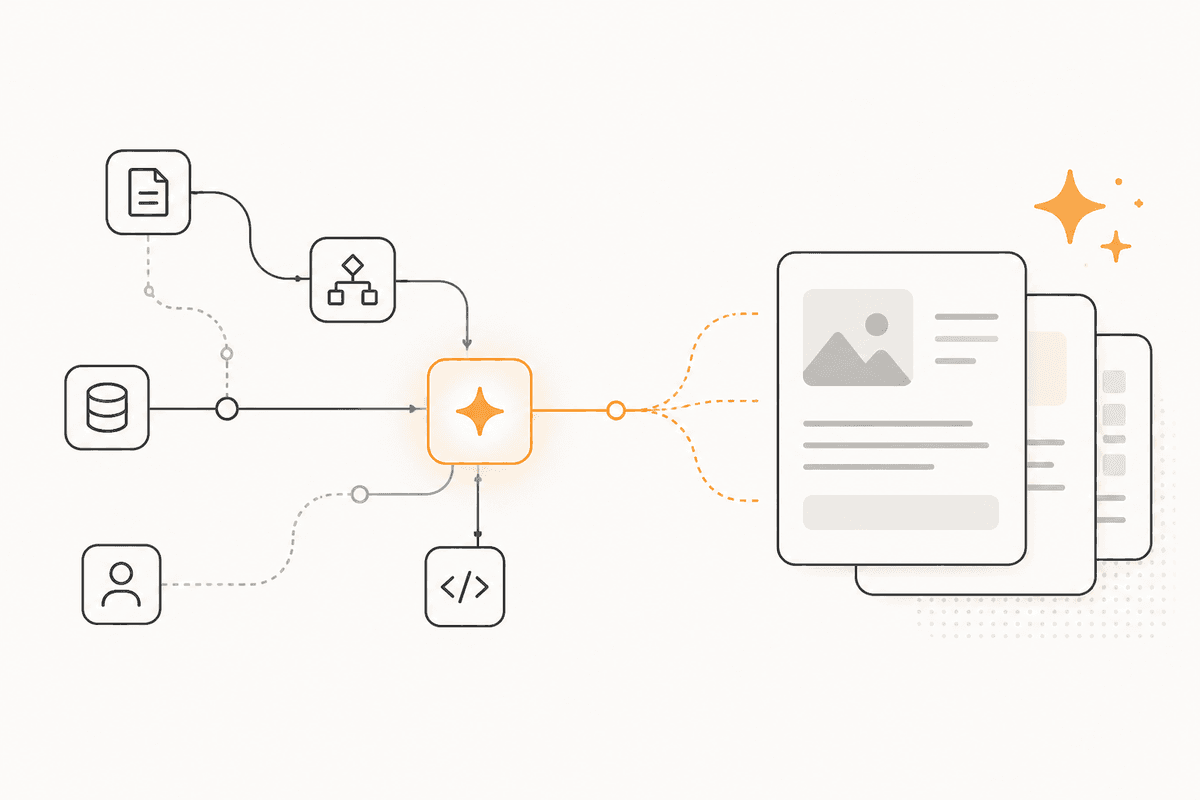
L'agent se configure une fois dans Agent Studio, puis se réutilise. Le prompt système fixe les standards éditoriaux. Il définit ce qui compte comme assez de matière pour un format long, nomme les formats que votre équipe publie réellement, et dit au modèle de ne rien renvoyer plutôt que d'ajouter du remplissage.
Les prompt skills portent votre guide de voix, vos règles de canal et les formulations que vous évitez. Ils sont fusionnés dans le prompt système au lieu d'être collés dans chaque conversation. Quand vous mettez à jour votre guide de voix, chaque session suivante utilise la mise à jour.
Le service et le modèle doivent prendre en charge l'appel de fonctions, car l'agent utilise des outils. Les outils intégrés gèrent la génération. Les connexions MCP rattachent tout ce que votre système expose via le Model Context Protocol.
Chaque enregistrement incrémente configVersion. L'exécution charge la dernière configuration à la réception du message suivant. Une modification du standard éditorial prend effet immédiatement. Vous n'attendez pas un redéploiement.
Vous pouvez joindre l'agent de trois manières : par Studio pour les tests, par la REST API ou le JavaScript SDK sur votre propre backend, ou par le nœud Agent Chat dans un ActionFlow. Le chemin Agent Chat compte ici, car un flux planifié peut transmettre chaque nouvel article publié à l'agent et le laisser décider. Le jugement s'exécute selon un calendrier. Personne n'a besoin d'ouvrir une fenêtre de chat.
Comme les sessions durent, une discussion sur une campagne garde son contexte d'un message à l'autre. Vous n'avez pas à monter un serveur de chat.
De quoi cet agent est constitué
- System prompt : le standard éditorial, y compris la permission de ne rien produire.
- Prompt skills : guides de voix et règles de canal, fusionnés plutôt que répétés à chaque conversation.
- Service et modèle : tout fournisseur qui prend en charge l'appel de fonctions, choisi pour le jugement éditorial plutôt que pour la vitesse.
- Built-in tools : génération rattachée dans Studio.
- Connexions MCP : vos propres systèmes de contenu, via des connexions distantes chiffrées.
- Agent Chat (Util) : permet à un ActionFlow planifié de remettre automatiquement chaque nouvelle source à l'agent.
- Quand un ActionFlow suffit : Si vous voulez toujours les quatre mêmes livrables à partir du même type de source, construisez le flux de travail. L'agent ne coûte davantage que lorsque les sources diffèrent vraiment.
Questions fréquentes
Newsletter
Recevoir les mises à jour produit
Nouveaux nœuds, agents et notes produit. Nous n'envoyons un e-mail que lorsqu'il vaut la peine de l'ouvrir.