Pourquoi le plan devrait être généré avant l'article
Ce n'est pas l'écriture de l'article qui ralentit ce travail. C'est le va-et-vient entre onglets pendant vingt minutes. Dans ce temps, vous établissez ce qui se classe déjà, ce que ces pages contiennent, et quel angle reste ouvert. Les éditeurs n'aiment pas assembler ce brief quarante fois.
Produire l'article en une passe contourne le problème au lieu de le résoudre. Vous vous retrouvez avec 1 200 mots sur une structure que vous auriez refusée. Refuser cette structure, c'est aussi refuser l'article.
Automatisez la tâche en la coupant. La première étape ne crée que les titres. Vous les approuvez ou les remplacez. La seconde étape remplit la structure approuvée. La génération coûteuse ne s'exécute jamais contre une structure que vous ne vouliez pas.
Les options de titre et la méta-description viennent en dernier. Elles s'écrivent à côté du texte final, pas du brief. C'est pourquoi elles décrivent l'article qui existe, pas celui que vous visiez.
Comment l'ActionFlow s'exécute sur le canevas
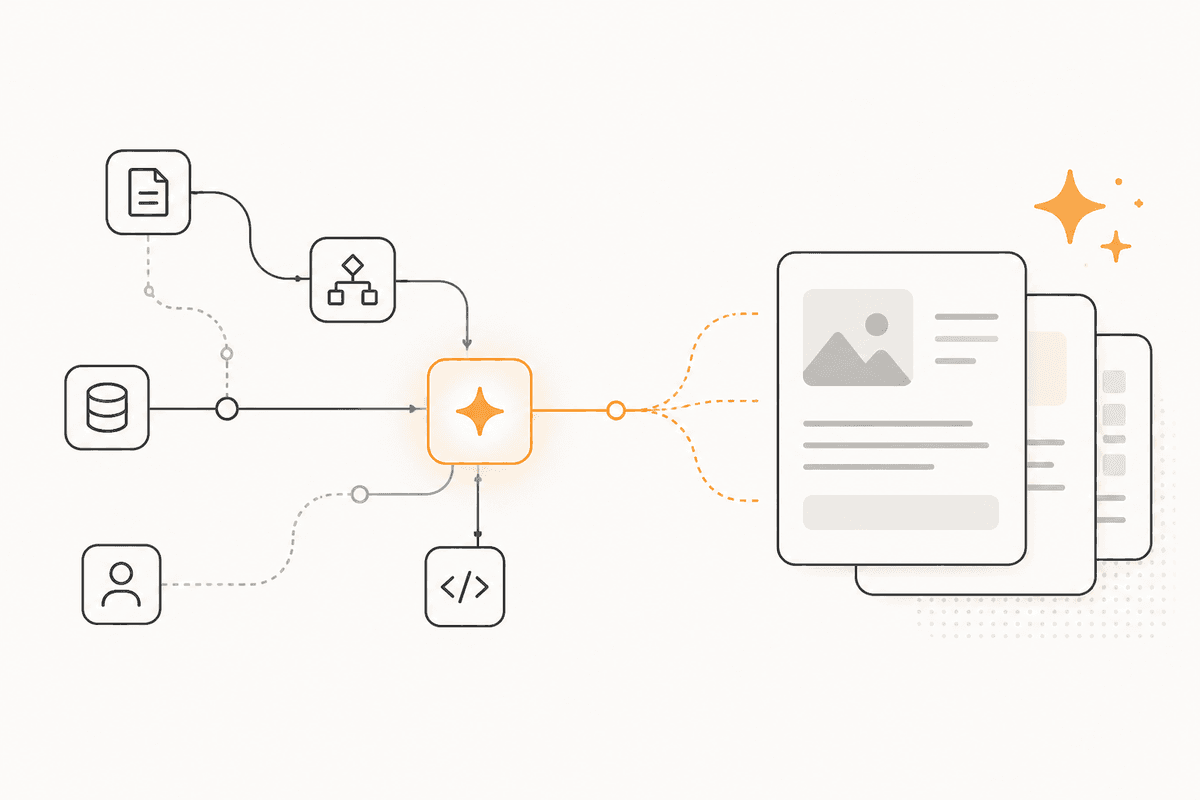
Un nœud Start prend le mot-clé, le public en une phrase, et un nombre de mots optionnel. Start Scheduled remplace Start quand vous parcourez une liste de mots-clés selon un rythme.
Le premier nœud Generate Object renvoie le plan comme une structure, pas comme de la prose : un tableau de titres, chacun avec la question à laquelle il répond. Renvoyer le plan comme un objet compte, parce que les étapes suivantes bouclent sur ce tableau.
Le plan est retenu pour approbation par un nœud Human in the Loop via Slack, Teams ou Email. C'est le contrôle le moins cher, car refuser cinq titres coûte bien moins que refuser un brouillon complet.
Après approbation, le nœud Loop parcourt le tableau de titres et fait un appel Generate Text par section. Écrire une section à la fois garde chaque appel court et ciblé, donc vous pouvez régénérer une mauvaise section toute seule.
Un nœud Merge assemble les sections en un document. Un Generate Object final produit les options de titre et la méta-description à partir de ce texte, renvoyées comme des champs que vous pouvez écrire directement dans un CMS.
Google Docs ou Notion reçoit le brouillon fini. Google Sheets consigne le mot-clé, le slug et l'exécution pour qu'un éditeur ait une file plutôt qu'un dossier.
Chaque nœud IA a son propre service de modèle. L'écriture des sections peut tourner sur un modèle de pointe et l'étape de métadonnées sur un modèle plus rapide. Le panneau Flow Requirements affiche une estimation du coût total avant l'exécution du flux.
Nœuds utilisés par cet ActionFlow
- Start : reçoit le mot-clé et le public. Start Scheduled parcourt une liste de mots-clés à la place.
- Generate Object (AI Core) : renvoie le plan comme un tableau structuré de titres plutôt que comme de la prose.
- Slack (Human in the Loop) : retient le plan pour approbation avant toute génération de texte long.
- Loop (Control) : parcourt les titres approuvés et génère une section à la fois.
- Generate Text (AI Core) : écrit chaque section contre son propre titre et sa question.
- Merge (Control) : assemble les sections en un seul document.
- Google Docs (Integration) : reçoit le brouillon. Notion fonctionne de la même façon.
- Google Sheets (Integration) : consigne le mot-clé, le slug et l'exécution pour que l'éditeur ait une file.
Questions fréquentes
Newsletter
Recevoir les mises à jour produit
Nouveaux nœuds, agents et notes produit. Nous n'envoyons un e-mail que lorsqu'il vaut la peine de l'ouvrir.