Le libellé propre du patient est la partie qui doit survivre
Les formulaires arrivent avec des zones de texte libre, puis sont ressaisis dans le dossier. Pendant cette ressaisie, de l'information se perd parce que la personne résume au fil de l'eau.
Une structure bien organisée aide le clinicien à lire plus vite. La structuration est mécanique : ce que le patient a rapporté, quand les symptômes ont commencé, ce que le patient en a dit, et les éléments listés dans les sections d'historique et de traitements.
C'est là que l'interprétation doit s'arrêter. Traduire un symptôme décrit en terminologie clinique est un acte interprétatif qui a des conséquences. Lorsqu'une note présente la reformulation du clinicien comme si c'étaient les mots du patient, elle induit en erreur quiconque la lit.
Le principe est la citation directe. La note range le texte tel qu'il a été écrit et conserve le libellé exact, pour que le clinicien entende les mots du patient plutôt qu'un résumé.
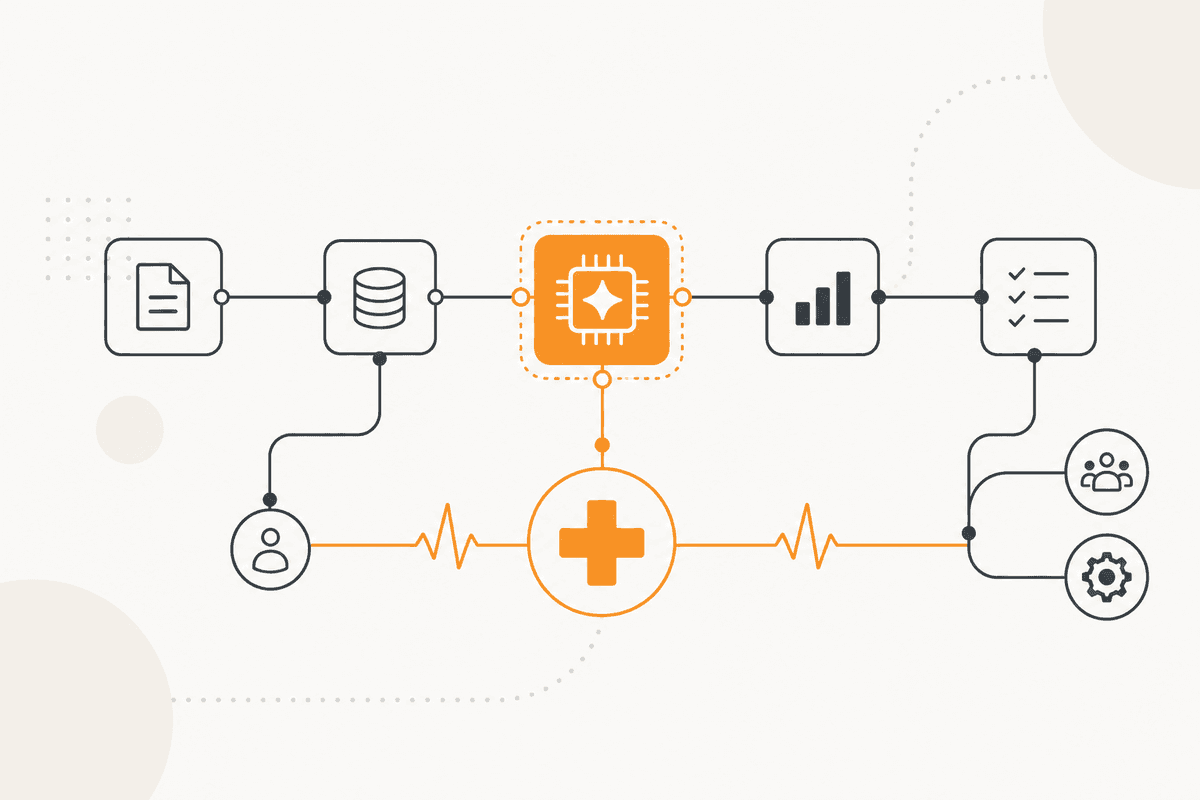
Comment l'ActionFlow s'exécute sur le canevas
Un déclencheur Webhook reçoit les envois de formulaires depuis votre système d'admission. Ces envois comprennent déjà du contenu en texte libre.
Un nœud Filter retire les champs vides avant tout autre traitement. L'entrée montre alors ce qui a réellement été répondu, pas la structure du formulaire.
Le nœud Generate Object range le contenu dans l'ordre où vos cliniciens le lisent : motif rapporté, début et durée, historique énoncé, traitements énoncés, et besoins d'accès. Chaque entrée est une citation directe de ce que le patient a dit.
La consigne est précise. Lorsque vous réorganisez l'information, citez-la exactement. Ne la traduisez jamais en langage clinique. N'inférez jamais ce que le patient a dit. Pour toute section que le formulaire n'incluait pas, renvoyez un vide explicite.
Un nœud Validate s'assure que chaque section remplie peut être ramenée au texte soumis. C'est pourquoi une entrée inférée n'entre pas dans le dossier.
Si le patient a écrit dans une langue que vos cliniciens ne comprennent pas, le nœud Generate Text traduit. L'original et la traduction sont tous deux conservés, et la traduction est clairement marquée.
Le nœud HTTP Request enregistre la note dans le système de dossiers. Le nœud Slack informe l'équipe clinique qu'elle est prête. Rien qui relèverait du contenu clinique n'est produit nulle part dans ce processus.
Nœuds utilisés par cet ActionFlow
- Webhook (Trigger) : reçoit l'envoi d'admission depuis votre système de formulaires.
- Filter (Data) : retire les champs sans réponse pour que la note ne montre que les réponses, pas le formulaire.
- Generate Object (AI Core) : réorganise en vos sections, chaque entrée citée mot pour mot.
- Validate (Data) : s'assure que chaque section remplie peut être ramenée au texte d'origine.
- Generate Text (AI Core) : traduit seulement là où c'est nécessaire, les deux versions étant conservées et marquées.
- HTTP Request (Util) : écrit la note administrative dans le système de dossiers.
- Slack (Communication) : indique à l'équipe clinique que la note d'admission est prête à lire.
Questions fréquentes
Newsletter
Recevoir les mises à jour produit
Nouveaux nœuds, agents et notes produit. Nous n'envoyons un e-mail que lorsqu'il vaut la peine de l'ouvrir.