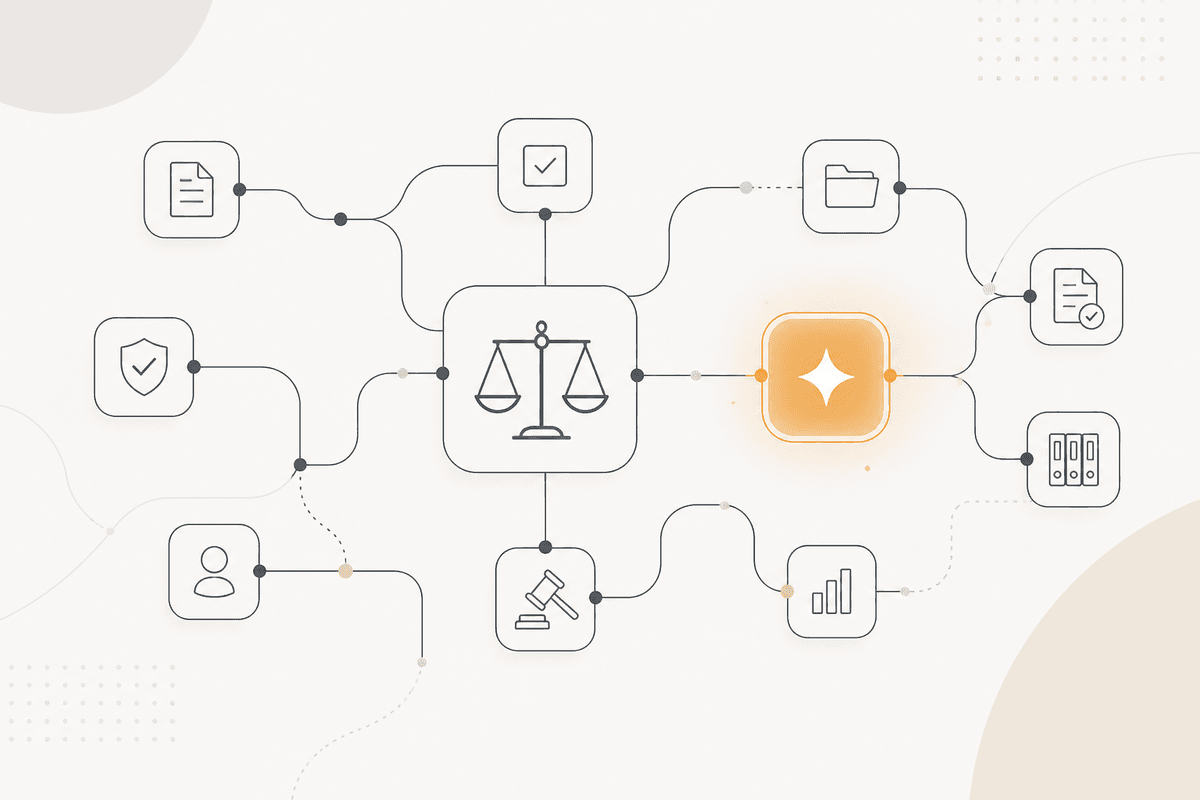
La plupart des NDA sont de routine, et ce sont eux qui retardent le reste
Les NDA arrivent en continu et disent pour la plupart les mêmes choses. Ils s'empilent les uns derrière les autres, et une affaire attend trois jours un document qui correspond presque exactement à votre modèle.
Le flux traite la file plutôt que la revue. Un document aligné sur vos positions acceptées part vers la délégation existante. Un document qui ne l'est pas part vers un réviseur avec la raison précise du signalement.
Les clauses importantes s'identifient à l'avance : la durée, la définition de l'information confidentielle, le caractère indéfini des obligations, la présence de clauses de non-sollicitation ou de non-concurrence intégrées, le choix du droit applicable, et les exceptions que vous exigez.
Le flux ne conclut jamais qu'un NDA est acceptable. Il ne précise que dans quelle bande un document entre selon vos critères. Le pouvoir de signer reste exactement là où votre délégation l'a placé.
Comment l'ActionFlow s'exécute sur le canevas
Les critères de bande sont stockés dans un nœud Airtable. Cette table précise quelles positions placent un document dans chaque bande, et quelle bande peut avancer sous la délégation existante.
Le nœud Email lit la boîte juridique, ou le déclencheur Webhook reprend le dépôt. Document Upload avec PDF4me extrait le document.
Le nœud Generate Object examine chaque critère et, pour chacun, renvoie la position identifiée, le texte de la clause, et si elle est dans votre fourchette acceptée.
Le nœud Math compte les contrôles hors de la fourchette précisée. Le nœud If applique les règles de bande depuis la table plutôt que depuis le flux, pour qu'un responsable juridique puisse changer les seuils sans changer le canevas.
Un nœud Switch route par bande. Les documents de la bande claire partent au demandeur avec une note qui liste quels contrôles ont tourné. Tous les autres vont à un nœud Slack dans la catégorie Human in the Loop, avec les contrôles en échec et le texte de clause.
Tout accord qui inclut une clause de non-sollicitation, une clause de non-concurrence, ou une obligation indéfinie part à un réviseur, quelle que soit la bande, parce que ces dispositions ont des effets qui dépassent l'accord immédiat.
Chaque classification est consignée dans un nœud Google Sheets comme piste d'audit, avec la bande et sa raison.
Nœuds utilisés par cet ActionFlow
- Airtable (Integration) : conserve les critères de bande et quelle bande peut avancer sous délégation.
- Email (Communication) : lit la boîte juridique. Webhook reçoit les dépôts directs.
- PDF4me (Data) : extrait le contenu du document.
- Generate Object (AI Core) : renvoie la position, le texte de clause et le drapeau dans-la-fourchette par critère.
- Math (Util) plus If (Control) : appliquent le classement par bande depuis la table plutôt que depuis le flux.
- Switch (Control) : route par bande, les types de clauses nommés allant toujours à un réviseur.
- Slack (Human in the Loop) : porte les documents signalés, avec les contrôles en échec joints.
- Google Sheets (Integration) : consigne chaque classification comme piste d'audit.
Questions fréquentes
Newsletter
Recevoir les mises à jour produit
Nouveaux nœuds, agents et notes produit. Nous n'envoyons un e-mail que lorsqu'il vaut la peine de l'ouvrir.