La plupart des hausses de coût s'expliquent, et l'explication prend une heure à trouver
Les factures bougent pour des raisons, et la raison est en général prosaïque : un lancement, un rattrapage, une migration client, un changement de prix que le fournisseur a annoncé dans un e-mail que personne n'a lu. Le travail n'est pas de détecter la hausse. Un seuil le fait. Le travail est d'établir laquelle de ces raisons c'était.
La détection seule produit des alertes que tout le monde apprend à écarter, parce que quatre sur cinq sont des hausses attendues que personne n'a pris la peine d'enregistrer quelque part.
Le jugement est de savoir si une hausse s'explique par quelque chose qui s'est produit. Cela veut dire aller dans les déploiements, les lancements, les événements clients et les avis du fournisseur, et les comparer à la ressource précise dont le coût a changé.
L'agent enquête et rapporte, en expliquant ce qu'il a vérifié. Il n'éteint rien et ne redimensionne rien, parce que la ressource qui a l'air la moins chère est parfois celle qui tient l'activité ensemble.
Comment l'agent est construit dans Agent Studio
Les données de dépense sont lues par ressource plutôt que par compte, parce qu'une hausse au niveau du compte vous donne un chiffre, et une hausse au niveau de la ressource vous donne un endroit où regarder.
Les prompt skills portent vos schémas attendus : lots de fin de mois, charge saisonnière, et les services qui montent avec le nombre de clients, pour qu'une hausse prévisible soit reconnue plutôt que rapportée.
Un second prompt skill déclare les sources que l'agent peut consulter pour des explications : historique de déploiement, calendrier de lancement, événements clients et avis du fournisseur.
Le prompt système exige que chaque verdict expliqué nomme l'événement précis et la ressource qu'il explique, et interdit de rapporter une explication partielle comme une explication complète.
Il interdit aussi toute action contre l'infrastructure. L'agent ne peut pas redimensionner, arrêter ni supprimer, et cela est énoncé plutôt que supposé.
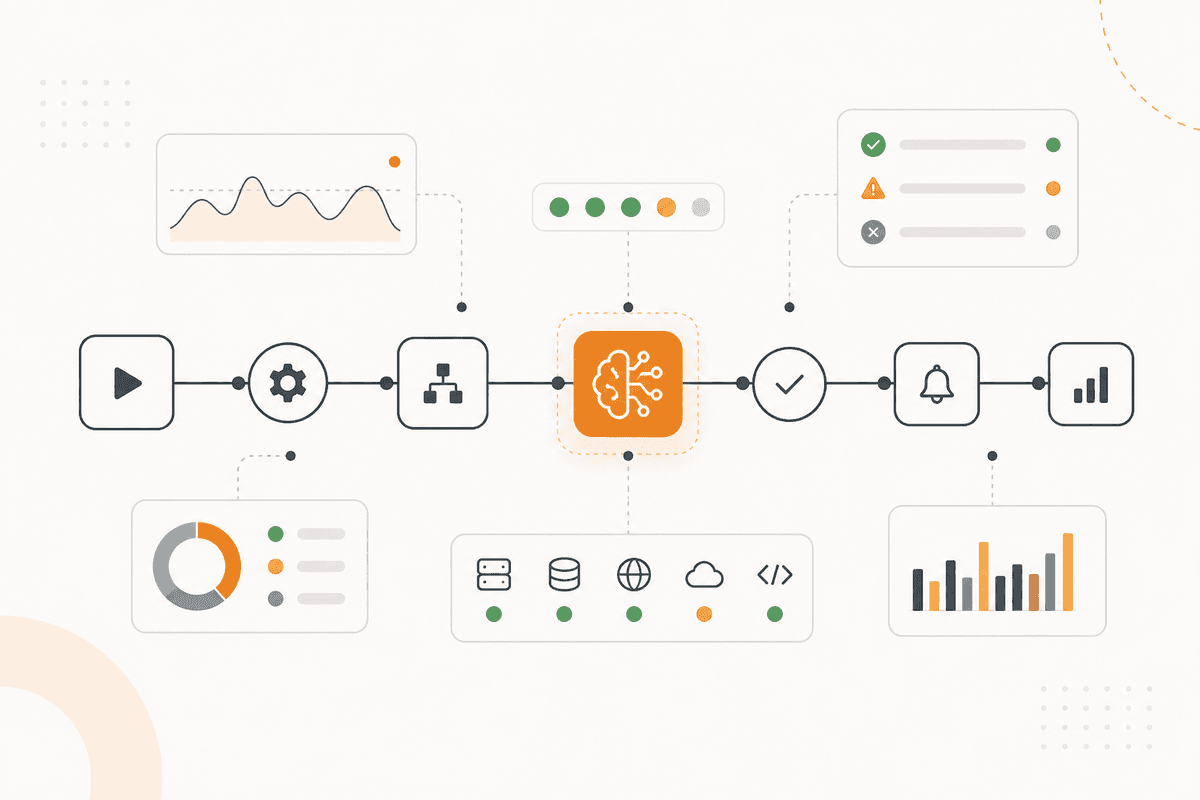
Un nœud HTTP Request fournit la facturation et l'usage par ressource. Un nœud Math calcule l'écart. Le nœud Agent Chat n'enquête que sur ce qui a franchi votre seuil.
Les constats vont à Slack pour l'ingénierie et à Google Sheets pour la finance. Un nœud Human in the Loop se place avant tout ce qui devient un changement.
De quoi cet agent est constitué
- Prompt skills : schémas attendus, y compris lots de fin de mois, charge saisonnière et montée liée aux clients.
- Prompt skills : les sources qu'il peut consulter comprennent déploiements, lancements, événements clients et avis du fournisseur.
- System prompt : un verdict expliqué nomme l'événement et la ressource qu'il explique.
- System prompt : aucune explication partielle n'est rapportée comme complète. Aucune action contre l'infrastructure.
- HTTP Request (Util) avec Math (Util) : facturation par ressource, et l'écart à l'attendu.
- Agent Chat (Util) : n'enquête que sur ce qui a franchi le seuil.
- Quand un ActionFlow suffit : Si vous rapportez la variation d'une semaine sur l'autre par service, construisez le flux de travail. Il fait apparaître les hausses qui valent une enquête.
Questions fréquentes
Newsletter
Recevoir les mises à jour produit
Nouveaux nœuds, agents et notes produit. Nous n'envoyons un e-mail que lorsqu'il vaut la peine de l'ouvrir.