Le traitement qui n'a pas tourné ne produit aucun échec
Les traitements de nuit rapportent les échecs et restent silencieux sur le succès, ce qui paraît efficace jusqu'au matin où un traitement ne démarre pas. Le silence signifie alors ce qu'il signifiait chaque bonne nuit, et le trou se trouve des jours plus tard par qui remarque les données manquantes.
Un rapport du matin construit à partir d'une liste attendue plutôt qu'à partir des événements reçus attrape cela. La question n'est pas quels traitements ont échoué, mais quels traitements n'ont pas rapporté du tout.
La durée appartient au même rapport. Un traitement qui prend d'habitude vingt minutes et en a pris trois heures a réussi, et quelque chose ne va pas.
Lu une fois au début de la journée, un rapport de ce type remplace le rituel d'ouvrir quatre consoles pour confirmer que rien n'a besoin d'attention. Si quelque chose en a besoin, il le dit dès la première ligne.
Comment l'ActionFlow s'exécute sur le canevas
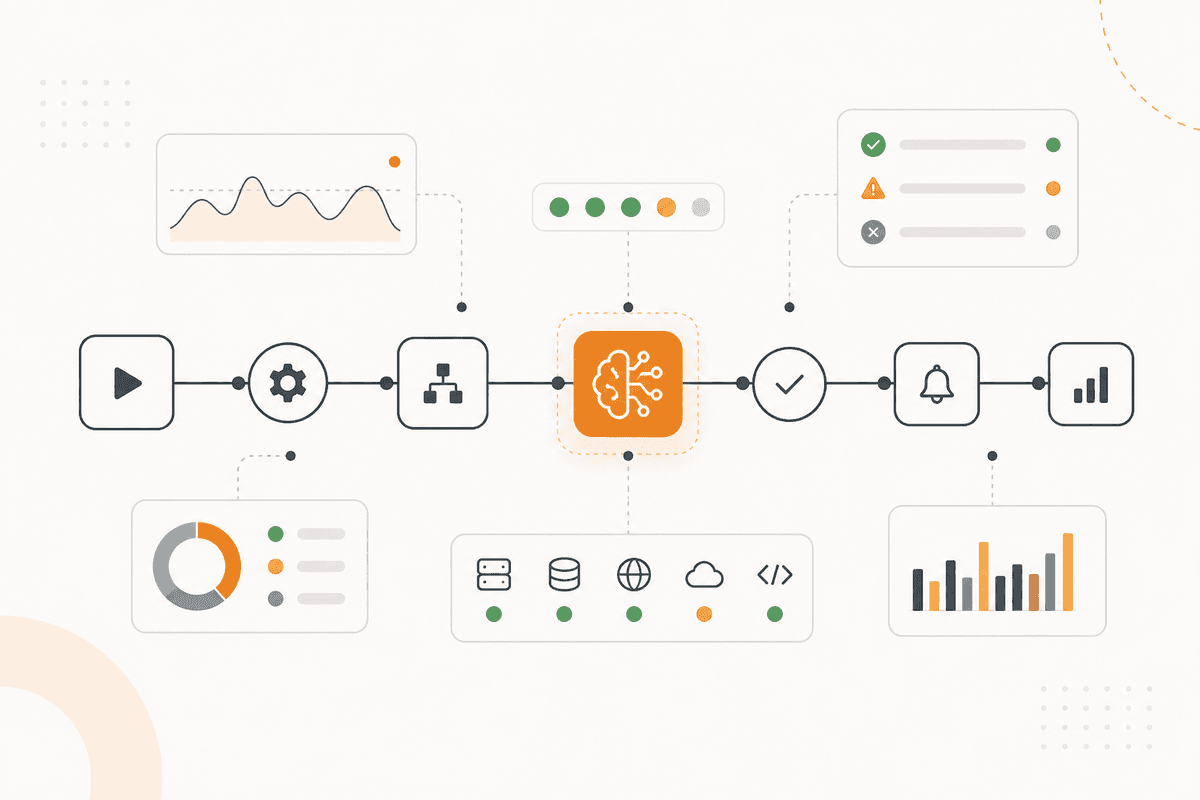
Les dossiers de traitements sont lus par un nœud HTTP Request depuis votre planificateur, sur un déclencheur Start Scheduled calé pour s'exécuter après la fermeture de la fenêtre de nuit.
Un nœud Loop parcourt la liste de traitements attendus que vous déclarez, et un nœud If à l'intérieur marque tout traitement sans aucun enregistrement comme n'ayant pas tourné. Un rapport piloté par les échecs ne peut pas produire ce cas.
Un nœud Math compare chaque durée à la moyenne glissante propre de ce traitement, et un nœud Filter signale tout ce qui sort de votre tolérance.
Un nœud Switch trie les résultats en quatre groupes (n'a pas tourné, a échoué, a tourné longtemps, a réussi), dans l'ordre qu'une personne veut lire.
Un nœud Generate Text rédige le rapport, en nommant les trois premiers groupes un par un et en réduisant le quatrième à un décompte et une ligne.
Un nœud Create Excel produit l'enregistrement pour qui suit la fiabilité dans le temps, et un nœud PostgreSQL stocke l'exécution pour que les moyennes de demain restent réelles.
Un nœud Slack publie le rapport à l'heure que vous choisissez, et un nœud Email l'envoie à qui possède les pipelines de données plutôt qu'à toute l'équipe.
Nœuds utilisés par cet ActionFlow
- Start Scheduled (Start) : s'exécute après la fermeture de la fenêtre de nuit.
- HTTP Request (Util) : dossiers de traitements depuis votre planificateur.
- Loop (Control) avec If (Control) : parcourt une liste attendue, pour qu'un traitement qui n'a jamais tourné soit visible.
- Math (Util) : durée contre la moyenne glissante propre de chaque traitement.
- Switch (Control) : n'a pas tourné, a échoué, a tourné longtemps, a réussi.
- Generate Text (AI Core) : le rapport, les succès étant réduits à un décompte.
- PostgreSQL (Data) : stocke l'exécution pour que les moyennes restent réelles.
- Slack (Communication) avec Email (Communication) : le canal d'équipe, et le propriétaire des pipelines.
Questions fréquentes
Newsletter
Recevoir les mises à jour produit
Nouveaux nœuds, agents et notes produit. Nous n'envoyons un e-mail que lorsqu'il vaut la peine de l'ouvrir.