Le refus fait partie de l'expérience produit
Les demandes de démonstration arrivent mélangées : de vrais acheteurs, des étudiants qui rédigent un mémoire, des concurrents qui regardent le produit, et des gens qui ont besoin d'un tout autre produit. Les traiter à l'identique dépense la semaine du commercial sur le mauvais tiers de la liste.
Refuser mal est l'erreur plus coûteuse. La personne qui avait besoin d'un autre produit en parle à d'autres, et une redirection honnête coûte une phrase, tandis que le silence coûte ce qu'ils disent de vous.
Prioriser est la moitié plus facile et reste en général non faite : ordonner les demandes qualifiées par adéquation veut dire que la meilleure obtient le premier créneau plutôt que celle arrivée à neuf heures du matin.
Garder une personne sur la branche de refus les premières semaines n'est pas de la prudence pour elle-même. Lire cinquante décisions, c'est comme cela que vous découvrez que les critères étaient faux.
Comment l'ActionFlow s'exécute sur le canevas
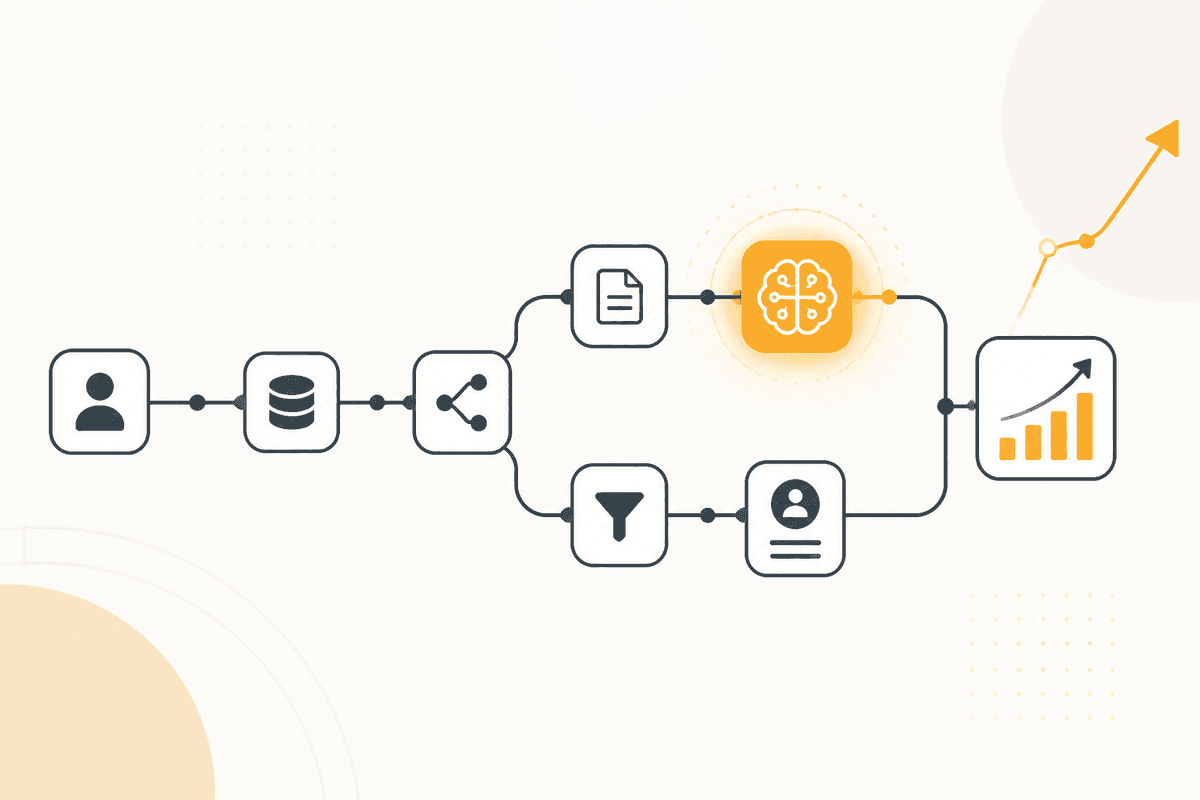
Chaque demande de démonstration est déclenchée par un Webhook depuis le formulaire.
Un nœud HTTP Request enrichit les données de l'entreprise avant tout jugement, parce qu'un e-mail professionnel seul étaye rarement une décision de qualification.
Un nœud Generate Object qualifie contre vos critères et renvoie un niveau d'adéquation, une raison, et (pour tout ce qui est sous la barre) un produit ou une ressource alternative suggéré. Générer la redirection dans le même appel que le refus, c'est ce qui rend le refus utile plutôt que poli.
Un nœud Switch scinde en trois. Les demandes qualifiées vont vers un nœud Slack pour le commercial, et un nœud Sort ordonne la file du jour par adéquation. Les limites vont vers un nœud Human in the Loop. Les refus routent vers un nœud Generate Text qui écrit le message de redirection.
Chaque message de refus passe par Human in the Loop avant l'envoi, au moins jusqu'à ce que vous ayez lu assez pour faire confiance au jugement. Resend ou Email livre.
Un nœud Google Sheets consigne les trois issues et leurs raisons. Relire les refus chaque mois est la seule façon d'attraper un critère qui rejette en silence un segment que vous vouliez.
Nœuds utilisés par cet ActionFlow
- Webhook (Trigger) : se déclenche sur le formulaire de demande de démonstration.
- HTTP Request (Util) : enrichit l'entreprise avant toute décision de qualification.
- Generate Object (AI Core) : renvoie le niveau d'adéquation, la raison, et une alternative suggérée pour les refus.
- Switch (Control) : scinde qualifiés, limites et refusés.
- Sort (Data) : ordonne la file qualifiée par adéquation plutôt que par heure d'arrivée.
- Slack (Human in the Loop) : retient les demandes limites et chaque refus pour revue.
- Resend (Communication) : envoie la redirection approuvée. Email occupe le même emplacement.
- Google Sheets (Integration) : consigne les trois issues avec les raisons pour une revue mensuelle.
Questions fréquentes
Newsletter
Recevoir les mises à jour produit
Nouveaux nœuds, agents et notes produit. Nous n'envoyons un e-mail que lorsqu'il vaut la peine de l'ouvrir.