Escalating everything and escalating nothing fail the same way
Escalation rules typically include a time limit and a customer tier. Both are approximations and are often wrong, so teams bypass them. The rule exists, but nobody follows it.
What decides whether something should be raised is whether the next level can do something the current one cannot. A difficult technical problem is a useful escalation. An angry message about a known limitation is only a way to get the same answer from someone of higher rank.
Over-escalation is the quieter failure, because it wastes senior managers' time and leads agents to believe they lack judgment. It also keeps the escalation path from being used when it is needed.
One category also bypasses the levels. A security report or a legal threat does not go up the chain. It goes straight to the person responsible, and no time limit should apply.
How the agent is built in Agent Studio
The items that must be escalated immediately should appear first in the system prompt, so they take precedence over every other consideration: security reports, legal threats, regulatory complaints, and any matter involving data loss.
Under those items, the system prompt outlines the specific actions that each escalation level can take in your organization. Otherwise, the agent reasons from seniority rather than capability, and suggests escalation to provide reassurance.
Your prompt skills include the tier definitions and the commitments attached to each tier, so an account with a contractual response path is handled differently from one of similar size that lacks it.
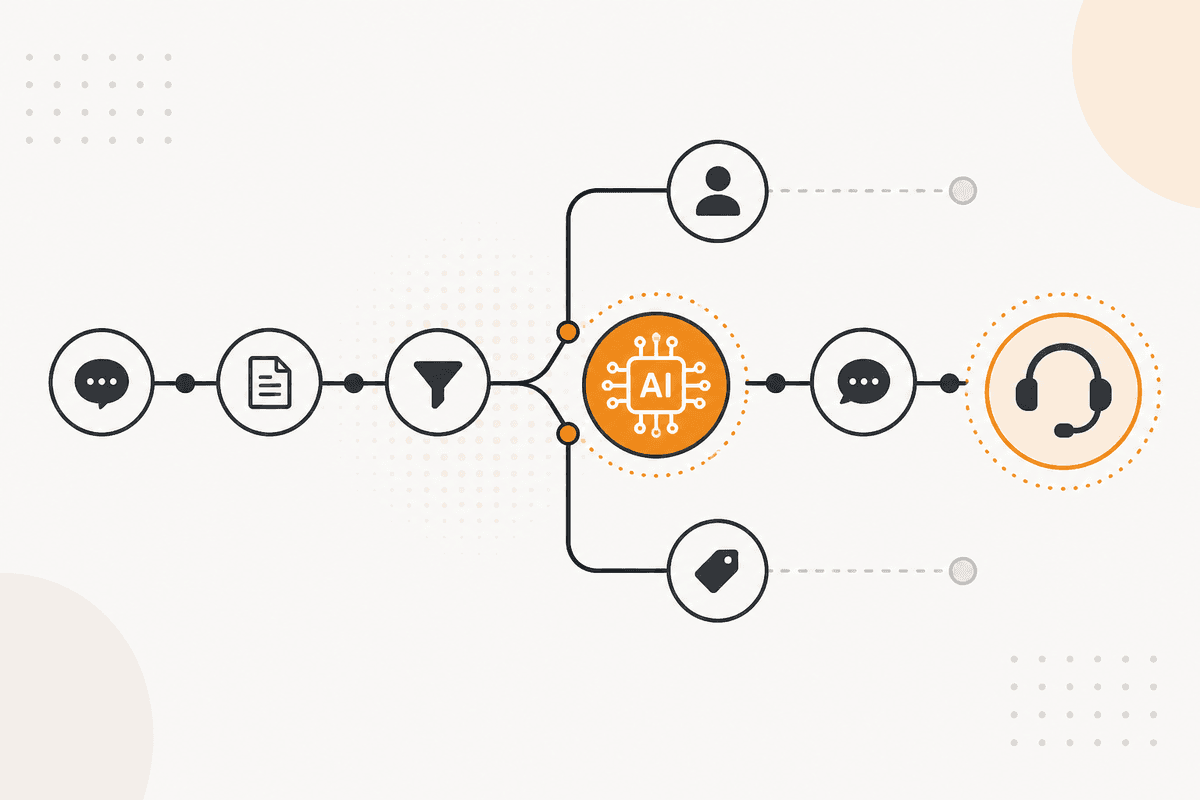
The flow assembles the context. The HTTP Request or Jira node supplies the ticket history. Salesforce or HubSpot supplies the account. The Agent Chat node then asks for a judgment with reasoning.
The recommendations go to the person assigned to act. The explanation is what counts, because a recommendation without an explanation can only be followed or ignored.
Google Sheets records the recommendations against what the escalation actually achieved. When an escalation has no effect, that outcome informs the boundary. Gathering those data points improves the rule.
What this agent is built from
- System prompt: names the categories that escalate on sight and bypass every other rule.
- System prompt: states what each level can actually do, so the reasoning is capability rather than seniority.
- Prompt skills: tier definitions and the commitments attached to each.
- Jira (Integration): supplies ticket history. HTTP Request covers other helpdesks.
- Agent Chat (Util): hands the assembled context over for a judgment with reasoning.
- Google Sheets (Integration): logs recommendations against the escalation's outcome.
- When an ActionFlow is enough: If a time-and-tier rule catches the obvious cases, build the workflow. The agent is for the cases that the rule keeps getting wrong.
Frequently asked questions
Start building AI workflows
Create a free account, open a template or a blank canvas, and run your first ActionFlow.
Get product updates
New nodes, agents, and product notes. We send mail only when we have something worth opening.