Agents that talk. Workflows that run.

Build an AI agent your team can chat with, or draw an ActionFlow that runs the same job every time. Connect models, tools, and MCP servers. No code required.

Create AI agents and ActionFlows with models.

What you can run

Organization infrastructure

Organizations, credentials, and run history for agents and ActionFlows, so you can keep production work in one place.

Visual builder for ActionFlows and agents

Draw an ActionFlow on a canvas. Configure an agent in Studio. You do not need extra connector code to start.

Schedules, webhooks, and API runs

Start from the playground, a schedule, an inbound webhook, or your own app. Every run is stored in history.

Privacy and output control

Organization API keys, personal data (PII) redaction, and moderation on agent output. Bring your own model keys when your plan allows it.

Integrations and MCP servers

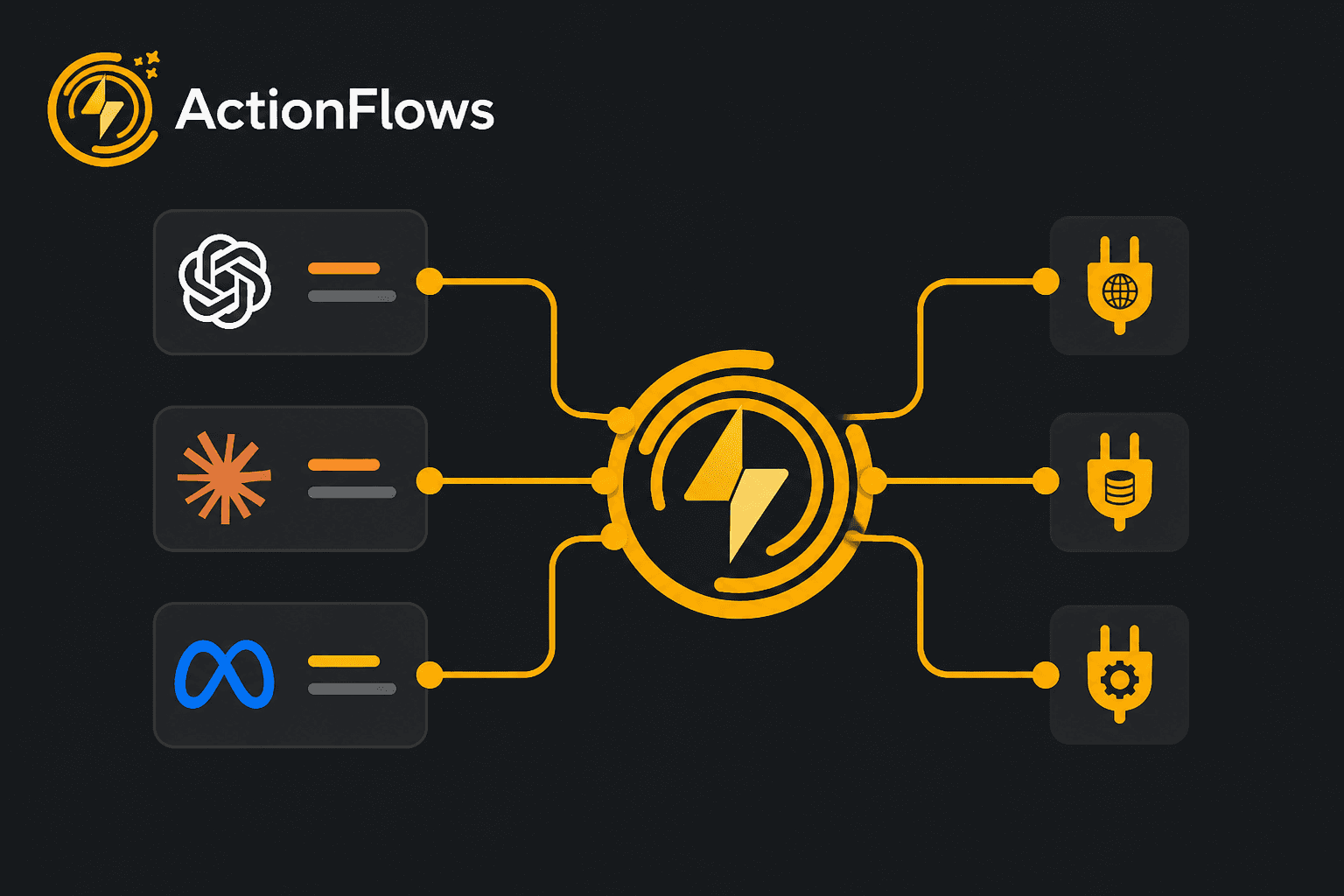
Connect Slack, GitHub, and other tools. Attach MCP servers so agents and ActionFlows can call them as tools.

What you can build

Automate

Turn copy-paste work and follow-up into something you can run: an ActionFlow you can see, or an agent people can talk to.

ActionFlow

A graph of models, apps, and logic. Preview as you go. ActionFlows checks the graph before a run spends credits.

AI Agents

Assistants that chat, call the tools you allow, and keep the thread. Meet them in the app, on your channels, or in your product.

Schedule

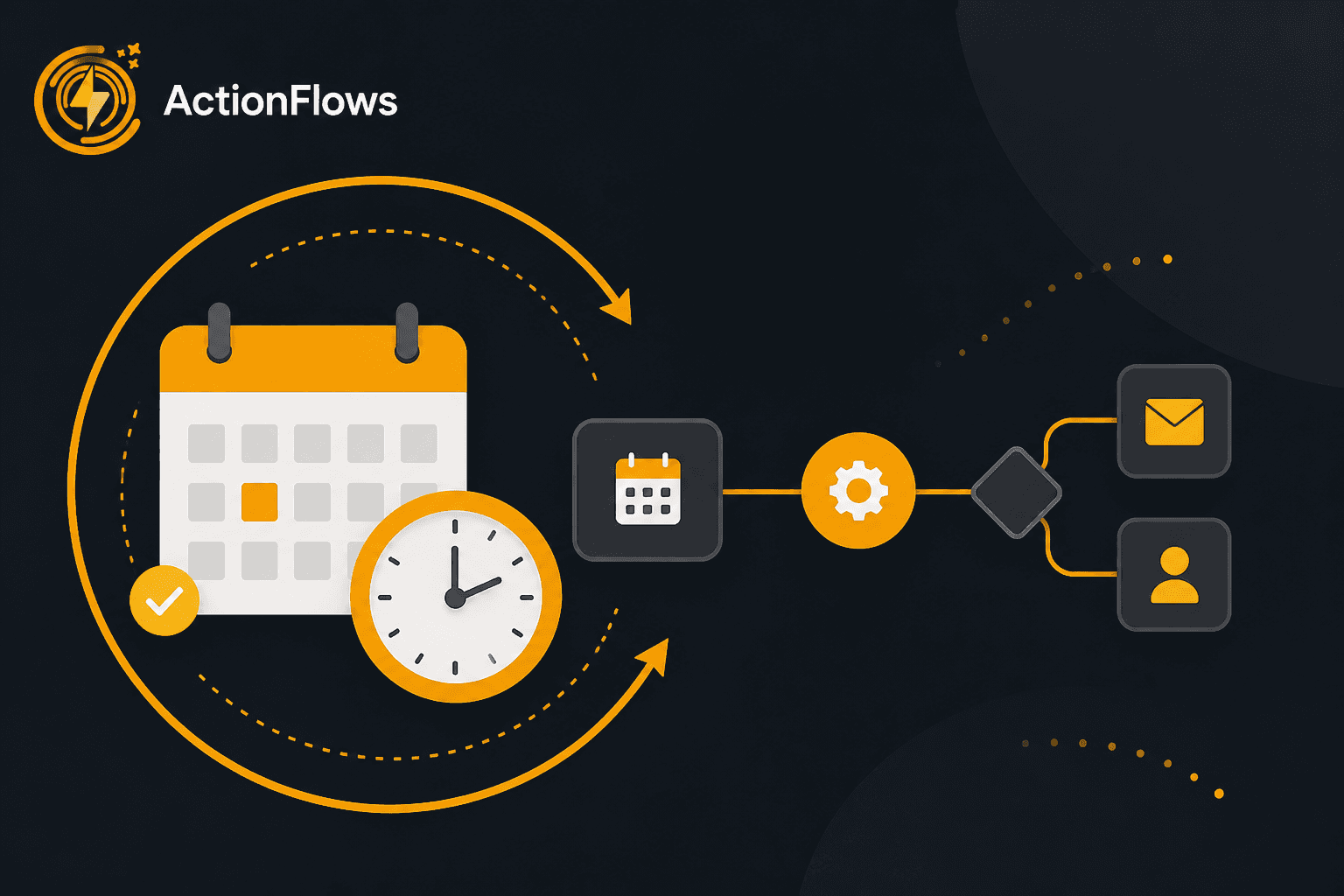
Start an ActionFlow on a clock: every N minutes, hours, or days, weekly, or once, in the timezone you pick.

API

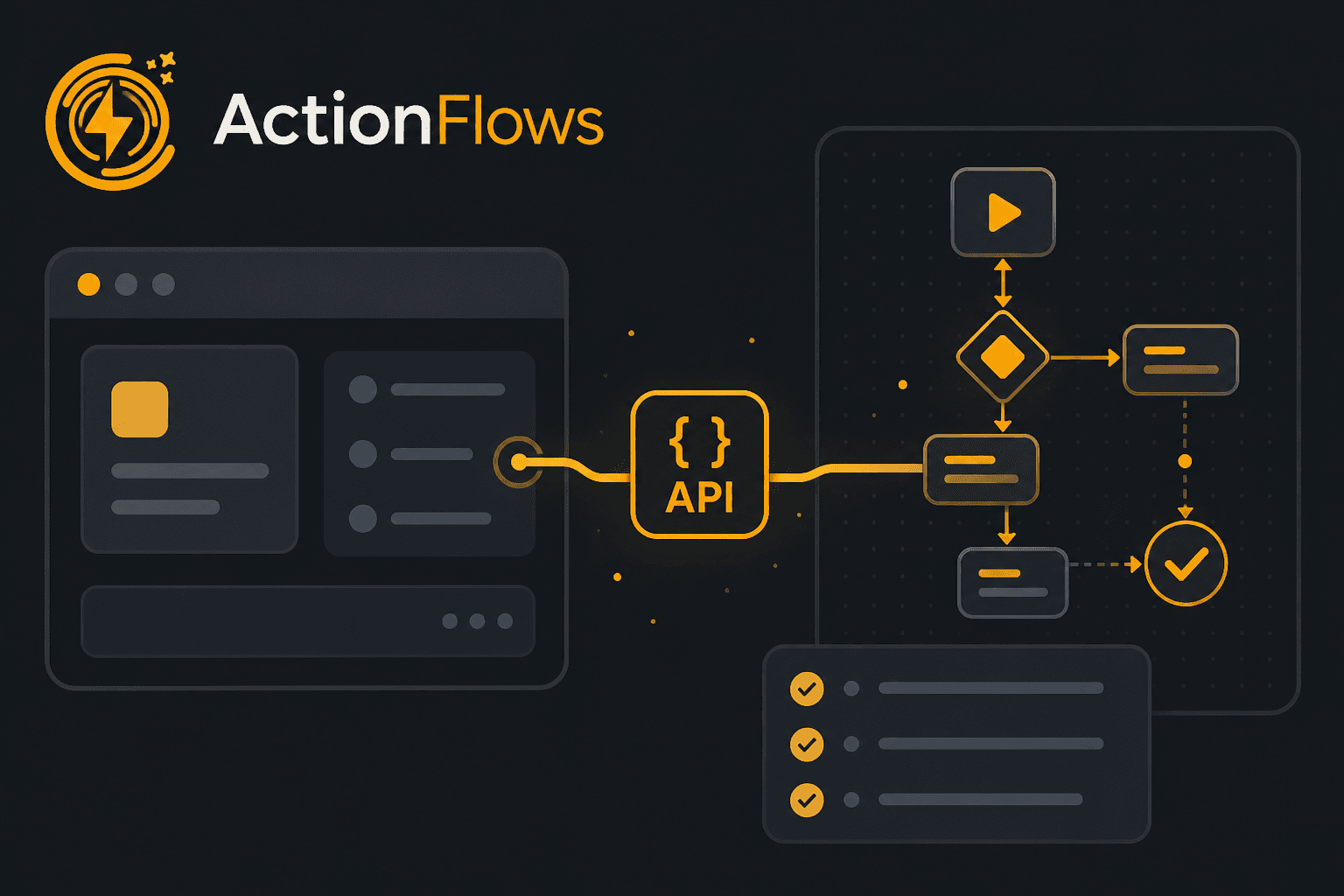
Start runs and agent sessions from your backend with REST, the TypeScript SDK, or the hosted MCP server.

Landings

Publish a public page for an ActionFlow or an agent. Send a link. Someone tries it, then clones it into their organization.

How agents come to life

Configure once in Studio. Meet them in the app, on your channels, or inside your product.

Create your AI agent

  • Write a system prompt that defines the job, then pick where people can reach it.
  • Choose the model and reasoning effort. You can change either later.
  • Attach skills so policy and product facts merge into the prompt at runtime.
  • Connect MCP servers and tools it may call. Unconfigured tools are skipped.
  • Turn on personal data (PII) redaction and moderation so output matches what you are willing to send.

Start building AI agents

Open Studio, set a prompt and tools, then chat with the agent or put it on Slack, Discord, Teams, or your site.

From idea to a running ActionFlow

A few steps on the canvas. Then your team or your product can run it.
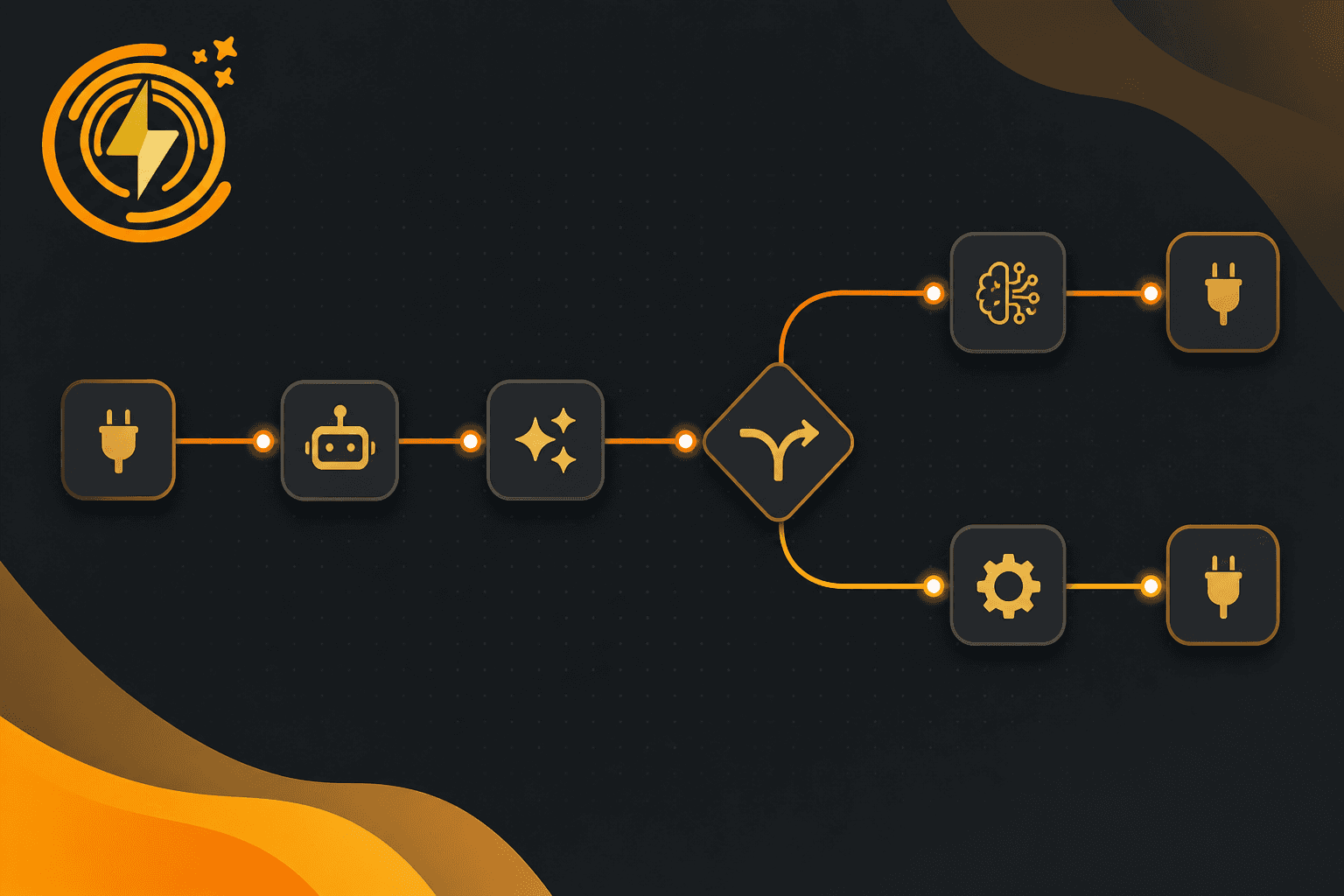
Create your ActionFlow

  • Draw the graph on the canvas. No code required.
  • Add models, apps, conditions, loops, and approval steps.
  • Connect outputs from one node to inputs on the next.
Create Your AI Workflow

Connect models and tools

  • Use organization credentials for AI providers and apps.
  • Chain multiple models and integrations in one run.
  • Attach MCP servers when you need tools that are not a catalog node.
Connect Models & APIs

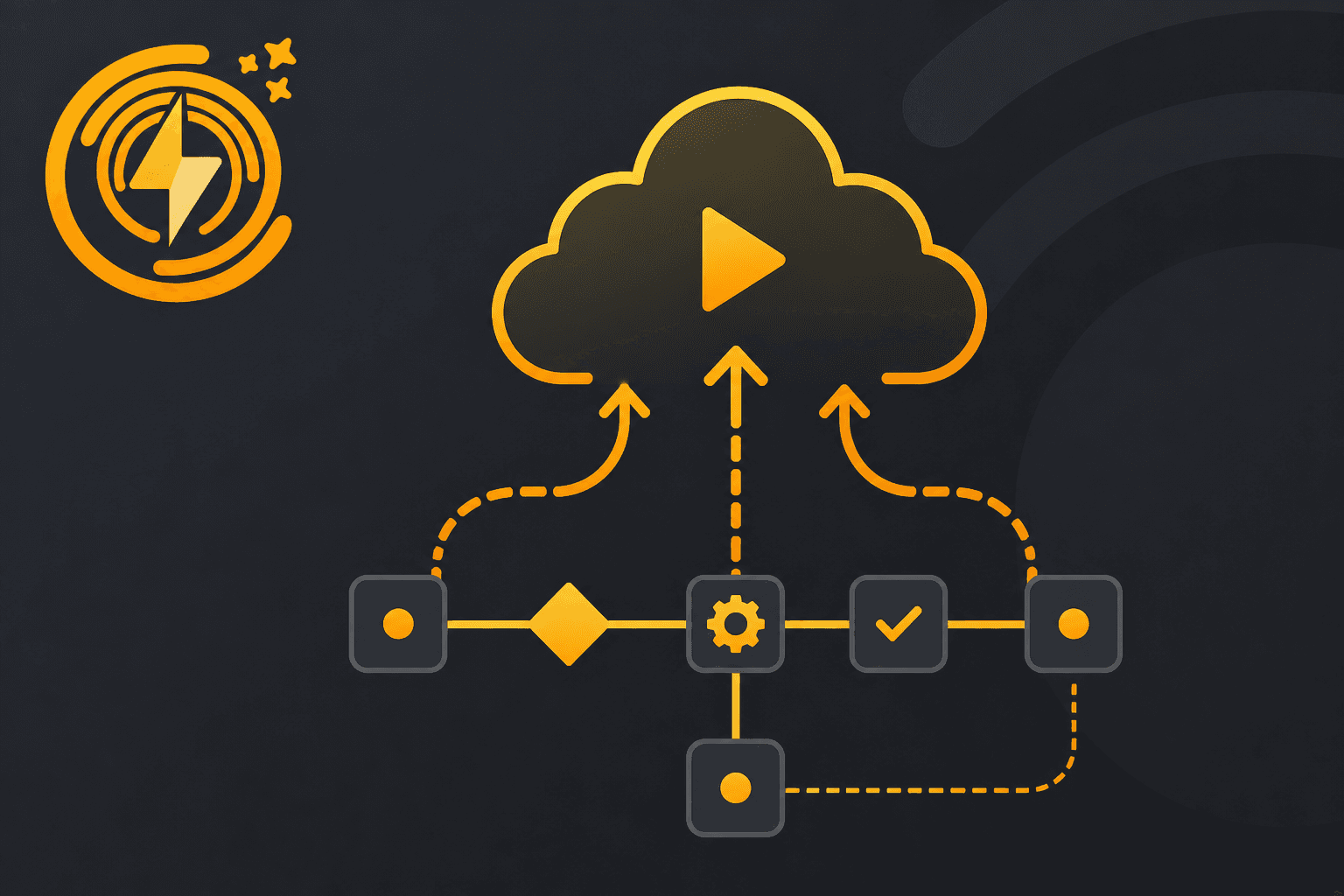
Run it

  • Start a run in the playground when you want to watch.
  • Start from an inbound webhook or from the runs API.
  • Nest a subflow when a piece of the graph should stay reusable.
Deploy & Automate

Schedule tasks

  • Recurring: every N minutes, hours, or days, or a weekly time, in your timezone.
  • One-time: a date and time for the run that should not happen twice.
  • Each tick is a run in the same history as a playground run, with cost and artifacts.
Schedule Tasks

Integrate with your app

  • Start runs from REST, the TypeScript SDK, or hosted MCP.
  • Send inputs and read outputs from your own backend.
  • Inspect, cancel, and follow run logs without opening the canvas.
Integrate with Your App

Frequently asked questions

Start building AI workflows

Create a free account, open a template or a blank canvas, and run your first ActionFlow.

Newsletter

Get product updates

New nodes, agents, and product notes. We send mail only when we have something worth opening.

Unsubscribe at any time.