Put several models in one ActionFlow
Real jobs have stages. Give each step the model that fits, keep one path, and send the result into the tools you already use.
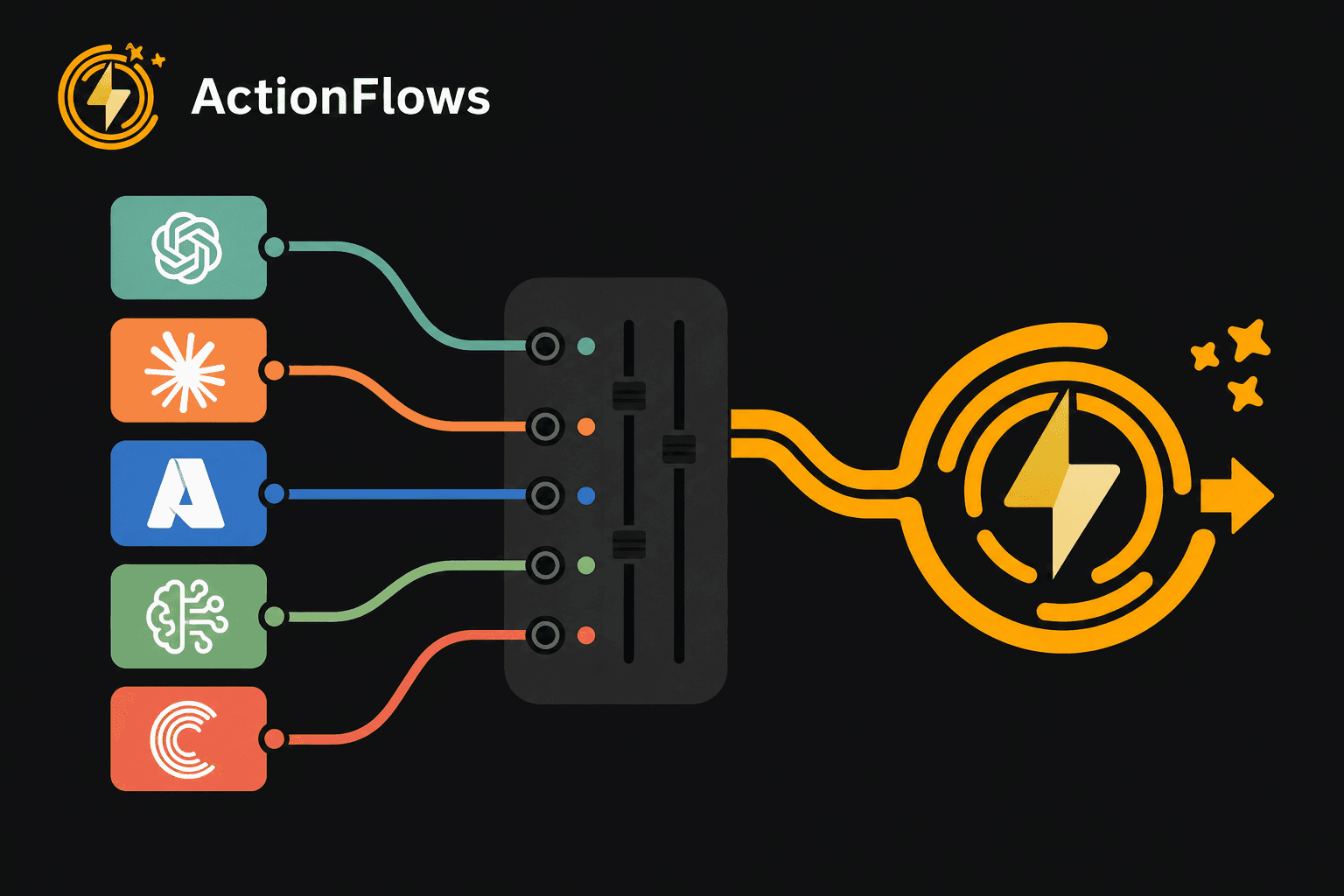
One path, several capabilities
Most real jobs do not fit in one model call. They move through stages, and the stages want different strengths: a draft, a tighter extract, a format the downstream tool will accept.
ActionFlows lets those stages live in one ActionFlow. Each node can use a different model. The path still runs as a single run you can inspect.
Why one model is a weak default
A large reasoning model on a simple rewrite wastes time and credits. A fast model on a messy extraction drops fields. Locking every step to one vendor also makes the path brittle when that vendor changes a model name.
Composition on the canvas
On the canvas, models are nodes. You choose which model serves which step, then connect them so context moves forward. You can swap a model later without redrawing the whole job.
Tools finish the work
A model output that never leaves chat is still a draft. Integrations and MCP tools carry the result into the systems the team already uses. Multi-model composition matters most when the last step is a write, a ticket, or a file, not another paragraph.
A pattern that holds up
- Use one model to draft or explore.
- Use another to extract or structure.
- Use a later step to match tone or schema.
- Send the result through an integration when the job continues elsewhere.
This is not a party trick. It is matching tools to stages without losing the thread of the workflow.
Start building AI workflows
Create a free account, open a template or a blank canvas, and run your first ActionFlow.
Newsletter
Get product updates
New nodes, agents, and product notes. We send mail only when we have something worth opening.