Die meisten Abweichungen sind Timing, und sie als Mehrverbrauch zu berichten kostet Glaubwürdigkeit
Eine Budgetzeile, die im März überzogen wirkt, ist oft eine Jahresrechnung, die in den April gehört. Die Abweichung ist real und trotzdem ein Fehlalarm. Passiert das dreimal, öffnet die Person, die das Budget verantwortet, die Hinweise nicht mehr.
Um Timing von echtem Mehrverbrauch zu trennen, müssen Sie wissen, was in diesem Zeitraum erwartet war. Ein Budget, das nur Jahressummen gibt, kann das nicht. Nur ein über Perioden verteiltes Budget kann das.
Prozentschwellen täuschen in beide Richtungen. Eine Abweichung von vierzig Prozent auf einer kleinen Zeile ist Rauschen. Eine Abweichung von drei Prozent auf der größten Zeile ist die Zahl, die zählt. Eine einzige Prozentregel berichtet die falsche.
Die kumulierte Position zählt mehr als die einzelnen Perioden. Fünf Prozent darüber über fünf Monate ist ein Trend. Jeder einzelne Monat wirkt noch akzeptabel.
So läuft der ActionFlow auf der Canvas
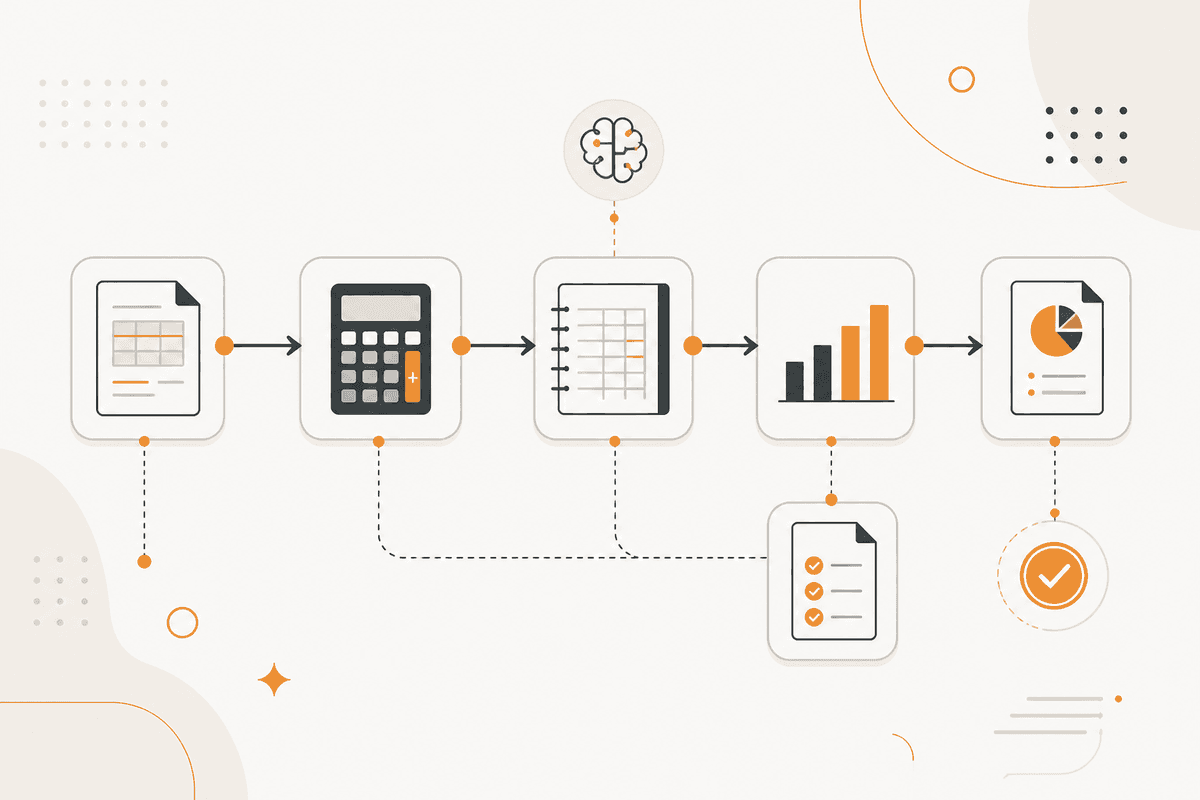
Ein Start Scheduled-Trigger liest Budgetzeilen und Istwerte zusammen. Ein Google-Sheets- oder PostgreSQL-Knoten hält das phasierte Budget, mit Owner und Schwelle je Zeile. Ein weiteres Lesen holt Istwerte aus dem Hauptbuch.
Ein Math-Knoten berechnet drei Zahlen je Zeile, nicht eine: Periodenabweichung, kumulierte Abweichung und Abweichung als Betrag und als Prozent. Die meisten Budget-Alerts gehen schief, weil sie nur eine davon berichten.
Schwellen sitzen auf den Zeilen statt im Flow, weil jede Zeile ihre eigene Schwelle nutzt.
Ein Google-Sheets-Knoten liefert Zusagen und erwartete Rechnungen für den Zeitraum. Ein Generate Object-Knoten nutzt sie, um jede Abweichung als Timing oder als echt zu klassifizieren, und gibt die Klassifizierung mit den Belegen zurück.
Ein If-Knoten teilt die zwei Zweige. Echte Abweichungen gehen über Slack an die Person, die die Zeile verantwortet, mit Betrag, kumuliertem Stand und dem Grund der Klassifizierung. Timing-Abweichungen werden protokolliert und nicht berichtet.
Ein Notion-Knoten speichert jeden Monat ein Bild, damit kumulierte Drift sichtbar bleibt, auch wenn kein einzelner Monat die Schwelle überschritten hat.
Knoten, die dieser ActionFlow verwendet
- Start Scheduled: führt die Prüfung im Berichtszyklus aus.
- Google Sheets (Integration): hält das phasierte Budget mit Owner und Schwelle je Zeile.
- PostgreSQL (Data): liefert Istwerte aus dem Hauptbuch. MySQL passt in denselben Slot.
- Math (Util): berechnet Periodenabweichung, kumulierte Abweichung, Betrag und Prozent.
- Filter (Data): wendet die eigene Schwelle jeder Zeile an statt einer globalen Regel.
- Generate Object (AI Core): klassifiziert jede Abweichung als Timing oder echt, mit Belegen.
- If (Control): benachrichtigt echte Abweichungen und protokolliert Timing-Abweichungen still.
- Slack (Communication): erreicht die Person, die die Zeile verantwortet, mit Betrag, kumuliertem Stand und Begründung.
Häufige Fragen
Newsletter
Produktupdates erhalten
Neue Knoten, Agents und Produktnotizen. Wir senden E-Mails nur, wenn sich das Öffnen lohnt.