Çıkarmak kolaydır; çıkarmanın yanlış olduğunu bilmek gereksinimdir
Faturalar tedarikçinin uydurduğu her düzende gelir. Onları okumak, bir muhasebecinin sabahını alan ve sayfada zaten duran bir tablo üreten mekanik iştir.
Tehlike çıkarmanın bariz biçimde düşmesi değildir. Kabul edilebilir biçimde başarılı olmasıdır: genel toplam doğru olduğu için kimsenin yeniden kontrol etmediği bir belgede 1.420 yerine 1.240.
Bu yüzden aritmetik bir biçimlendirme adımı değil, bir kontroldür. Kalemler belirtilen ara toplamı tutmalıdır. Vergi yargı alanının oranıyla uyuşmalıdır. Ara toplam artı vergi toplama eşit olmalıdır. Bir fatura bu kontrollerden birini kaçırırsa yanlış okunmuştur veya yanlıştır. İki durumda da bir kişinin ele alması gerekir.
Para birimi ve tarih en sık varsayılan alanlardır. İkinci bir para birimindeki fatura yanlış kurla kayda alınırsa hata ancak mutabakat sırasında, haftalar sonra bulunur.
ActionFlow tuvalde nasıl çalışır
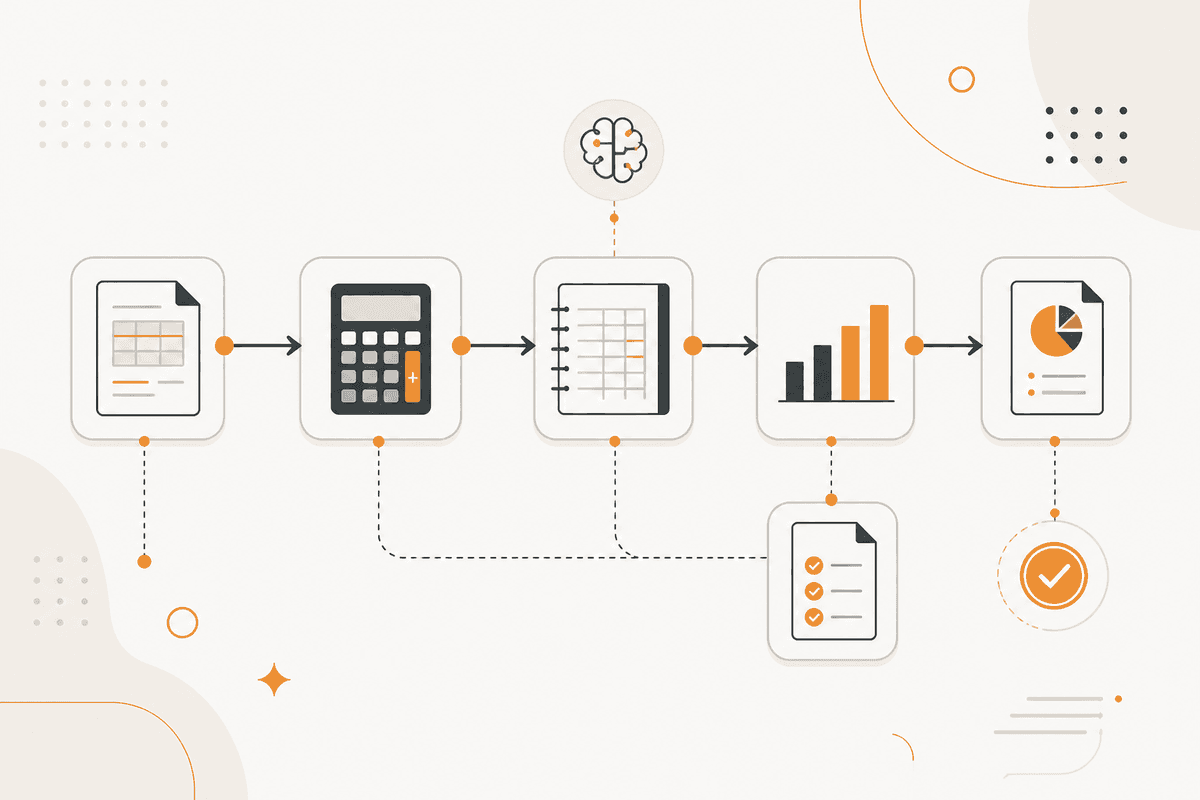
Faturalar hesaplar gelen kutusunu okuyan bir Email node ile PDF olarak gelir veya biri belgeyi doğrudan gönderdiğinde bir Document Upload node ile.
Bir Extract Data node çok sayfalı bir belgeden kalem içeren sayfaları seçer. Bir PDF4me node belge içeriğini çıkarır. İkisi de herhangi bir model dosyayı görmeden çalışır.
Bir Generate Object node tedarikçi, fatura numarası, tarih, para birimi, bir kalem dizisi, vergi satırları ve belirtilen toplamları döner. Her alan belgeden gelir veya boş bırakılır. Hiçbir şey çıkarımla doldurulmaz.
Bir Math node sonra kontrolleri çalıştırır: kalemler ara toplama karşı, vergi orana karşı, ara toplam artı vergi toplama karşı. Bu kontroller bir hesaplama node'unda durur, model kendi okumasını doğrulamasın.
Bir Validate node biçim kurallarını uygular: tarih biçimi, para birimi kodu ve zorunlu alanlar. Bir If node sonra birleşik sonuca göre hareket eder.
Temiz faturalar kayda alınmış satır olarak bir PostgreSQL veya Google Sheets node'a gider. Bir kontrolü kaçıran faturalar, düşen satır adlandırılmış halde Human in the Loop kategorisindeki bir Slack node'a gider, inceleyen tüm belgeye değil bir rakama baksın.
Bir Google Sheets node her çıkarmayı ve kontrol sonucunu kaydeder. Bu kayıt, bir tedarikçinin formatının süreci her ay nasıl kırdığını öğrenmenizin yoludur.
Bu ActionFlow'un kullandığı node'lar
- Email (Communication): hesaplar gelen kutusunu okur. Document Upload (Data) doğrudan gönderimleri alır.
- PDF4me (Data): belge içeriğini çıkarır.
- Extract Data (Data): uzun belgeleri kalem taşıyan sayfalara indirger.
- Generate Object (AI Core): tedarikçi, numara, tarih, para birimi, kalemler ve toplamları bir yapı olarak döner.
- Math (Util): kalemleri ara toplama, vergiyi orana ve belirtilen toplamı kontrol eder.
- Validate (Data): biçim kurallarını ve zorunlu alanları uygular.
- Slack (Human in the Loop): düşen faturaları, belirli düşen satır adlandırılmış halde yönlendirir.
- PostgreSQL (Data): temiz satırları alır. Google Sheets ve MySQL aynı yuvaya uyar.
Sık sorulan sorular
Bülten
Ürün güncellemelerini alın
Yeni node'lar, agent'lar ve ürün notları. Yalnızca açmaya değer bir şey varken e-posta göndeririz.