The change that causes the incident is the one nobody announced
Nobody sets out to break production with a change in settings. A limit gets raised to unblock a customer, a flag gets flipped during a test, and an access rule is widened for an afternoon and stays widened. None of these pass through the process that would have caught them.
The record usually exists in an audit log nobody reads, which makes the change discoverable after the incident and invisible before it.
What makes a notification useful is the before value. Knowing a timeout changed is mildly interesting. Knowing it went from 30 seconds to 300 is the whole story.
Scope matters as much as speed. Alerting on every configuration change trains people to ignore the alert, so the flow watches what you declared sensitive and stays quiet about the rest.
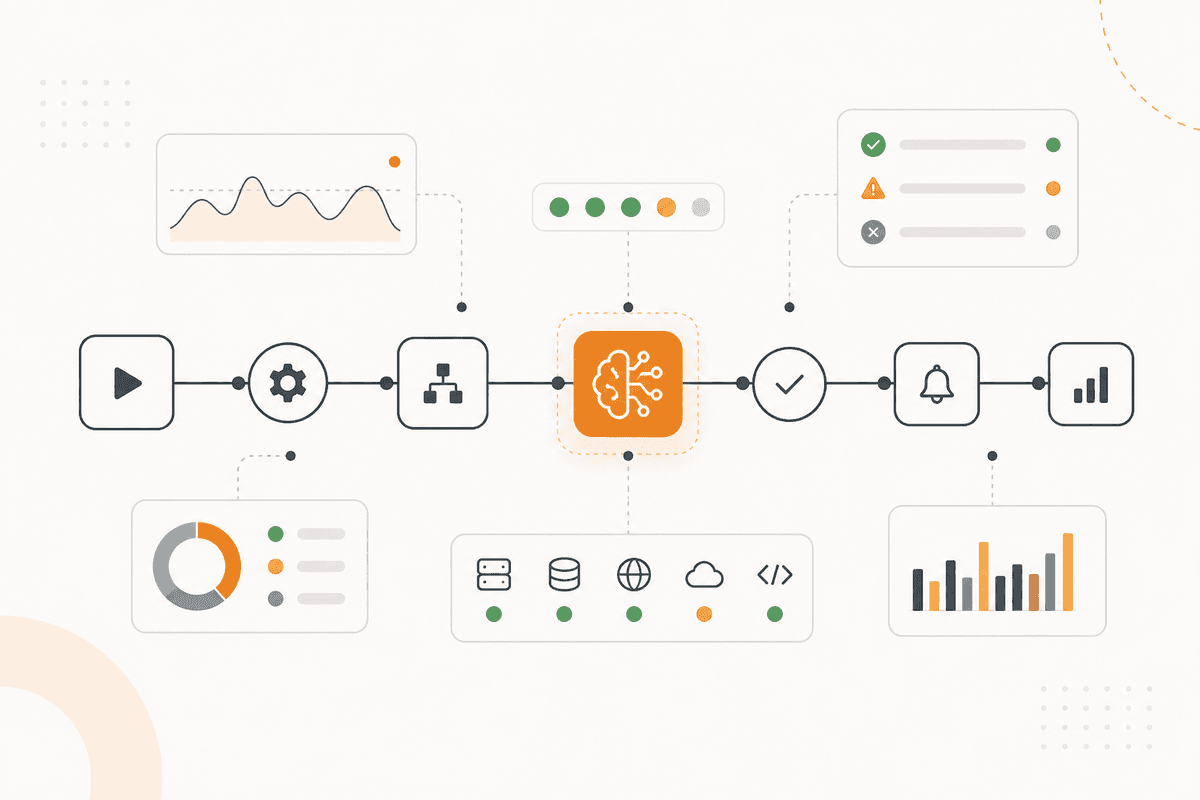
How the ActionFlow runs on the canvas
Configuration state is read by an HTTP Request node from each system you declared on a Start Scheduled trigger, and by a Webhook trigger where the system emits change events directly.
A Filter node narrows immediately to the keys you marked sensitive, which is what keeps the signal worth reading.
A PostgreSQL node holds the last known state, and a Merge node joins the current and previous states so every finding carries a before value.
An Extract Data node pulls the actor and timestamp from the audit record when the system provides them, and marks the actor as unknown when it does not, rather than leaving the field blank.
An If node compares each change against your declared change windows and approved-change records, so a planned change passes silently.
A Generate Text node writes the notification: the key, the before value, the after value, the actor, and whether it matched a known change.
A Slack node posts to the owning channel, and an SMS node is used only for the keys you marked critical.
The flow reverts nothing. Reverting a configuration blind is how a bad afternoon becomes an outage.
Nodes this ActionFlow uses
- Start Scheduled (Start) with Webhook (Triggers): polling, plus change events where they exist.
- HTTP Request (Util): configuration state from each declared system.
- Filter (Data): narrows to the keys you marked sensitive.
- PostgreSQL (Data) with Merge (Control): last known state, so every finding has a before value.
- Extract Data (Data): actor and timestamp, marked unknown when absent.
- If (Control): planned changes inside declared windows pass silently.
- Generate Text (AI Core): key, before, after, actor, and whether it was expected.
- Slack (Communication) with SMS (Communication): the owning channel, and critical keys only.
Frequently asked questions
Start building AI workflows
Create a free account, open a template or a blank canvas, and run your first ActionFlow.
Newsletter
Get product updates
New nodes, agents, and product notes. We send mail only when we have something worth opening.