A board screenshot is not a status
Stakeholders asking for status are asking three questions: is the thing they care about still coming, has anything changed since last time, and is anything now at risk. A screenshot of the board answers none of them.
Written by hand, the status takes a product manager half a day and drifts toward optimism, because the person writing it is the one responsible for the dates.
The tracker holds the honest version: what moved between states this period, what has not moved at all, and which items with a committed date have not started.
Reading that out plainly is uncomfortable and useful. The point of a status is that the uncomfortable item appears before the date does.
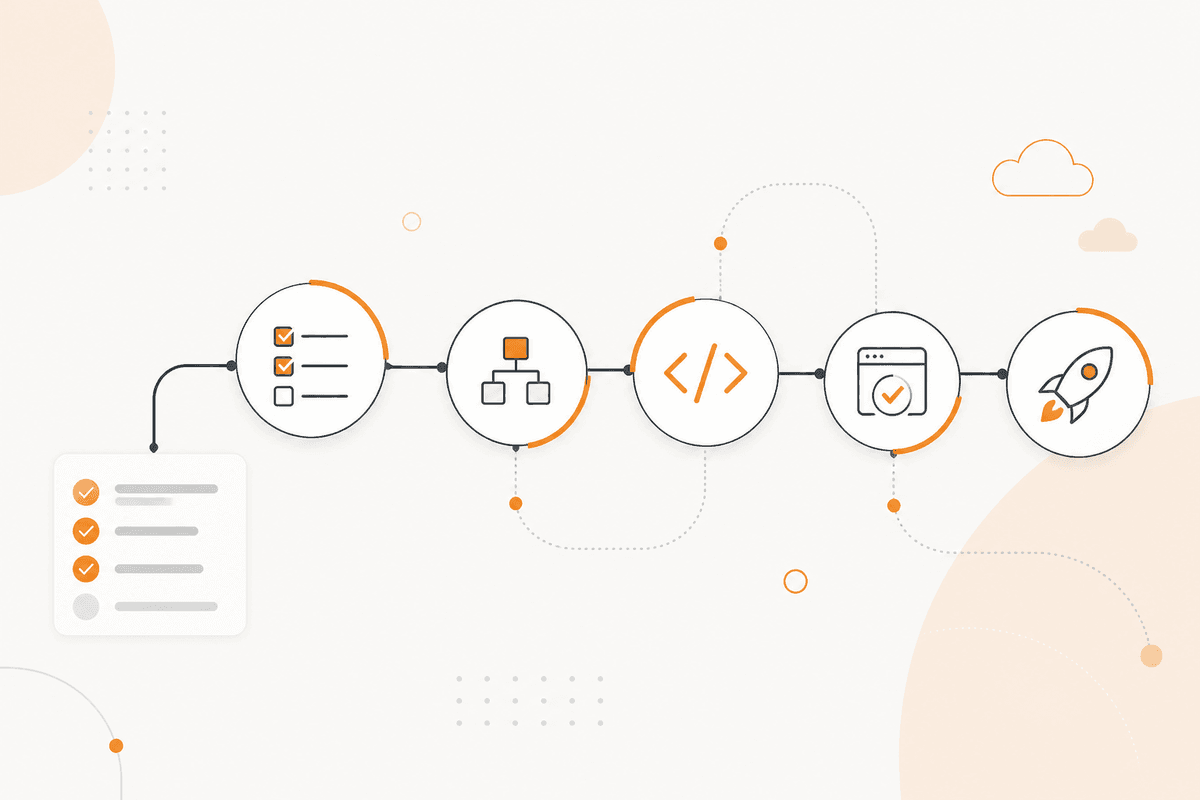
How the ActionFlow runs on the canvas
Work items are read by a Jira, Linear, or Monday node on a Start Scheduled trigger, with the previous period's snapshot read from a PostgreSQL node.
A Merge node joins the current state to the previous state for each item, which is what turns a board into a record of movement.
A Filter node produces three lists: items that changed state, items with a committed date and no progress, and items that have not moved in longer than your threshold.
A Math node computes elapsed time against each committed date, so risk is a comparison rather than an opinion.
A Generate Text node writes the summary per initiative in plain language, naming what moved and what did not, without adjectives.
If an item is past a committed date, an If node routes it into its own section at the top, because burying it is the failure mode this flow exists to prevent.
A Google Docs node holds the status. A Slack node posts the short version to the stakeholder channel. A PostgreSQL node writes this period's snapshot for the next comparison.
The flow reports state. Re-committing a date is a conversation, not an automation.
Nodes this ActionFlow uses
- Start Scheduled (Start): the reporting period.
- Jira (Integration): current work item state. Linear and Monday fit the same slot.
- PostgreSQL (Data): the previous snapshot, and this period's written after the run.
- Merge (Control): joins current to previous, per item.
- Filter (Data): moved, committed but not started, and stalled.
- Math (Util): elapsed time against committed dates.
- If (Control): anything past its date goes to the top, not the bottom.
- Google Docs (Integration) with Slack (Communication): the full status and the short version.
Frequently asked questions
Start building AI workflows
Create a free account, open a template or a blank canvas, and run your first ActionFlow.
Newsletter
Get product updates
New nodes, agents, and product notes. We send mail only when we have something worth opening.