Most merged changes should not appear in a release note
Release notes written from a commit log read like a commit log. Customers are told about a refactor, a dependency bump, and a typo fix, and they stop reading by the third line. The one change they needed is then invisible.
A release note answers a different question from a changelog: what can someone do now that they could not do last week, and what behaves differently. Most merged work answers neither.
The filter cannot run on labels alone, because a label says what kind of work it was, not whether a user can perceive the result. A performance fix is internal until it changes what someone waits for.
Writing the note is the easy half. Deciding what belongs in it is the half worth automating carefully, and the half a person should confirm.
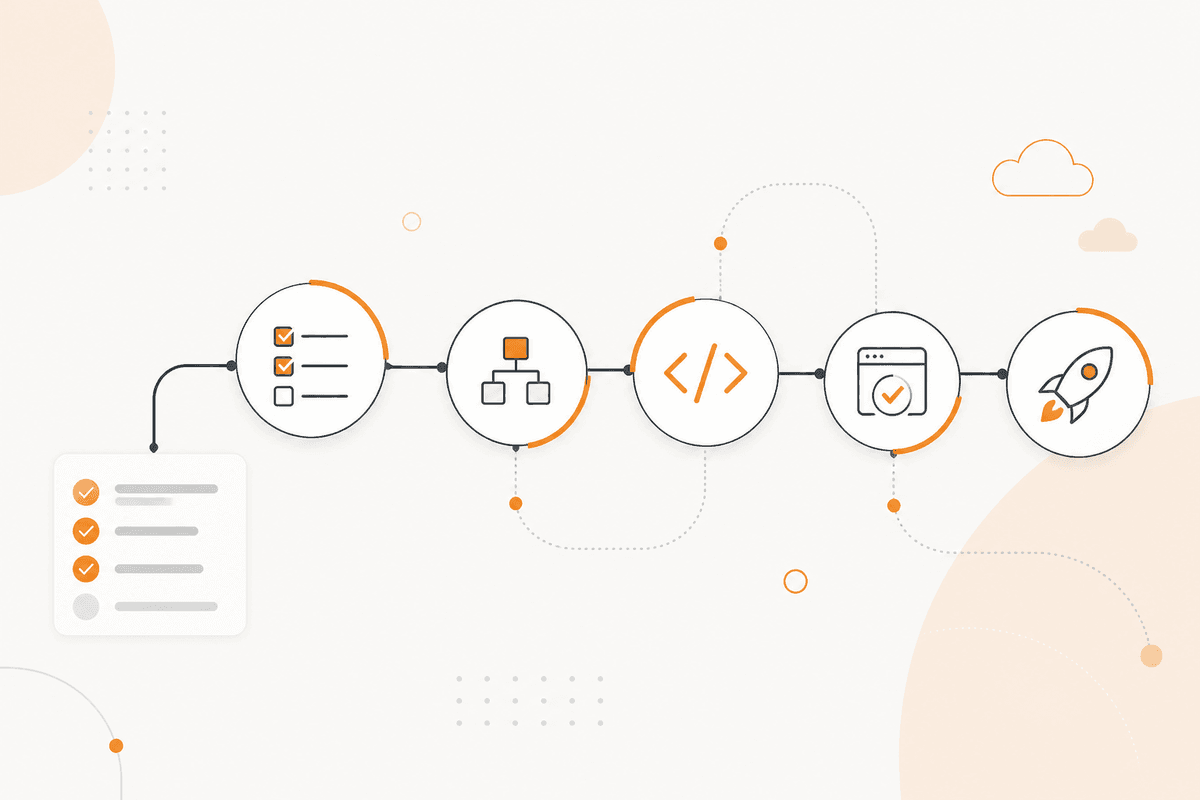
How the ActionFlow runs on the canvas
A Start Scheduled node opens the week's collection, and a GitHub node reads merged pull requests for the period with their descriptions and labels.
A Filter node removes what your team already marked internal, which is cheap and catches most of the noise.
A Text Classifier node then sorts the remainder by user visibility rather than by work type. An If node routes anything ambiguous to the review list instead of into the note.
A Generate Object node returns, per included change, what a user can now do and what behaves differently, phrased from the user's side rather than the code's.
A Generate Text node assembles the note in your house structure, under headings your customers already recognize from previous releases.
A Notion node holds the draft. A Google Docs node holds the version being edited, so the product manager can work where they normally work.
A Human in the Loop node gates publication. The flow writes the note. A person decides it is true and sends it.
Nodes this ActionFlow uses
- Start Scheduled (Start): opens the weekly collection window.
- GitHub (Integration): merged pull requests with descriptions and labels. Bitbucket fits the same slot.
- Filter (Data): removes items the team has already marked as internal.
- Text Classifier (AI Custom): sorts by user visibility, not by work type.
- If (Control): routes ambiguous changes to review rather than into the note.
- Generate Object (AI Core): what a user can now do, and what behaves differently.
- Google Docs (Integration): the draft where the product manager edits it.
- Email (Human in the Loop): gates publication. Nothing ships unread.
Frequently asked questions
Start building AI workflows
Create a free account, open a template or a blank canvas, and run your first ActionFlow.
Newsletter
Get product updates
New nodes, agents, and product notes. We send mail only when we have something worth opening.