A pipeline table is data; a pipeline report is an argument
The dashboard already exists, and nobody opens it. That is not a design failure. A dashboard answers "what is the state", and the question a founder actually has on Monday is "what changed".
Change cannot be read off a current-state view. It requires two views and a comparison, and the comparison is the part that never gets done because doing it by hand means remembering last week.
A report that names three deals is worth more than one that summarizes forty. Most of the forty did exactly what was expected. The reader's attention should go where it did not.
The last line matters most: which single deal needs the reader personally this week. A report that ends without an ask is a briefing, and briefings do not change outcomes.
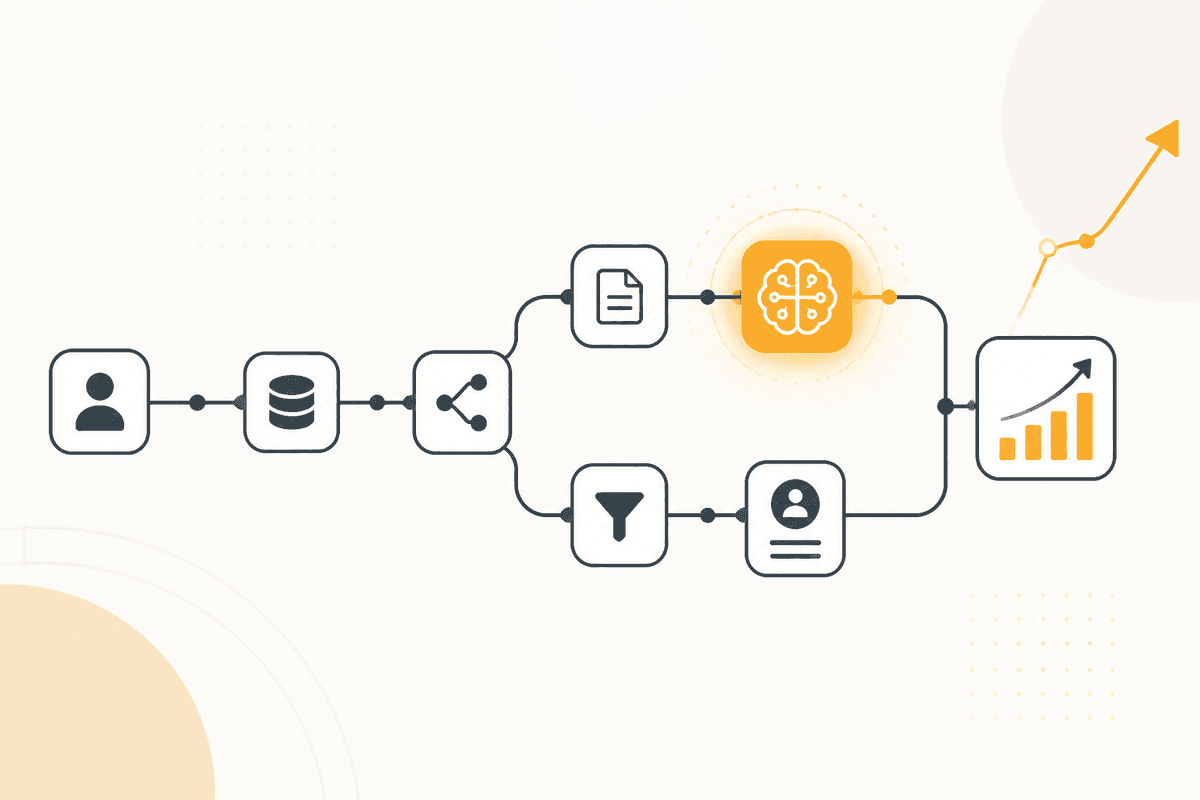
How the ActionFlow runs on the canvas
Two snapshots are what make this a report rather than a dump. A Start Scheduled node runs weekly. A HubSpot or Salesforce node pulls the current pipeline. A Google Sheets node reads the snapshot stored 7 days earlier.
A Generate Object node compares them and returns structure: deals that advanced, deals that went quiet, deals that shrank, and a single field naming the one needing the reader's attention. Structured output lets the Slack message be formatted rather than pasted.
A Sort node orders the movement by value so the summary opens with what matters commercially, not alphabetically.
A Generate Text node writes the prose from that structure under a word limit. The limit does real work. Without it, every week produces a complete account of the pipeline and the signal disappears.
A Slack node posts it. A Google Sheets node then writes this week's snapshot, which becomes next week's comparison. The flow builds its own history from the first run.
If the team is large enough that regions differ, a Loop node produces one report per segment rather than a single report in which nobody's territory is visible.
Nodes this ActionFlow uses
- Start Scheduled: runs weekly.
- Salesforce (Integration): pulls the current pipeline. HubSpot fits the same slot.
- Google Sheets (Integration): holds last week's snapshot and receives this week's.
- Generate Object (AI Core): returns advanced, quiet, shrunk, and the one deal needing attention.
- Sort (Data): orders movement by value so the report opens commercially.
- Generate Text (AI Core): writes the prose under a word limit that protects the signal.
- Loop (Control): produces one report per segment when a single view would hide territories.
- Slack (Communication): posts the summary.
Frequently asked questions
Start building AI workflows
Create a free account, open a template or a blank canvas, and run your first ActionFlow.
Newsletter
Get product updates
New nodes, agents, and product notes. We send mail only when we have something worth opening.