Joining the systems is the work nobody wants to repeat weekly
Marketing numbers live in one tool, sales numbers in another, and their relationship is in a spreadsheet rebuilt every Monday. That rebuild takes forty minutes of copying and yields no insight.
The wrong place to start is a dashboard that combines both. A dashboard shows the current state. The Monday question is what changed.
The report needs two periods. The comparison must stay valid even if definitions change. If a marketing campaign is given a new name, a straightforward week-over-week analysis shows a decline that did not occur.
People who did not prepare the report also read it. Without definitions, the figures are easy to misinterpret. A footnote costs nothing.
How the ActionFlow runs on the canvas
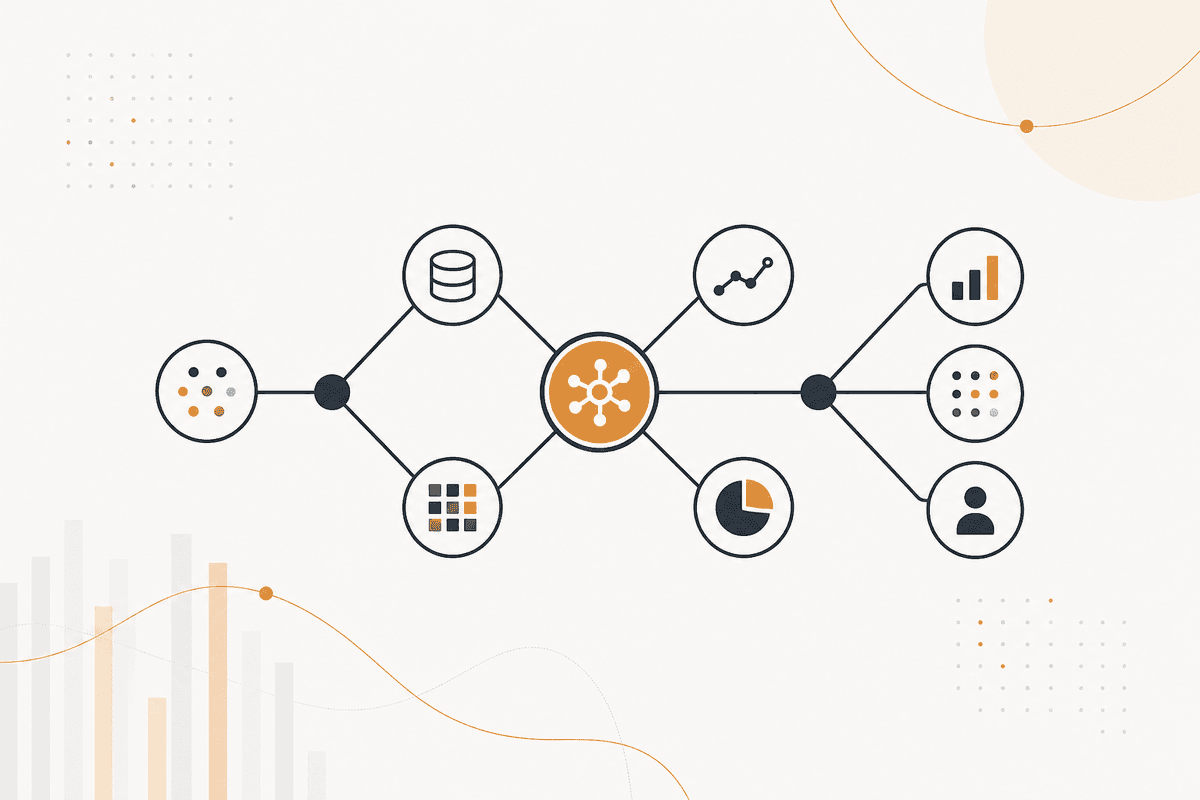
Several panels feed one report. Gathering runs in parallel, and assembly waits. A Start Scheduled node starts the week.
An HTTP Request node pulls the analytics. A HubSpot or Salesforce node pulls the pipeline figures. A PostgreSQL or Google Sheets node pulls the internal data. A Merge node then waits for all of them.
A Math node calculates deltas against the previously stored period, rather than asking the model to do the arithmetic. The calculation belongs in a calculation node. The model's role begins only after the numbers are determined.
A Generate Object node then returns the interpretation as a structure: what moved, by how much, and which movements are large enough to discuss. A Filter node removes the rest.
A Generate Text node writes the report, with a footnote section that defines each metric, so someone outside the team does not have to guess.
A Slack node posts the report. A Notion node archives it. Google Sheets stores this week's figures as next week's comparison, so the second run needs no setup.
Nodes this ActionFlow uses
- Start Scheduled: opens the reporting week.
- HTTP Request (Util): retrieves the analytics. HubSpot and Salesforce provide the pipeline figures.
- PostgreSQL (Data): provides the internal figures. Google Sheets and MySQL fit the same slot.
- Merge (Control): waits for all sources to complete before the report is generated, rather than generating the report early.
- Math (Util): computes deltas in a calculation node rather than in a model.
- Generate Object (AI Core): returns what moved and which movements are worth discussing.
- Generate Text (AI Core): writes the report with metric definitions as footnotes.
- Google Sheets (Integration): stores this week as next week's comparison.
Frequently asked questions
Start building AI workflows
Create a free account, open a template or a blank canvas, and run your first ActionFlow.
Newsletter
Get product updates
New nodes, agents, and product notes. We send mail only when we have something worth opening.