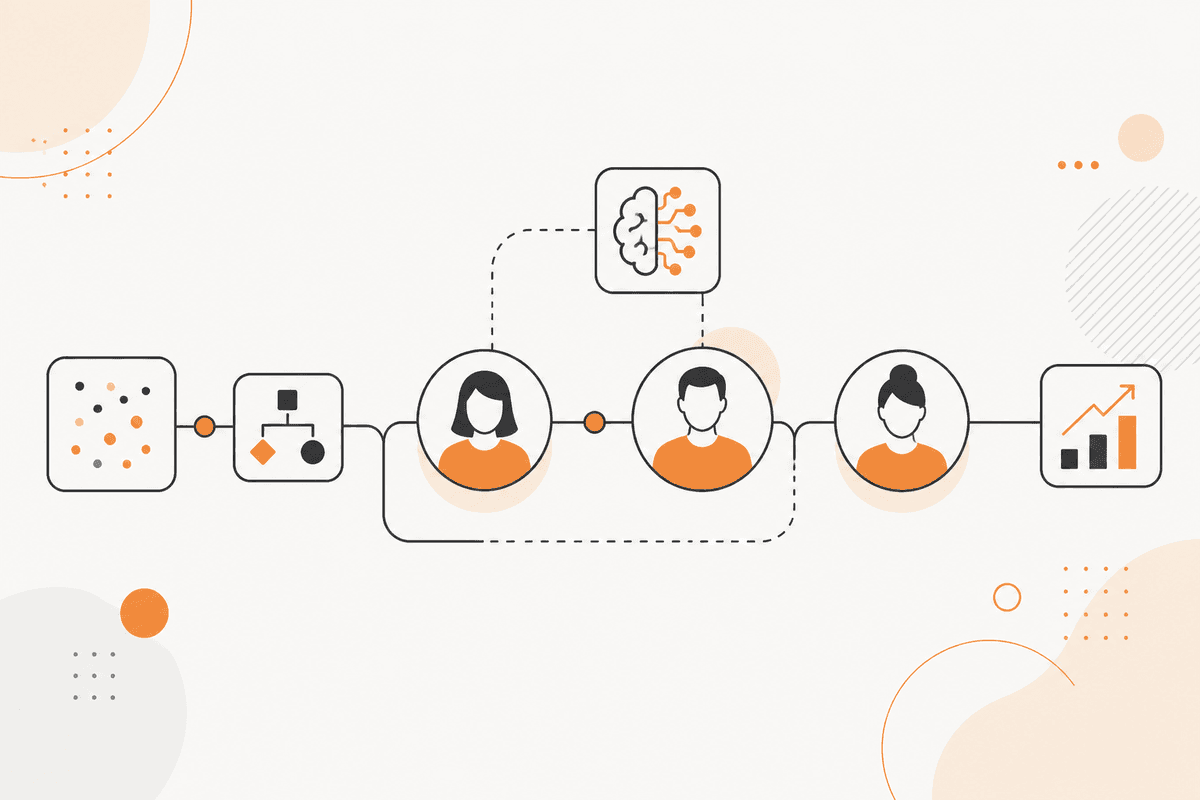
Compliance training reminders are ignored because they all look identical
Required training is set out, a deadline arrives, and a reminder goes to everyone, including people who completed it the week before. The people who get that reminder start to ignore the person who sent it.
Not all training is equally important. A regulatory module with a legal deadline and an optional skills course should not share the same reminder or the same escalation. Treating them the same way reduces the value of both.
Escalation loses its effect when you apply it to every case. It has an immediate effect only when you reserve it for the most important cases.
What matters in an audit is not the completion rate. It is the evidence trail that shows who completed each item, when, and what action was taken when an item was not completed.
How the ActionFlow runs on the canvas
Assignment data sits in Google Sheets, Airtable, or a PostgreSQL node. Each row has a criticality level and a deadline. A Start Scheduled node reads them.
An HTTP Request node pulls completion data from the learning system. A Filter node then builds the outstanding set: only the outstanding items, not all of them. That difference is what keeps the reminders credible.
A Date node computes the distance to each deadline. A Switch node selects the message from the item's criticality and proximity, rather than sending one reminder to everyone.
A Generate Text node writes the reminder, naming the module and its deadline. A Resend or Slack node then sends it.
A Wait node holds. An If node then checks again whether the item is complete. Manager escalation starts only at the criticality levels specified in the system prompt.
A Google Sheets node records every reminder sent and every completion. That record is the evidence trail that a completion percentage cannot provide.
A single Start Scheduled flow produces a monthly report for people leads. It shows outstanding items by team rather than by individual, so the discussion is about workload rather than about people.
Nodes this ActionFlow uses
- Airtable (Integration): holds assignments with criticality and deadline. Google Sheets fits the same slot.
- HTTP Request (Util): pulls completion data from the learning system.
- Filter (Data): reduces to the outstanding set so reminders stay credible.
- Date (Util): computes distance to deadline for tiering.
- Switch (Control): selects the message by criticality and proximity.
- Wait (Control): holds before re-checking and escalating.
- Resend (Communication): delivers reminders. Slack and Email fit the same slot.
- Google Sheets (Integration): records reminders and completions as the audit trail.
Frequently asked questions
Start building AI workflows
Create a free account, open a template or a blank canvas, and run your first ActionFlow.
Newsletter
Get product updates
New nodes, agents, and product notes. We send mail only when we have something worth opening.